
Toggling Salesforce Automation at Scale with APIs
Toggling Salesforce Automation at Scale with Metadata & Tooling API
Managing a few Salesforce automations manually is usually easy.
Managing hundreds of Flows, Apex Triggers, and Validation Rules across multiple environments is a different story.
During deployments, data migrations, and large testing exercises, Salesforce teams may need to temporarily change the state of selected automations.
Doing this one component at a time in Setup can be slow and difficult to track.
This is where Salesforce APIs can help.
What Does "Toggling Automation at Scale" Mean?
Toggling automation means changing an automation between states, such as active and inactive, when the situation requires it.
For example, a team preparing a large data load may need to temporarily deactivate selected automations, complete the operation, and then restore them.
Instead of manually opening each component in Setup, teams can use Salesforce APIs and automation tooling to make these changes more repeatable.
Metadata API vs. Tooling API
Salesforce provides different APIs for managing metadata and development components.
Metadata API is designed to manage Salesforce configuration and metadata, including components such as Apex Triggers, Flows, and other configuration items. It is commonly used with deployment tools and CI/CD processes.
Tooling API provides programmatic access to development and metadata-related objects. It can be useful for querying automation components, inspecting their status, and supporting development workflows. Salesforce CLI can also use Tooling API for certain operations.
However, the APIs do not provide identical controls for every automation type.
For example, Salesforce's current Tooling API documentation states that Apex Triggers cannot be deactivated using Tooling API, while Metadata API can be used to deactivate them.
This is an important distinction when designing an automation management process.
Why Automate These Changes?
Manually changing automation states becomes difficult as an organization grows.
A large deployment may involve:
Multiple Flows
Apex Triggers
Validation Rules
Several Salesforce environments
Multiple administrators and developers
Managing these components individually can become difficult as the Salesforce environment grows. [Learn more about safely disabling and re-enabling Salesforce Triggers, Flows, and Validation Rules during deployments.]
A programmatic approach can help teams create a repeatable process for identifying, changing, and restoring automation states.
It can also reduce the risk of forgetting which components were changed.
Manually searching through Setup can also create unnecessary delays, especially when teams are working against a deployment deadline. [Learn more about the hidden cost of hunting through Salesforce Setup.]
A Safer Approach
Before changing automation at scale, teams should first identify what needs to be changed.
A good process is:
Identify the automations affected by the deployment or data operation.
Record their current states.
Determine which automations can safely be paused.
Test the process in a Sandbox.
Apply the required changes.
Complete the deployment or data operation.
Restore the original states.
Validate the results.
The goal isn't to turn everything off.
The goal is to create a controlled environment for a specific operation.
Where Tools Like PausePlay Fit
API-based automation can be powerful, but building and maintaining scripts requires technical knowledge and careful handling of permissions, component states, dependencies, and errors.
PausePlay is designed to make automation control simpler for Salesforce teams by providing a centralized way to manage selected automations during deployments and data operations.
Instead of spending time searching through Setup and manually changing components, teams can have a more controlled process for pausing and restoring automations.
Final Thoughts
Toggling Salesforce automation at scale can make deployments and data operations more repeatable, but it needs to be handled carefully.
Metadata API and Tooling API can support different parts of the process, but teams should understand the capabilities and limitations of each before automating changes.
The best approach is simple: identify what needs to change, preserve the original state, make only the necessary changes, and restore everything when the operation is complete.
That is the kind of control PausePlay is built to support.
Frequently Asked Questions
Can Salesforce automation be disabled through an API?
Yes, but the approach depends on the automation type and API being used. Different Salesforce components have different API capabilities.
Can Tooling API deactivate Apex Triggers?
Salesforce's current Tooling API documentation states that Apex Triggers cannot be deactivated through Tooling API. Metadata API can be used for Apex Trigger deactivation.
Why use APIs to manage Salesforce automation?
APIs can help teams manage large numbers of components through repeatable processes instead of changing each component manually.
Should all Salesforce automation be disabled during a deployment?
No. Only automations that could interfere with the specific deployment or data operation should be considered for temporary deactivation.
Explore More
Related Posts

Salesforce Order of Execution Explained (2026)
Learn the Salesforce Order of Execution, how Flows and Apex Triggers interact, and how to troubleshoot automation issues during data changes.
I forgot to Turn it Back On: Salesforce Automation
Forgot to reactivate a Salesforce Flow, Trigger, or Validation Rule after a deployment? Learn how to track automation states and restore them safely.
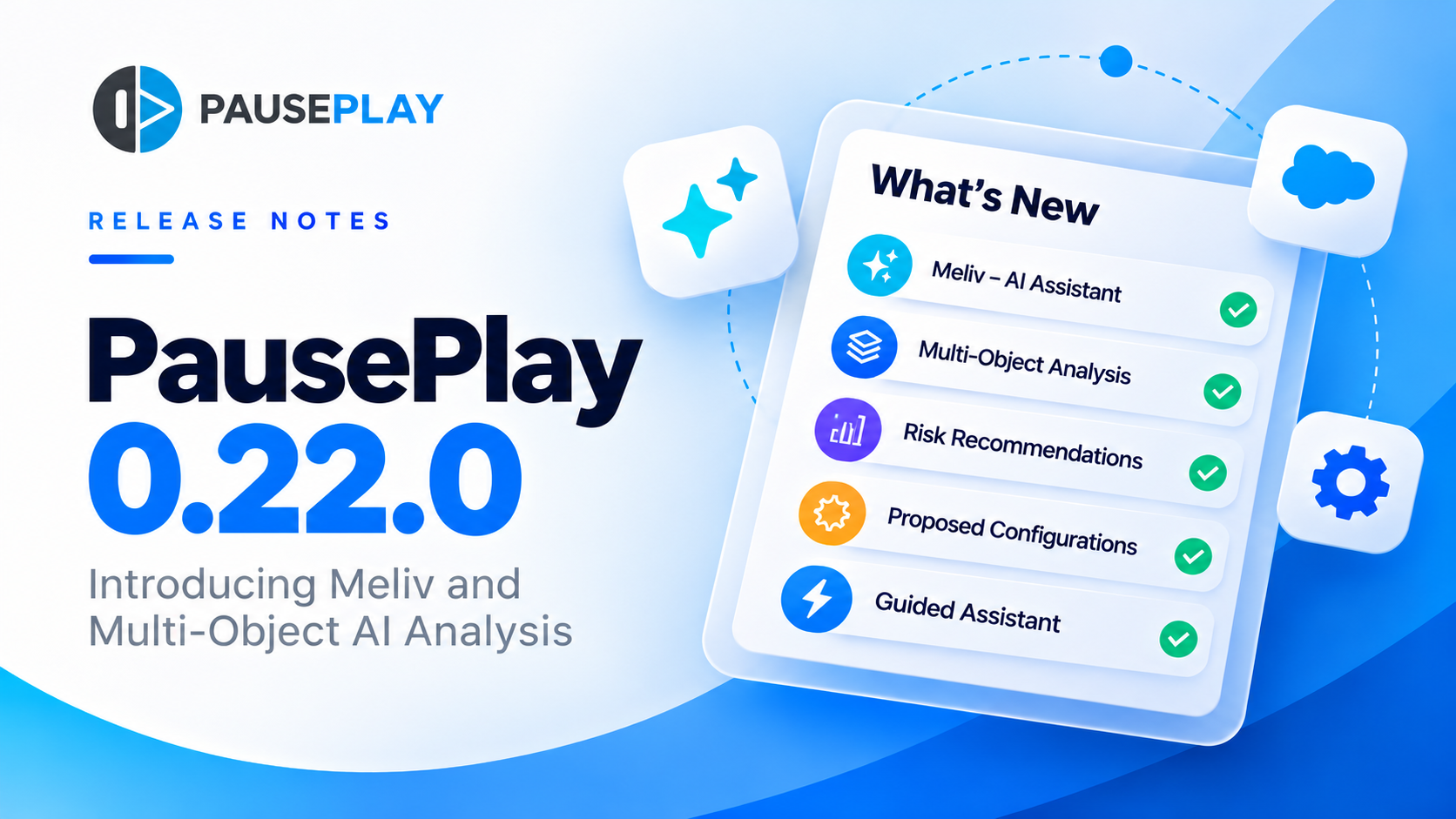
PausePlay 0.22.0-2 Release Notes: Meliv AI
Discover what's new in PausePlay 0.22.0-2: Meliv AI, multi-object Salesforce automation analysis, risk recommendations, and guided configuration creation.