
Stop Hunting Through Salesforce Setup
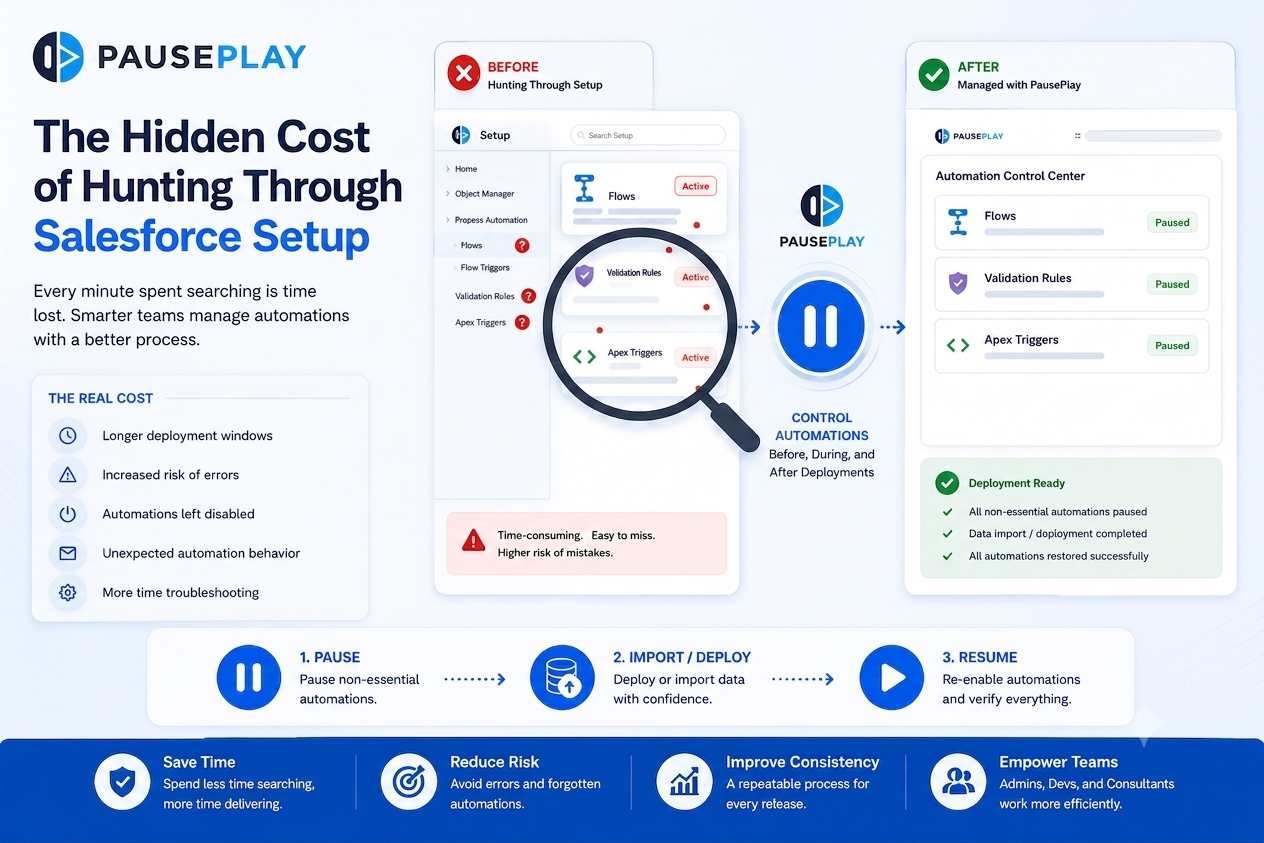
The Hidden Cost of Hunting Through Salesforce Setup
Every Salesforce Admin has experienced it.
A deployment is scheduled. The changes are ready. Then someone says:
"Can you quickly disable that Flow before we deploy?"
What should be a simple task often turns into several minutes of searching through Salesforce Setup, trying to remember where the automation lives, whether it's active, and if there are other automations connected to it.
For small organizations, this may seem like a minor inconvenience. But as your Salesforce environment grows, those few minutes quickly become hours of lost productivity.

Why Searching Through Setup Slows Teams Down
Salesforce is designed to support complex business processes. Over time, organizations create more Flows, Validation Rules, Apex Triggers, and other automations to meet changing business needs.
As the number of automations grows, so does the time required to manage them.
Before every deployment, data migration, or testing exercise, Admins often need to:
Find the correct Flow.
Locate related Validation Rules.
Check if an Apex Trigger is affected.
Confirm which automations should remain active.
Remember to restore everything afterward.
None of these tasks directly improve the deployment, but they consume valuable time and increase the risk of mistakes.
The Real Cost Isn't Just Time
Searching through Setup may only take a few minutes each time, but the impact goes beyond lost productivity.
It can lead to:
Longer deployment windows.
Increased pressure on release teams.
Forgotten automations that remain disabled.
Unexpected automation behavior after deployment.
More time spent troubleshooting than delivering new features.
These small delays add up over months of continuous releases.
Building a Better Deployment Process
Successful Salesforce teams don't rely on memory alone.
Instead, they build a repeatable process that includes:
Reviewing automations before deployments.
Documenting which components will be affected.
Testing changes in a Sandbox.
Tracking which automations are temporarily disabled.
Validating that everything is restored after deployment.
A consistent process reduces errors and makes every deployment easier to manage.
Simplify Automation Management
As Salesforce environments become more complex, manually searching through Setup before every release becomes less practical.
Having a centralized way to manage automations allows teams to spend less time navigating Setup and more time delivering value to users.
Rather than treating automation management as an afterthought, it becomes part of a reliable deployment strategy.
Final Thoughts
Every minute spent searching through Salesforce Setup is time that could be spent building, testing, or improving your Salesforce environment.
By creating a structured approach to managing Flows, Triggers, and Validation Rules, teams can reduce deployment delays, improve consistency, and release changes with greater confidence.
PausePlay helps Salesforce teams simplify automation management by making it easier to control automations before, during, and after deployments, so teams can focus less on searching and more on delivering successful releases.
Frequently Asked Questions
Why do Salesforce teams spend so much time in Setup before deployments?
As Salesforce organizations grow, the number of Flows, Validation Rules, and Triggers increases. Finding and managing the right automations manually becomes more time-consuming.
What are the risks of manually managing automations?
Manual processes can lead to forgotten automations, longer deployment times, unexpected system behavior, and increased troubleshooting after releases.
How can teams make deployments more efficient?
Creating a documented deployment process, testing in a Sandbox, and using tools that simplify automation management can help reduce risk and save time.
Does every deployment require automation changes?
Not always. The need to pause or adjust automations depends on the type of deployment, the records being affected, and the business processes involved.
Explore More
Related Posts

Kill the Click-Tax
Why your Salesforce release takes 2 hours (and how to do it in 2 clicks).
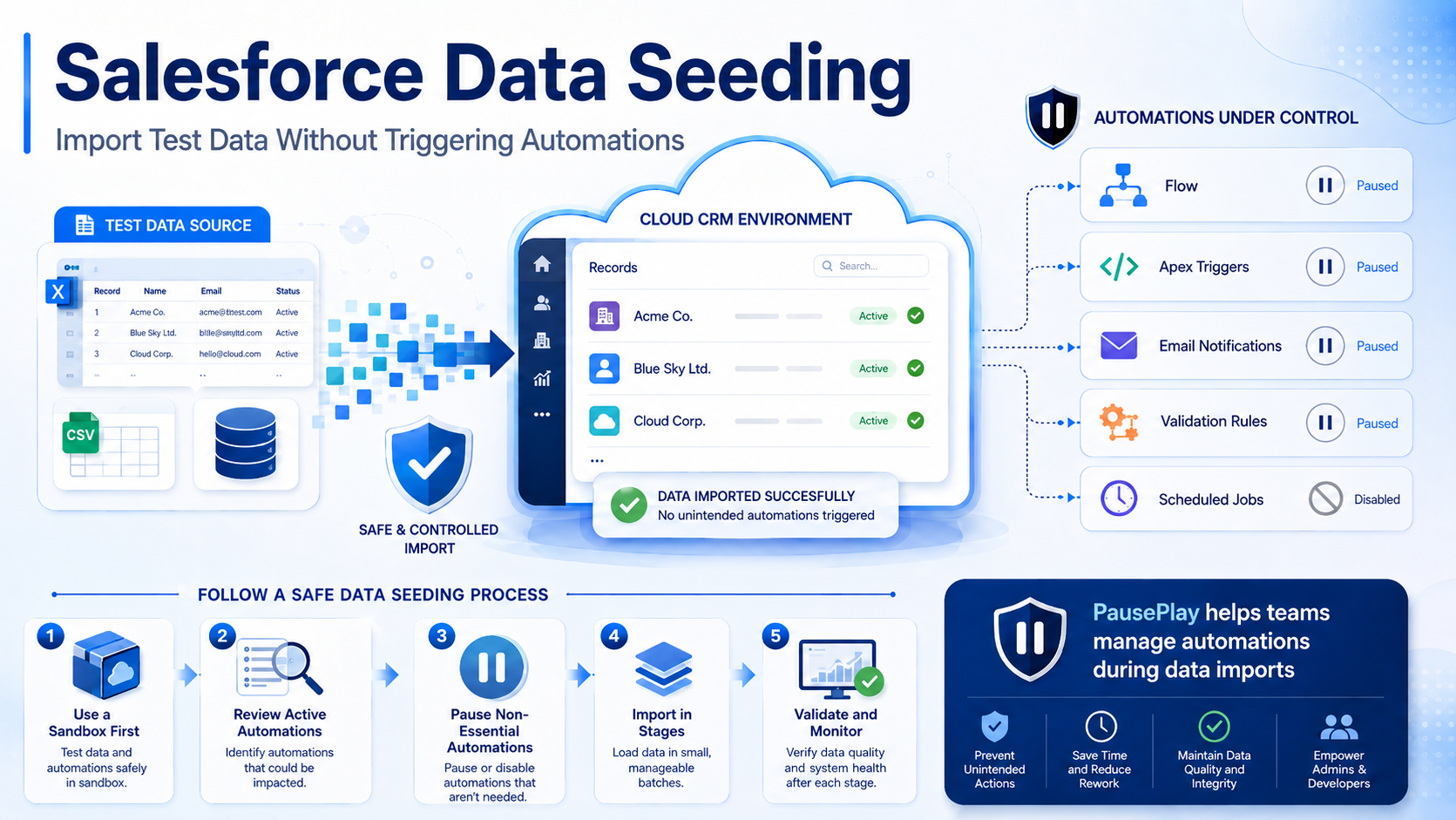
Salesforce Data Seeding: Import Test Data Safely
Learn Salesforce data seeding best practices and discover how to import test data without triggering unwanted automations or workflows.
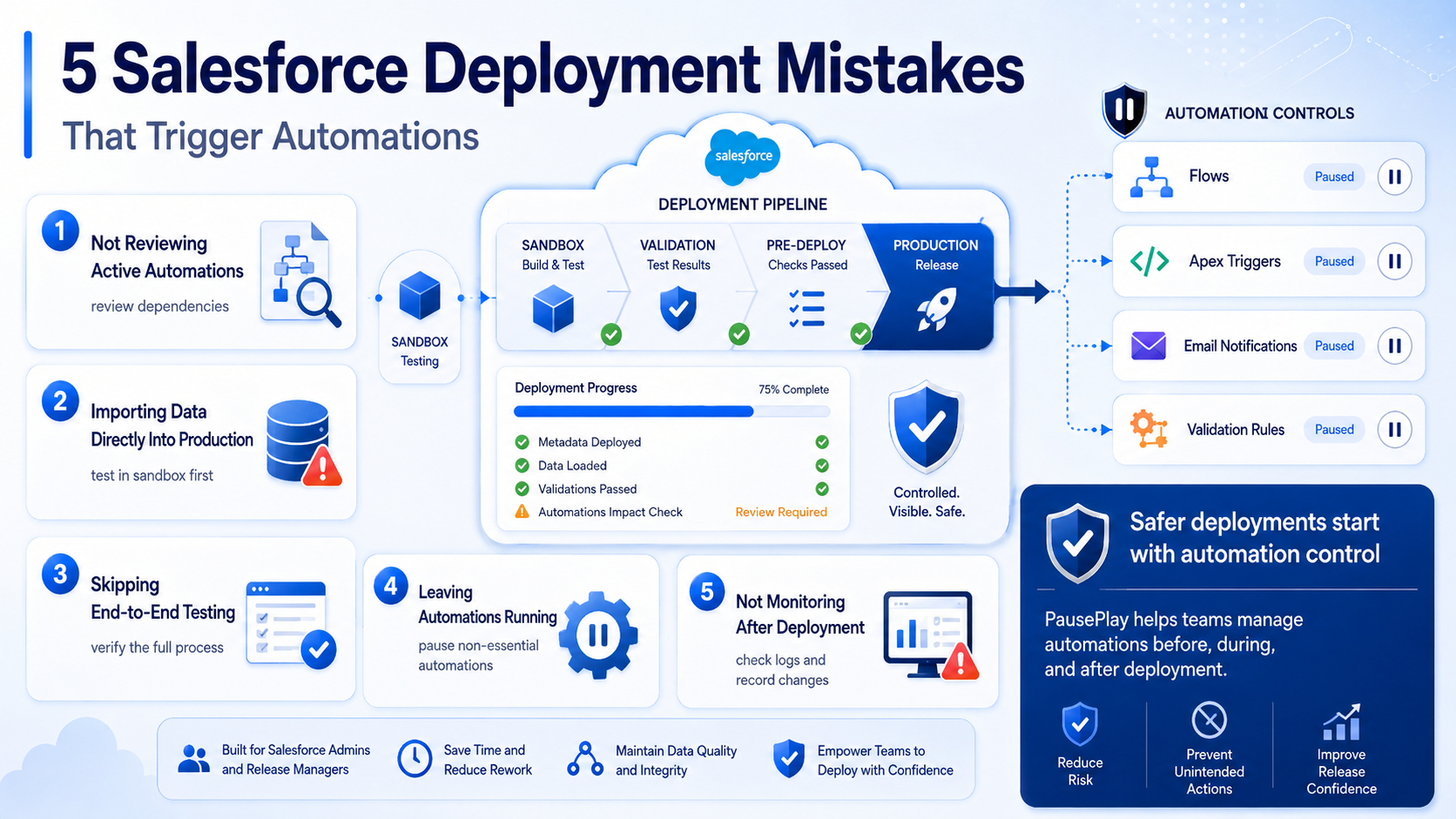
Avoid These 5 Salesforce Deployment Mistakes
Discover five common Salesforce deployment mistakes that trigger unwanted automations and learn practical ways to prevent deployment issues.