
PausePlay 0.17.0 Release Notes: Custom Switches and Cross-Org Management
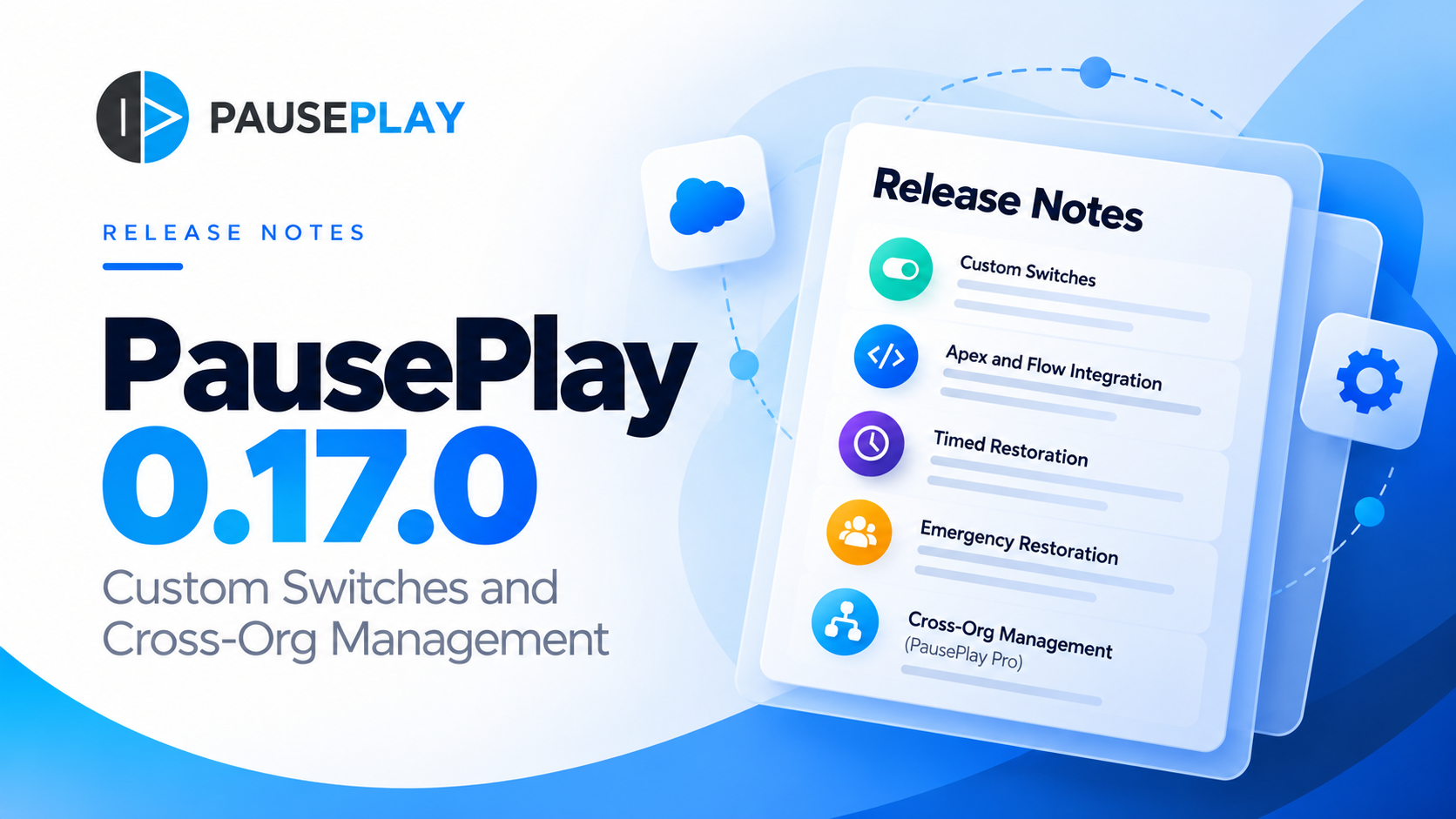
PausePlay 0.17.0 Release Notes: Custom Switches and Cross-Org Management
Release: 0.17.0-2
Release date: October 24, 2026
Salesforce package version: 0.17.0.2
Package version ID: 04tfj000000el8HAAQ
Previous version: 0.16.0-1
Overview
PausePlay 0.17.0 introduces Custom Switches, a new capability for controlling application and automation behavior in Salesforce.
Administrators can now manage configurable on/off switches at different levels of the organization, while developers can reference those switches directly in Apex and Salesforce Flow.
This release also introduces saved switch configurations, timed restoration, emergency restoration, import and export, and remote Custom Switch management through PausePlay Pro.
1. Custom Switches
Custom Switches allow administrators to create named controls that Apex and Flows can evaluate at runtime.
Each switch has a unique API name and supports settings at five levels:
ScopeDescriptionOrganizationApplies across the Salesforce orgProfileApplies to users with a selected profilePublic GroupApplies to members of a selected public groupPermission SetApplies to users with a selected permission setUserApplies to an individual user
When multiple settings match, PausePlay uses the following precedence:
User → Permission Set → Public Group → Profile → Organization
If no setting matches, the switch evaluates to off.
Apex integration
Developers can evaluate a switch using:
Boolean enabled = saikapp.PausePlaySwitches.isOn('My_Feature_Switch');PausePlay also provides setTestValue and clearTestValues methods for controlling switch evaluations in Apex tests without changing stored switch settings.
Salesforce Flow integration
The new PausePlay — Evaluate Custom Switch invocable action allows Flow builders to evaluate configured switches.
Switch evaluation is cached per transaction. If evaluation fails, the result defaults to off.
Important: Custom Switches do not automatically deactivate existing Flows or Apex Triggers. Developers must explicitly reference a switch in their automation logic.
2. Quick Control and saved configurations
Administrators can change switch settings through Quick Control or apply predefined collections of settings using saved configurations.
New capabilities include:
Previewing changes before applying a configuration.
Applying multiple switch settings together.
Preserving settings outside the selected configuration.
Preventing conflicting changes to settings held by another open session.
Recording changes in a tracked session.
Configuration application is atomic: either all intended changes succeed or none are applied.
3. Timed and automatic restoration
Switch changes can be restored manually or automatically.
When applying a configuration, administrators can schedule restoration between 5 minutes and 7 days.
PausePlay schedules restoration and attempts to return affected settings to their previous values.
If restoration fails, PausePlay retries every 15 minutes, up to three times. Sessions requiring further attention remain available for manual restoration.
4. Emergency restoration
A new PausePlay Emergency Restore permission set allows authorized users to restore or release settings held by another administrator's open session.
Emergency actions require a reason, are recorded in the audit history, and notify the session owner.
This permission is not included automatically in the PausePlay Admin permission set.
5. Configuration import and export
Saved Custom Switch configurations can now be exported as JSON and imported into another Salesforce org.
The import wizard supports file selection and drag-and-drop.
During import, PausePlay attempts to match referenced profiles, public groups, permission sets, and users in the destination org.
Unmatched references are displayed for manual mapping or omission before confirmation.
6. Cross-org Custom Switch management — PausePlay Pro
PausePlay Pro extends Custom Switch management to connected Salesforce orgs through the Automation Control Center.
Authorized users can:
View switches, settings, and configurations in connected orgs.
Apply existing remote configurations.
Schedule restoration of remote sessions.
Restore or reschedule remote sessions they initiated.
Review remote request history and outcomes.
Remote changes execute in the connected org and remain subject to its authorization, locking, and restoration mechanisms.
Production authorization
Changing Custom Switches in a connected production org requires two separate authorizations:
The connection user in the target org must have the PausePlay Remote Switch Production permission set.
The initiating user in the Control Center must have the Production Changes permission.
Both are required.
Remote connection requirements
The connected org must have PausePlay 0.17.0 or later installed.
The connection user must use a supported Salesforce or Salesforce Platform licence, have the required setup visibility permissions, and be assigned PausePlay Remote Switch Agent.
Refer to the Custom Switches cross-org setup guide for complete configuration instructions.
7. New and updated permission sets
Permission setPurposePausePlay AdminUpdated with Custom Switch management accessPausePlay Emergency RestoreAllows emergency intervention in another user's switch sessionPausePlay Remote Switch AgentAuthorizes remote Custom Switch API accessPausePlay Remote Switch ProductionAuthorizes eligible connection users to perform production changes
The initiating Control Center user must also have the applicable PausePlay permissions, including Production Changes for production targets.
8. Licensing and availability
PausePlay 0.17.0 introduces Custom Switches for both Free and Pro users.
Available in PausePlay Free
The following capabilities are included in the Free tier and are also available to Pro subscribers:
Local Custom Switches: Create and manage switches within your Salesforce org.
Scoped settings: Configure switches at the organization, profile, public group, permission set, or individual user level.
Apex and Flow integration: Evaluate switches directly from custom Apex code or Salesforce Flow.
Quick Control and saved configurations: Change individual settings or apply predefined configurations.
Timed restoration: Automatically restore settings after a specified period.
Emergency restoration: Allow authorized users to intervene in sessions owned by other administrators.
Configuration import and export: Transfer saved configurations between Salesforce orgs.
Audit history: Track switch changes, restoration, and related administrative actions.
Available with PausePlay Pro
PausePlay Pro includes everything in Free, plus:
Cross-org Custom Switch management: View and manage switches in connected Salesforce orgs through the Automation Control Center.
Remote configuration execution: Apply existing configurations in connected orgs.
Remote session management: Restore or reschedule eligible sessions initiated through the Control Center.
Remote request history: Review the status and outcomes of cross-org operations.
What happens when Pro expires?
During the recovery period, eligible remote sessions can still be restored. Other remote management operations remain unavailable.
Subscription note: This release does not introduce changes to the existing subscription model.
9. Known limitations
Salesforce Integration licences: Integration-licence users are not currently supported as cross-org connection users because the existing organization identity verification requires setup visibility permissions unavailable to that licence type.
Localized profile names: Standard profile names can differ between Salesforce user languages. Imported configurations may require manual mapping when names do not match.
Remote configuration management: Remote configurations are read-only in the Control Center. Create, edit, import, export, or delete them directly in the connected org.
Remote Quick Control: Quick Control and emergency restoration are available locally, but not through the cross-org interface.
Unknown remote outcomes: If a remote request's response is lost, PausePlay marks the outcome as Unknown rather than automatically repeating the operation. Use Check outcome to reconcile the request.
Remote request retention: Connected orgs retain remote request records for 30 days.
10. Upgrade instructions
PausePlay 0.17.0-2 supports upgrades from version 0.16.0-1.
Before upgrading:
Ensure that no PausePlay operation or session is actively running.
Upgrade PausePlay using the managed package installation process.
Confirm that the PausePlay Admin permission set is assigned to the appropriate users.
Assign the new specialized permission sets where required.
For cross-org Custom Switch management, upgrade the connected orgs to version 0.17.0 or later.
Verify Named Credential connections and remote permissions before performing cross-org operations.
Existing configurations and permission assignments are preserved during the supported upgrade.
Summary
PausePlay 0.17.0 expands automation control with scoped Custom Switches, Apex and Flow integration, saved configurations, timed restoration, audit history, and Pro cross-org management.
For a practical introduction to these capabilities, read Introducing PausePlay Custom Switches: Control Salesforce Automation Without Changing Code.
Learn more at https://pauseplay.app.
Explore more topics
- Release Notes
Explore More
Related Posts
PausePlay 0.22.0-2 Release Notes: Meliv AI
Discover what's new in PausePlay 0.22.0-2: Meliv AI, multi-object Salesforce automation analysis, risk recommendations, and guided configuration creation.
PausePlay 0.18.0 Release Notes: Agentforce Integratio
PausePlay 0.18.0-3 introduces seven Salesforce Agentforce actions for governed automation control, including configuration discovery, change previews, authorized execution, session monitoring, and restoration. Explore the new capabilities, security safeguards, and upgrade information.
Meet Meliv: AI-Powered Salesforce Automation Analysis
Meet Meliv, the new PausePlay AI assistant. Analyze Salesforce Flows, Triggers and Validation Rules, understand risks and create automation configurations.