
PausePlay 0.18.0 Release Notes: Agentforce Integratio
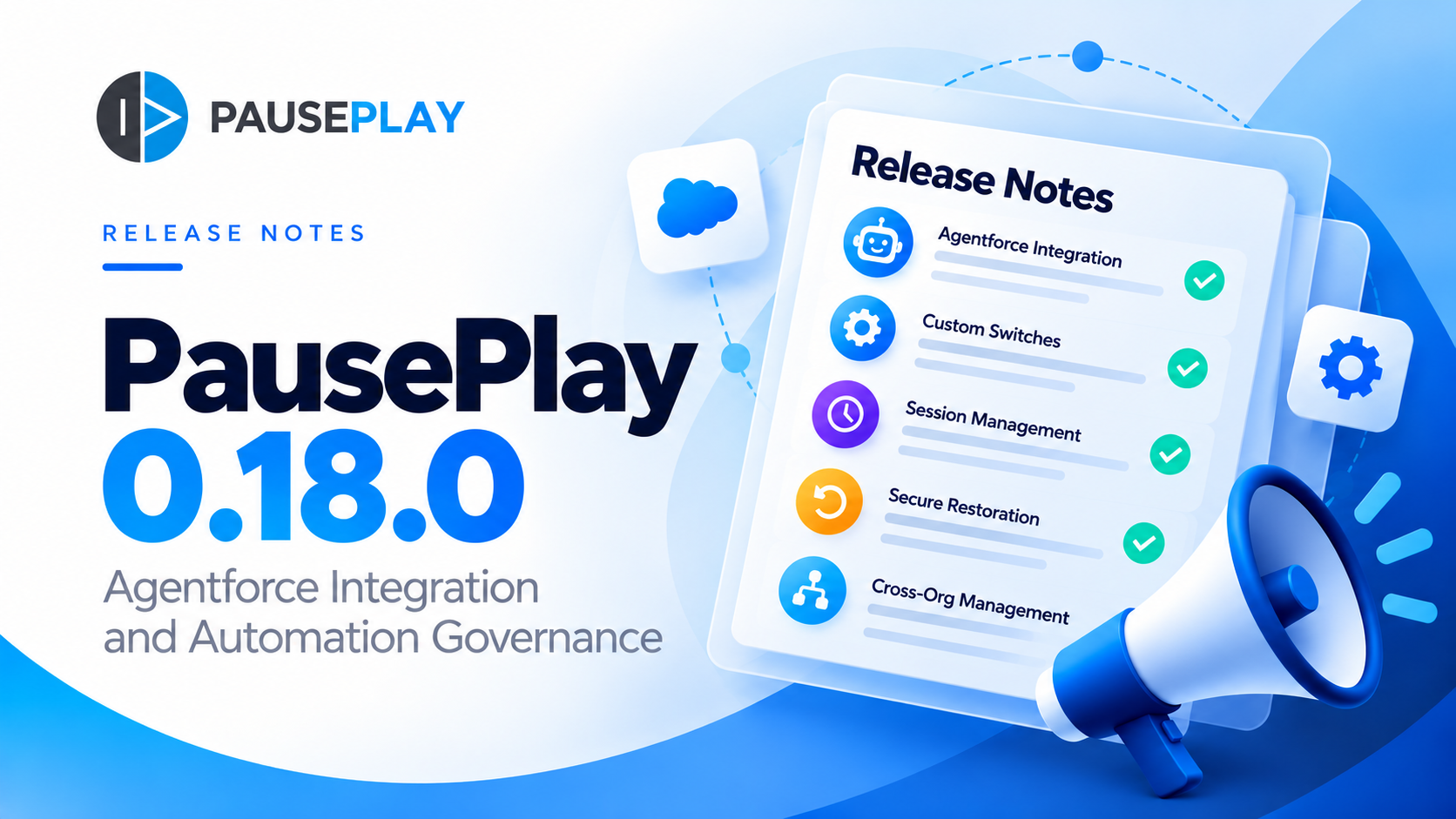
PausePlay 0.18.0 Release Notes: Agentforce Integration
Release date: October 25, 2026
Version: 0.18.0-3
Release type: Feature release
Status: Released
PausePlay 0.18.0-3 introduces a major new capability: Salesforce Agentforce integration.
This release enables authorized users to interact with PausePlay through natural-language conversations, discover saved automation configurations, preview proposed changes, initiate controlled automation sessions, monitor execution, and request restoration.
The integration extends PausePlay's existing automation governance capabilities into AI-assisted Salesforce workflows while preserving permission checks, explicit confirmation, session tracking, and restoration safeguards.
What's New in 0.18.0-3
1. Native Agentforce Actions
PausePlay now provides seven actions for use with Salesforce Agentforce.
Agentforce ActionDescriptionList Open SessionsDiscover open PausePlay automation control sessions.Get Session StatusRetrieve a session's current status and progress.List Saved ConfigurationsFind reusable automation configurations available to the user.Explain Custom SwitchRetrieve information about a configured PausePlay Custom Switch.Preview Saved ConfigurationInspect the automation changes proposed by a saved configuration.Run Previewed ConfigurationExecute a previously previewed configuration, subject to authorization and confirmation.Restore My SessionRequest restoration of an automation control session owned by the current user.
These actions make it possible to access PausePlay functionality through conversational interactions without replacing the existing application interface.
2. Preview Before Execution
Before an automation configuration is executed through Agentforce, PausePlay requires a preview.
The preview identifies the proposed changes, including the affected automation components, their current states, and their intended states.
Key safeguards include:
Preview references expire after 15 minutes.
References are associated with the requesting user, configuration, and target environment.
PausePlay checks whether the underlying configuration and relevant state remain valid.
Changes cannot proceed if the required validation and authorization conditions are not satisfied.
This helps prevent an AI-assisted operation from executing an unexpected or outdated set of changes.
3. Explicit Confirmation for State-Changing Actions
Agentforce execution and restoration actions are configured to require Salesforce confirmation.
When an authorized user requests execution, Salesforce presents a confirmation step before the action proceeds.
PausePlay also performs its own authorization and execution checks.
The agent does not receive unrestricted permission to modify Salesforce automation simply because it can understand a user's request.
The existing PausePlay controls remain in effect.
4. Dedicated Agentforce Security Permissions
This release introduces two dedicated permissions:
PausePlay Agent Access
Controls access to PausePlay's Agentforce capabilities.
PausePlay Agent Production Changes
Provides an additional authorization requirement for Agentforce operations that modify automation in production environments.
Production execution remains subject to existing PausePlay operation permissions and security checks.
For these Agentforce-specific permissions, access must be granted through an appropriate Permission Set or Permission Set Group assignment. Profile-only grants are not accepted by the integration's additional authorization checks.
PausePlay also verifies Salesforce's effective permission evaluation.
This provides a distinct authorization boundary between using conversational assistance and performing production automation changes.
5. Session-Based Execution and Monitoring
When an authorized Agentforce operation executes a saved configuration, PausePlay creates an automation control session.
The session follows the existing PausePlay lifecycle, including scheduling, execution, monitoring, and restoration.
Users can ask Agentforce for the status of their session rather than navigating manually to inspect it.
An initial session-creation response does not imply that the automation has already been paused. The session status reflects the actual stage of execution.
6. Controlled Restoration
PausePlay continues to treat restoration as a core part of automation control.
Through Agentforce, an authorized user can request restoration of their own session.
Restoration requests are subject to ownership checks and confirmation requirements.
Existing automatic restoration policies also remain applicable.
The objective is to ensure that temporary automation changes remain visible, governed, and recoverable.
7. Agentforce-Origin Audit Information
Sessions initiated through the integration are identified as originating from an agent-assisted operation.
This provides additional context for reviewing automation activity and distinguishing Agentforce-initiated sessions from other execution paths.
The existing session history and audit mechanisms remain part of the workflow.
Reliability and Execution Safeguards
This release also includes supporting improvements to the Agentforce execution lifecycle.
Concurrent request protection
Repeated or concurrent requests for the same operation are handled with safeguards intended to prevent duplicate application of the same change.
Authorization revalidation
Required permissions and execution conditions are checked again when an operation starts, rather than relying solely on an earlier preview.
Scheduling reliability
The release includes a scheduling correction for an edge case involving repeated local times during daylight saving time transitions.
These improvements support predictable session execution and restoration.
How It Works: An Example
Consider a Salesforce administrator preparing a customer data import.
The administrator has already created a PausePlay configuration to temporarily deactivate a validation rule.
Using Agentforce, the workflow becomes:
Discover: Ask the assistant to list available PausePlay configurations.
Preview: Select the saved configuration and inspect the proposed automation changes.
Authorize: Request execution and approve the Salesforce confirmation.
Monitor: Ask for the current session status and confirm that the intended changes are active.
Restore: Request restoration, approve the confirmation, and verify that the session completes successfully.
This is not a simulated workflow.
We demonstrated this process using a real Salesforce validation rule and captured the actual Agentforce conversation.
Read the product announcement: Introducing PausePlay for Agentforce
Setup and Requirements
To use the integration, administrators must configure the relevant Salesforce Agentforce capabilities and assign the required PausePlay permissions.
Before enabling state-changing actions, administrators should verify:
The relevant PausePlay subscription and features are available.
The user has the required PausePlay permissions.
Agentforce actions are configured for the intended users.
Confirmation is enabled for execution and restoration actions.
Saved configurations and target connections are valid.
Production-change permissions are granted only where appropriate.
For cross-org operations, the corresponding connection authentication and user access must also be configured correctly.
Important: Agentforce integration is not automatically activated for every user simply by installing the new package version.
Current Scope and Limitations
The following boundaries apply to this release:
Agentforce in Salesforce: The integration is designed for supported Salesforce Agentforce interactions.
Slack: State-changing Agentforce execution and restoration through Slack are not part of the verified capabilities advertised for this release.
Production safeguards: Additional permissions are required for production changes. The release underwent production-environment classification and authorization checks, but a complete live Agentforce execution in a production org was deferred to post-release verification.
AI decision-making: PausePlay supplies controlled actions and execution safeguards. The agent's natural-language interpretation does not replace Salesforce permissions, user confirmation, or PausePlay's validation rules.
Testing and Release Validation
Version 0.18.0-3 completed the release validation process, including:
1,088 passing automated tests in the final regression run.
Approximately 94% package code coverage during package-version creation.
Successful Salesforce second-generation managed package creation.
Live Agentforce verification in a scratch org, including preview, confirmation, execution, monitoring, and restoration.
Authorization, concurrent-request, and restoration checks.
The managed package version was promoted for release.
These results provide the engineering basis for the release while recognizing the separate post-release production Agentforce verification noted above.
Availability and Upgrading
PausePlay 0.18.0-3 is a promoted Salesforce managed package release.
Existing installations are not automatically upgraded simply because a new package version has been released.
Administrators should follow the applicable PausePlay installation or upgrade process and review the Agentforce setup requirements before enabling the new capabilities.
For installation assistance or questions about the release, contact the PausePlay team.
What's Next?
Agentforce integration is an important step toward making Salesforce automation management more accessible while retaining the governance needed for operational changes.
Future PausePlay development will continue to focus on automation control, restoration, scheduling, and safe integration with Salesforce workflows.
Our guiding principle remains unchanged:
Automation changes should be intentional, visible, authorized, and reversible.
Learn More
Explore PausePlay: https://pauseplay.app/
Read the Agentforce announcement: https://pauseplay.app/blog/pauseplay-agentforce-integration
Contact the PausePlay team: https://pauseplay.app/contact
PausePlay — Control Salesforce Automation. With Confidence.
Explore more topics
- Release Notes
- PausePlay
- Salesforce
- Agentforce
- Automation Control
- Session Management
- Salesforce Security
- Validation Rules
- Product Updates
Explore More
Related Posts
PausePlay 0.22.0-2 Release Notes: Meliv AI
Discover what's new in PausePlay 0.22.0-2: Meliv AI, multi-object Salesforce automation analysis, risk recommendations, and guided configuration creation.
PausePlay 0.17.0 Release Notes: Custom Switches and Cross-Org Management
PausePlay 0.17.0 introduces Custom Switches, scoped automation controls, Apex and Flow integration, timed restoration, configuration import/export, and Pro cross-org management.
Meet Meliv: AI-Powered Salesforce Automation Analysis
Meet Meliv, the new PausePlay AI assistant. Analyze Salesforce Flows, Triggers and Validation Rules, understand risks and create automation configurations.