
Meet Meliv: AI-Powered Salesforce Automation Analysis
Meet Meliv: PausePlay AI Is Here
Product Update | November 2, 2026
Your Salesforce automations shouldn't be a guessing game. Meet Meliv, your new AI assistant for understanding automation risks before making changes.
Before you load data, know what you're dealing with.
You're preparing a Salesforce data load. Accounts, Contacts, Cases, Opportunities, perhaps a few custom objects.
You know the data you want to move. But what about everything that happens when those records arrive?
A Flow might send notifications. An Apex Trigger might update related records. A Validation Rule might reject records that don't meet its conditions.
And the bigger your Salesforce organization becomes, the harder it is to understand what needs attention before you begin.
That's the problem we built Meliv to help solve.
Today, we're introducing Meliv, the AI assistant built into PausePlay.
Just tell Meliv what you're planning to do.
You don't need to know the names of every Flow, Trigger or Validation Rule.
Simply describe your task in your own words.
For example:
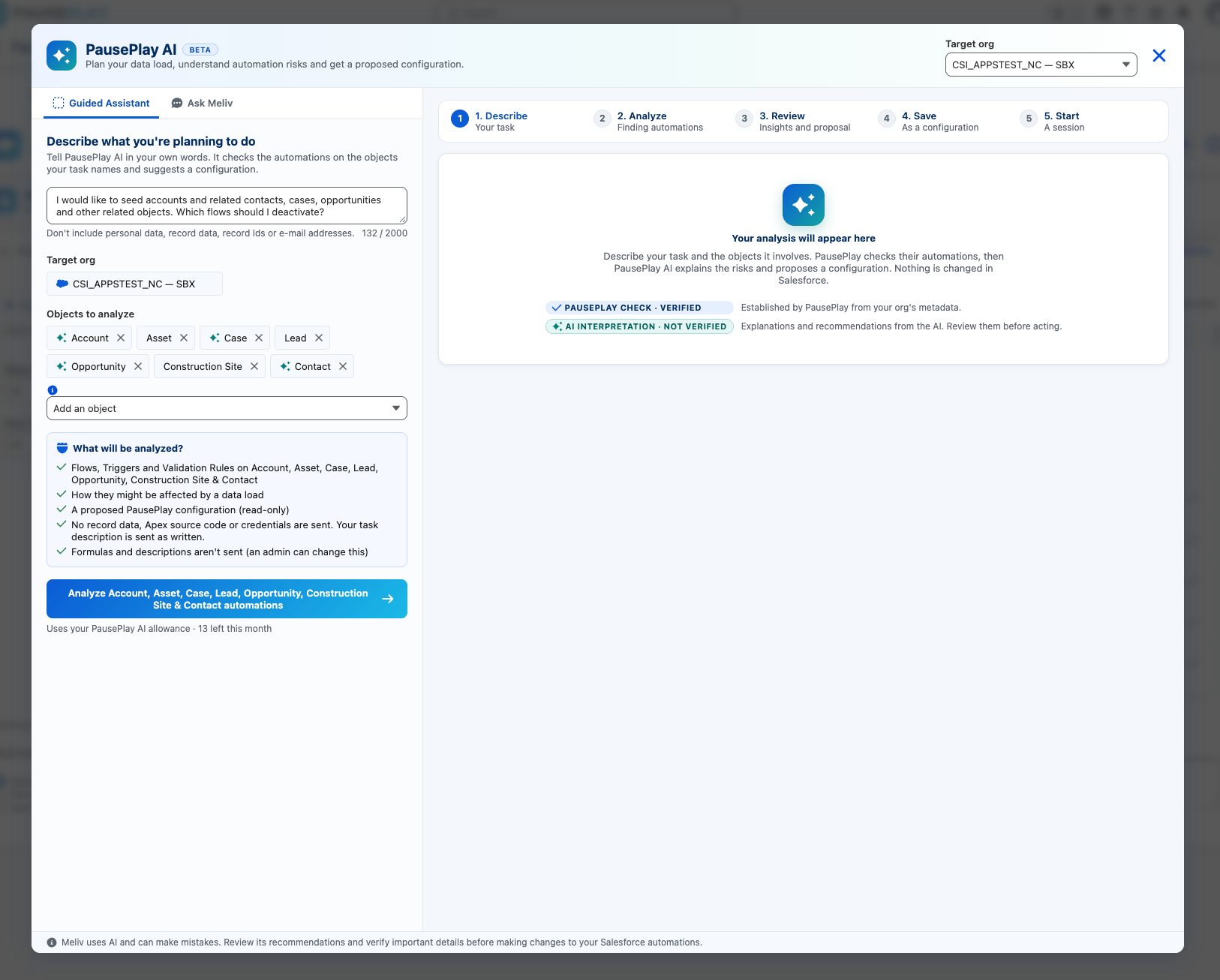
"I would like to seed Accounts and related Contacts, Cases, Opportunities and other related objects. Which Flows should I deactivate?"
Meliv identifies the Salesforce objects mentioned in your request and helps you analyze their automations together.
You can review the detected objects, add or remove them, and begin your analysis.
From hundreds of automations to a clearer picture.
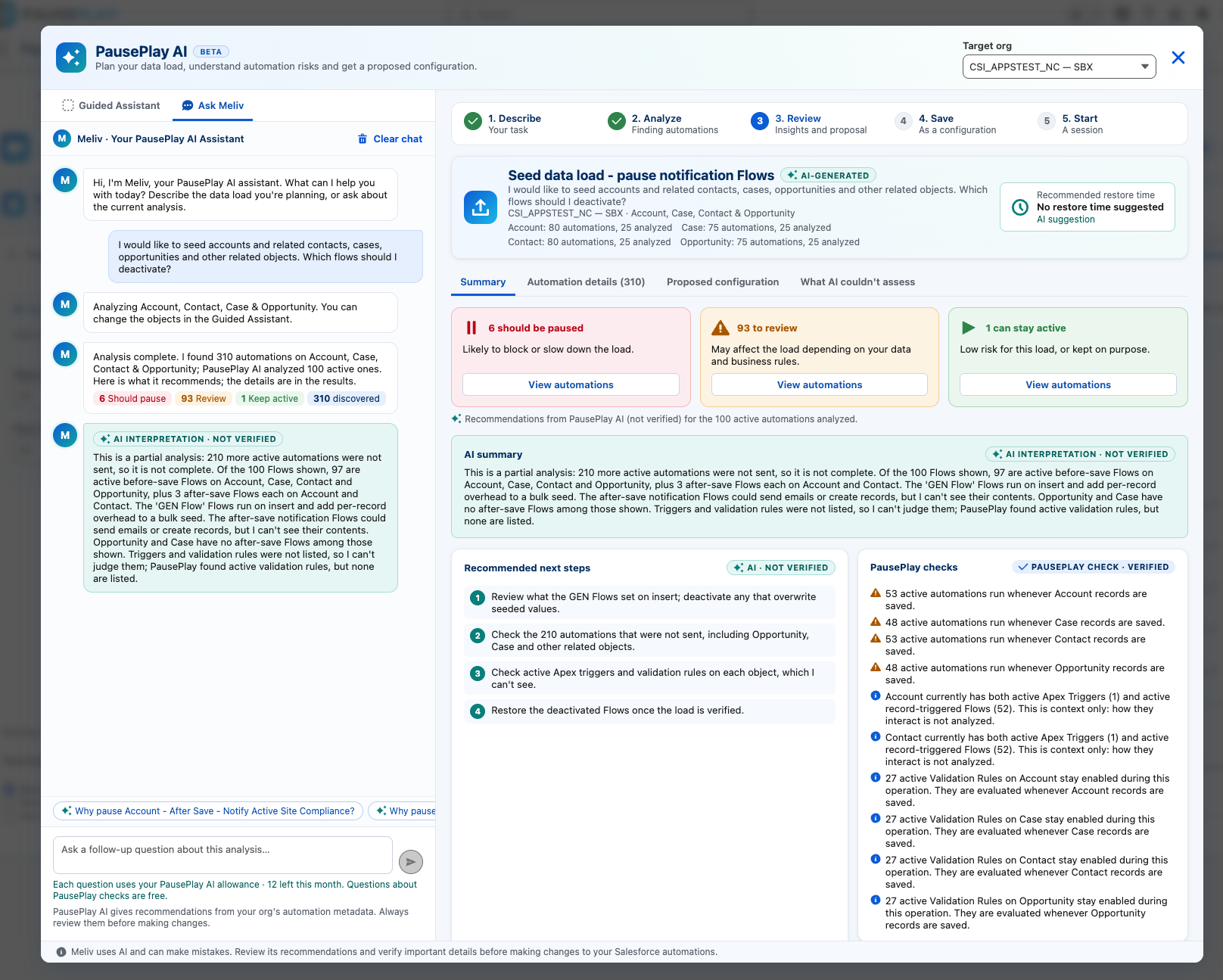
PausePlay discovers the relevant automations in your target organization. Meliv then helps interpret the risks in the context of your task.
Instead of simply presenting a long list, it organizes recommendations into three categories:
Pause: Automations that may interfere with your planned operation.
Review: Automations that need closer inspection before deciding what to do.
Keep Active: Automations that appear appropriate to leave running.
You also receive a summary, recommended next steps, and explanations you can explore through follow-up questions.
Importantly, PausePlay distinguishes verified metadata checks from AI-generated interpretations. Meliv can make mistakes, and its recommendations should be reviewed before changes are made.
For large organizations, Meliv currently analyzes up to 100 automations per request and clearly identifies anything outside that analysis.
Recommendations are useful. Being able to act on them is better.
Meliv doesn't stop at explaining what might go wrong.
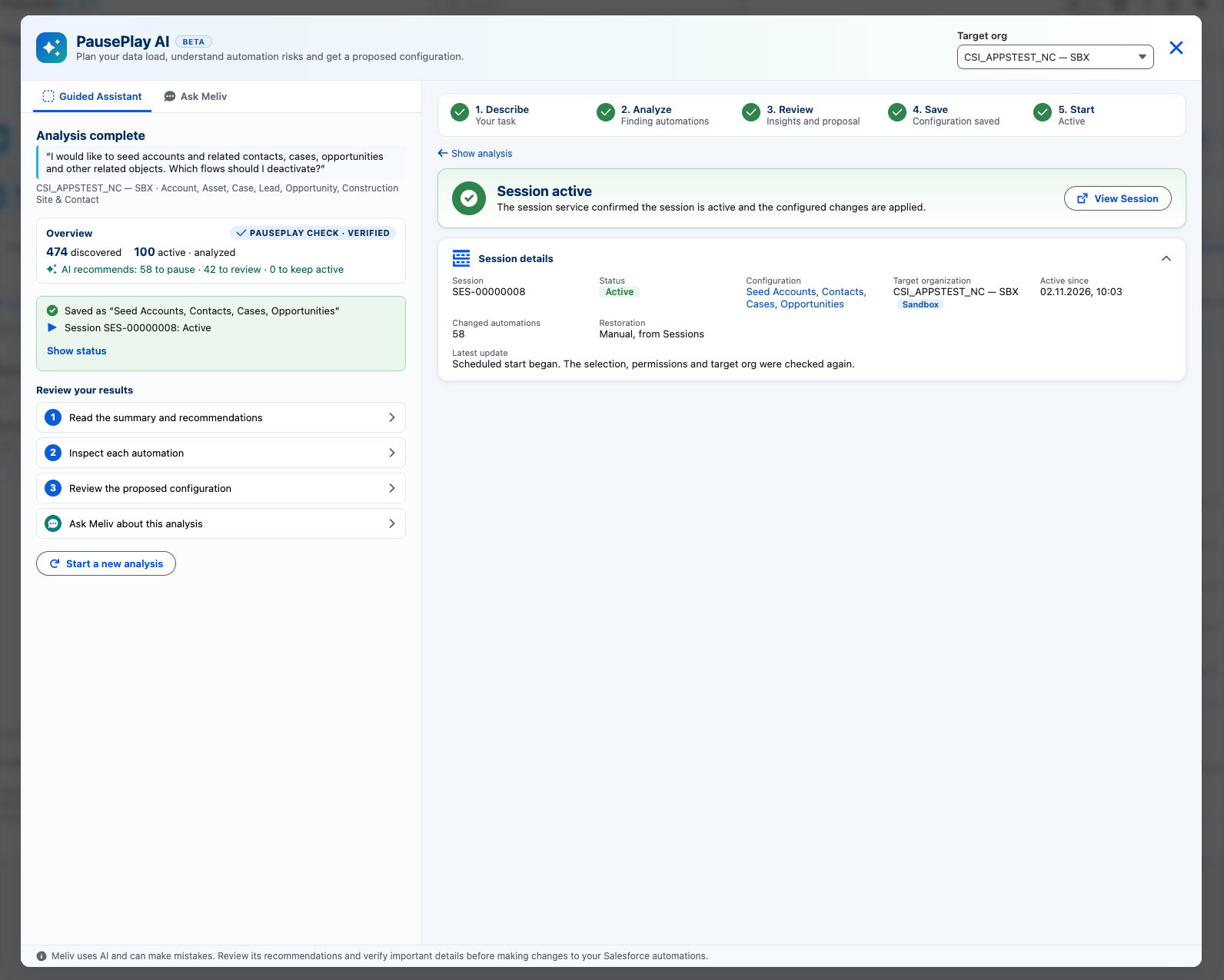
It can prepare a proposed PausePlay configuration containing the automations recommended for pausing.
You review the selection before saving it.
Once saved, you can start a PausePlay session through the normal controls, with restoration options and the safeguards already built into PausePlay.
Meliv recommends. You decide. PausePlay executes.
Built with control and transparency in mind.
PausePlay AI is optional and requires an authorized administrator to enable it.
The connection experience explains how AI processing works, and the application distinguishes its own verified checks from AI-generated recommendations.
Meliv works with automation metadata and your task description, rather than requiring Salesforce business records or Apex source code to be sent for analysis.
Available now for PausePlay Pro.
Meliv is now available to eligible PausePlay Pro customers running version 0.22 or later.
Pro includes 20 AI requests per month.
To get started, open PausePlay AI, review the disclosure, connect your organization and describe your next task.
Because understanding your automations shouldn't be the hardest part of your Salesforce project.
Discover PausePlay at pauseplay.app.
Explore more topics
- PausePlay AI
- Meliv
- Product Update
- Salesforce Automation
- AI-Powered Risk Analysis
- Salesforce Flows
- Apex Triggers
- Validation Rules
- Data Seeding
- Automation Management
- Multi-Object Analysis
Explore More
Related Posts
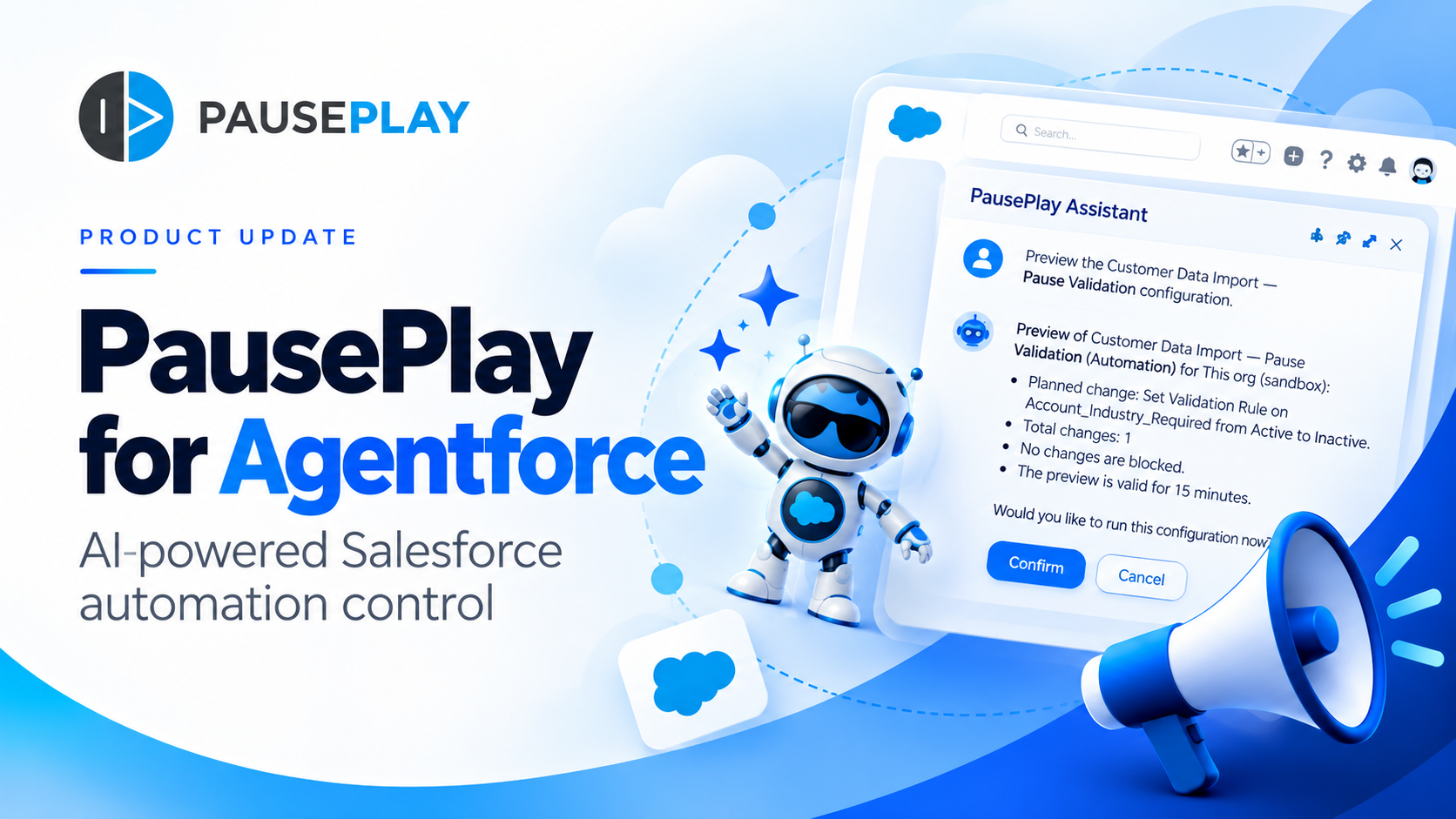
Introducing PausePlay for Agentforce: AI-Powered Salesforce Automation Control
Salesforce automation control is now conversational. Discover how PausePlay integrates with Agentforce to preview changes, authorize execution, manage automation sessions, and safely restore Salesforce automation, all through natural language and with built-in safeguards.
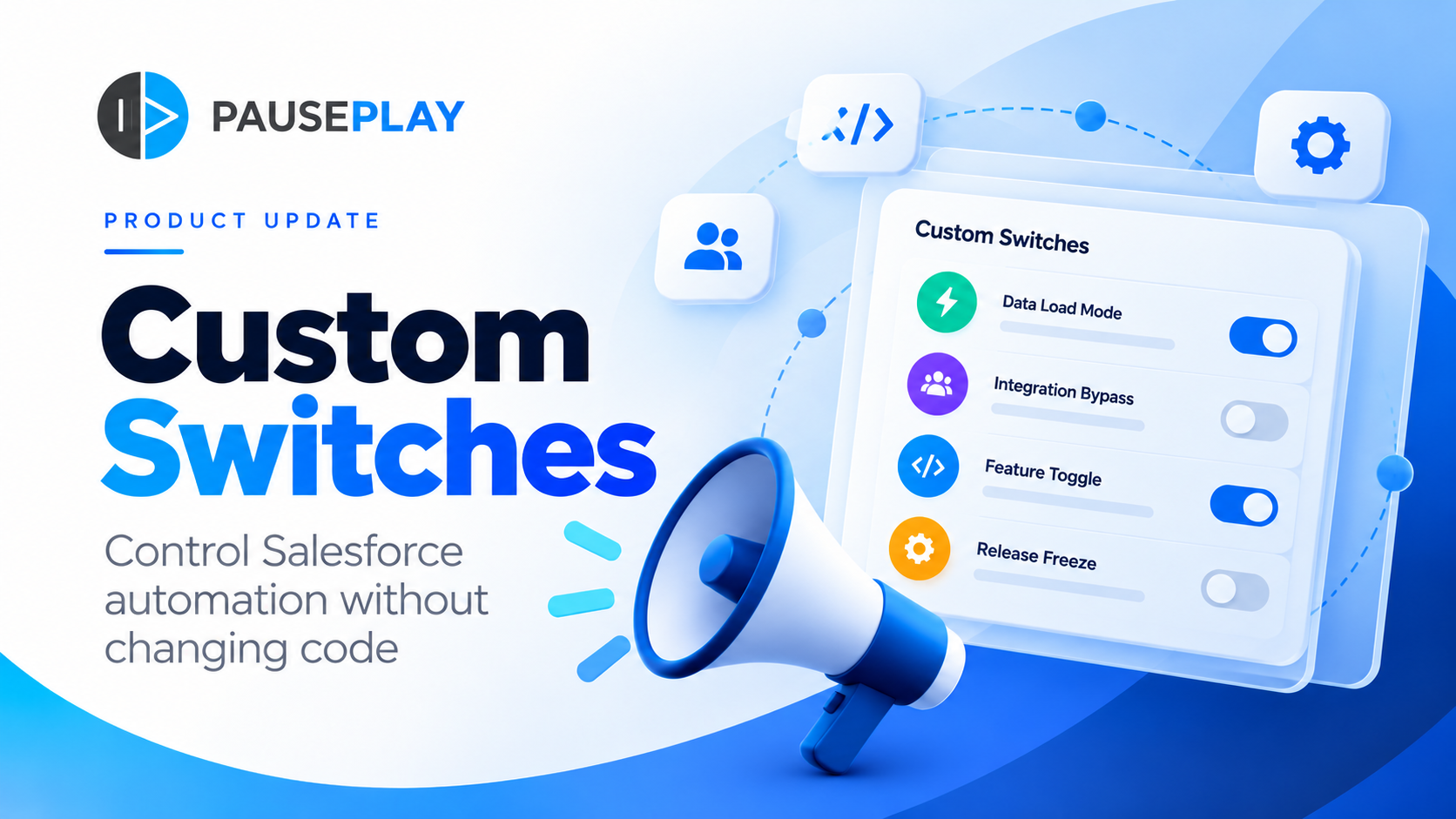
Introducing PausePlay Custom Switches: Control Salesforce Automation Without Changing Code
Meet PausePlay Custom Switches: control Salesforce automation by org, profile, group, permission set or user. Integrate with Apex and Flow, restore changes automatically, and manage connected orgs with Pro.
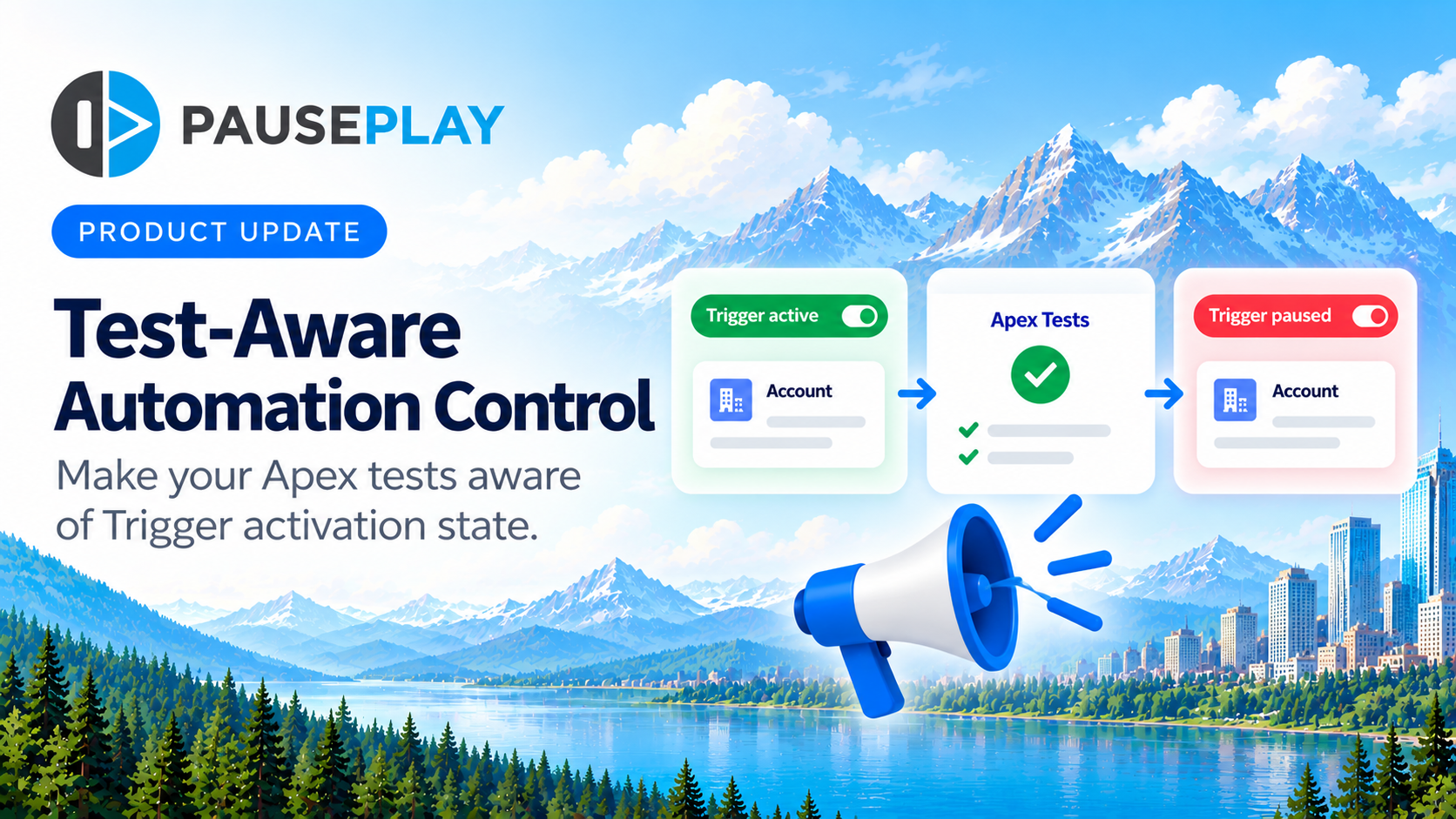
Introducing Test-Aware Automation Control
PausePlay introduces Test-Aware Automation Control, helping Salesforce developers make Trigger-dependent Apex assertions aware of whether a Trigger is active or inactive.