
Introducing PausePlay Custom Switches: Control Salesforce Automation Without Changing Code
Introducing PausePlay Custom Switches: Control Salesforce Automation Without Changing Code
Product Update | PausePlay 0.17.0
Salesforce automation is powerful. But controlling when, where, and for whom that automation runs isn't always straightforward.
Imagine you're preparing for a major data migration. Certain processes need to behave differently while the migration runs. Or perhaps you're introducing a new feature and want to enable it for a small group of users before making it available to everyone.
Traditionally, teams solve these problems with custom settings, custom permissions, bypass flags, or additional logic built into their applications.
These approaches work. But over time, they can become difficult to manage, particularly when multiple teams, environments, and administrators are involved.
What if you could manage all those switches from one place, without repeatedly changing your code?
That's why we built PausePlay Custom Switches.
With PausePlay 0.17.0, we're introducing a new way to control application and automation behavior in Salesforce: configurable switches with targeted access, Apex and Flow integration, automatic restoration, and a complete history of changes.
And with PausePlay Pro, you can manage Custom Switches across connected Salesforce organizations.
One switch. Multiple possibilities.
A Custom Switch is a named on/off control that your Salesforce automation can check at runtime.
You create the switch once, reference it in Apex or Flow, and manage its settings directly in PausePlay.
For example, you could create:
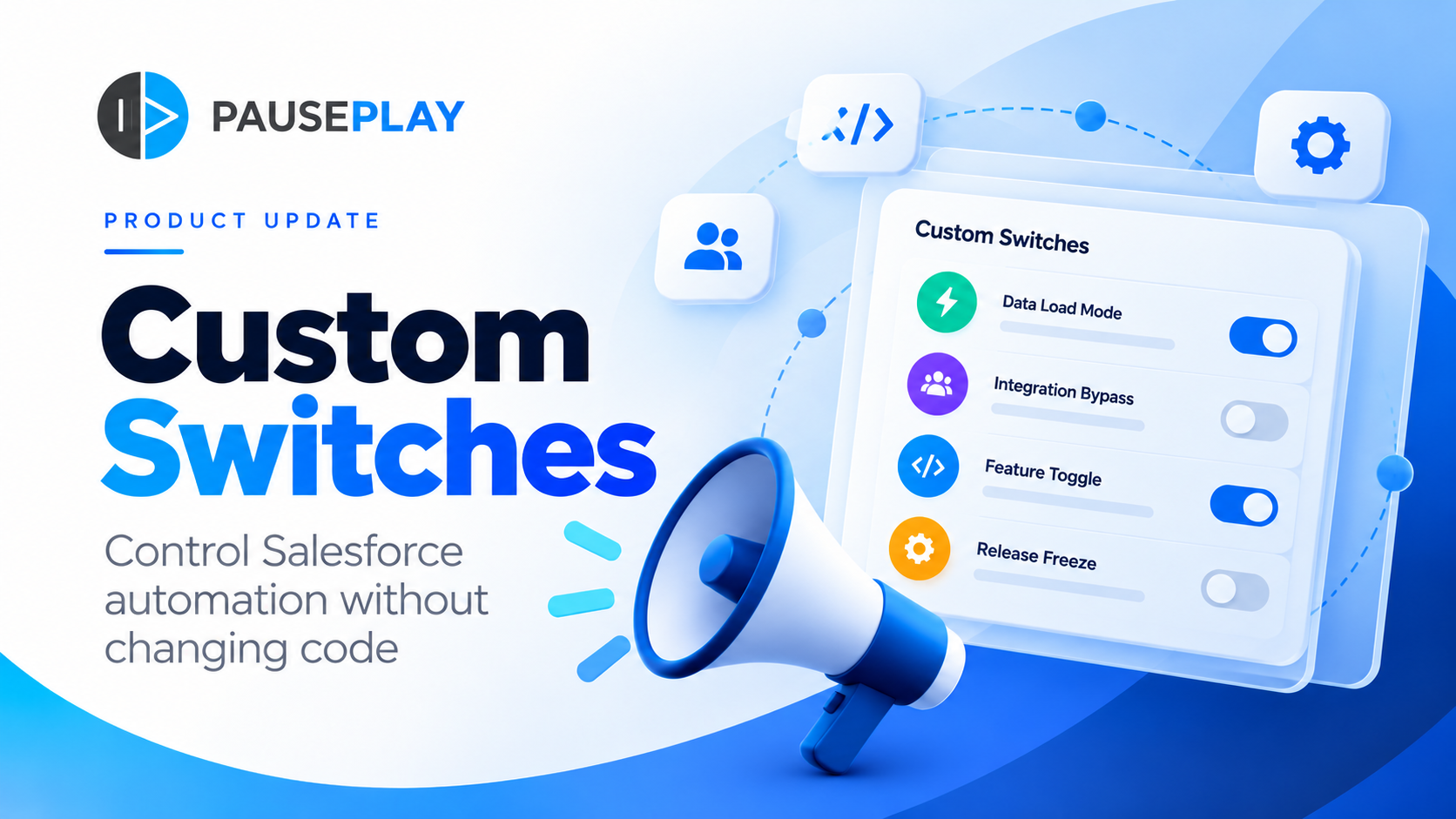
Data Load Mode: Change how selected automation behaves during data migrations.
Integration Bypass: Allow designated integrations to bypass specific processing.
Feature Toggle: Introduce new functionality to selected users before enabling it more broadly.
Release Freeze: Control selected application behavior during deployment windows.
The important distinction is that PausePlay doesn't automatically bypass existing automation simply because a switch is enabled. Your Apex or Flow must reference the switch and define what happens when it's on or off.
Once that integration is in place, administrators can change the switch's behavior without modifying the underlying code each time.
Control who a switch applies to
Not every switch should affect every user.
PausePlay Custom Switches support five levels of control:
Organization: Apply a setting across the entire Salesforce org.
Profile: Target users with a particular profile.
Public Group: Apply behavior to members of a selected group.
Permission Set: Target users assigned a specific permission set.
User: Control behavior for an individual user.
PausePlay evaluates matching settings using a defined priority, with user-level settings taking precedence over broader settings.
This opens up practical possibilities.
You might enable a new feature for your testing team while keeping it disabled for everyone else. Or allow an integration user to follow a different processing path during a scheduled data load.
And if no setting matches, the switch is off by default.
Precise control, without managing a collection of disconnected bypass mechanisms.
Built for developers. Manageable by administrators.
Custom Switches are designed to work with the automation you already build in Salesforce.
In Apex
Developers can check a switch with a simple call:
saikapp.PausePlaySwitches.isOn('Your_Switch_API_Name')
The returned value determines which path the application follows.
In Salesforce Flow
The PausePlay — Evaluate Custom Switch invocable action makes the same capability available to Flow builders.
This means your team can incorporate configurable behavior into Apex and Flows while giving authorized administrators a central place to manage the settings.
Switch evaluations are cached within a transaction to reduce repeated lookups, and evaluation failures default to off.
Make temporary changes without leaving them behind
Some switches should only be enabled temporarily.
Consider a weekend migration, a maintenance window, or a controlled feature rollout. You want a setting changed for a specific period, but you also want confidence that it will return to its previous state.
PausePlay makes that possible through Quick Control, saved configurations, and timed restoration.
With Quick Control, you can change switch settings directly and track those changes in a session.
With saved configurations, you can define a collection of settings once and reuse it whenever needed.
Before applying a configuration, PausePlay shows you what will change. You can schedule restoration from five minutes up to seven days later.
When the restoration time arrives, PausePlay works to return the affected settings to their previous state.
If restoration fails, PausePlay retries according to its restoration policy and preserves the session for manual attention if necessary.
The result is a more controlled approach to temporary automation changes, with fewer manual steps to remember.
Know what changed, when, and why
Control is only part of the equation. Accountability matters too.
Custom Switches include an audit history that records changes, restorations, configuration imports, and emergency actions.
Administrators can review the history of switch operations rather than relying on notes, spreadsheets, or someone's memory.
And when an administrator is unavailable, authorized users with the PausePlay Emergency Restore permission can intervene in open sessions owned by someone else.
Emergency restoration requires a reason, records the action, and notifies the session owner.
This is especially valuable when teams need to demonstrate that temporary changes were managed responsibly.
Take Custom Switches across Salesforce orgs with PausePlay Pro
Managing automation in one Salesforce org is challenging enough.
For consultants, enterprise teams, and administrators responsible for multiple environments, the challenge grows.
With PausePlay Pro, Custom Switches extend into the Automation Control Center.
From one Control Center, authorized users can connect to other Salesforce orgs and:
View their Custom Switches, settings, and saved configurations.
Apply existing configurations remotely.
Schedule automatic restoration.
Restore or reschedule remote sessions they initiated.
Review the outcome of remote requests.
Every operation is executed and authorized in the connected org, with its own permission checks and audit records.
For production environments, PausePlay requires additional authorization in both the Control Center and the connected org.
One place to coordinate changes, while each Salesforce org retains control over its own automation.
Free to start. Pro when you need cross-org control.
We're making the core Custom Switches experience available in PausePlay Free.
That includes switch creation and management, scoped settings, Apex and Flow integration, saved configurations, timed restoration, import and export, audit history, and emergency restoration within the same org.
PausePlay Pro extends that experience to connected Salesforce orgs through the Automation Control Center.
Whether you're a Salesforce developer introducing feature toggles, an administrator managing temporary changes, or a consultancy coordinating work across customer environments, Custom Switches give you another way to build automation that is easier to control.
Build the automation. Keep control of its behavior.
Salesforce automation should help teams move faster, not make every operational change a development task.
With Custom Switches, we're extending PausePlay beyond pausing and restoring existing automation.
We're giving teams a way to build configurable behavior into their own Apex and Flows, manage that behavior centrally, and restore temporary changes with confidence.
Create your first Custom Switch in PausePlay 0.17.0.
Explore PausePlay at https://pauseplay.app and discover how to bring more control to your Salesforce automation.
Explore more topics
- Salesforce
- PausePlay
- Custom Switches
- Feature Flags
- Apex
- Salesforce Flow
- Automation Control
- Release 0.17.0
Explore More
Related Posts
Meet Meliv: AI-Powered Salesforce Automation Analysis
Meet Meliv, the new PausePlay AI assistant. Analyze Salesforce Flows, Triggers and Validation Rules, understand risks and create automation configurations.
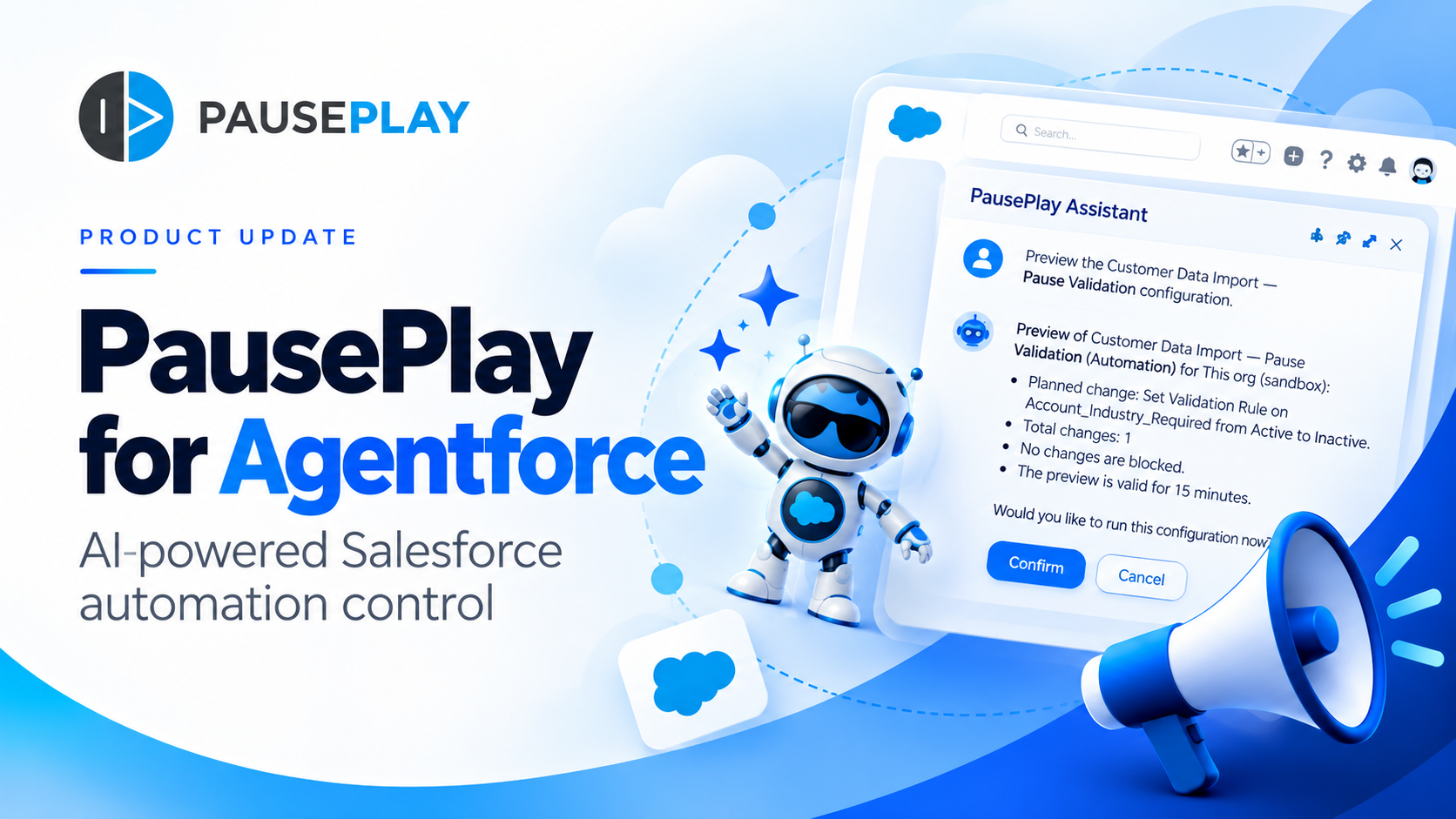
Introducing PausePlay for Agentforce: AI-Powered Salesforce Automation Control
Salesforce automation control is now conversational. Discover how PausePlay integrates with Agentforce to preview changes, authorize execution, manage automation sessions, and safely restore Salesforce automation, all through natural language and with built-in safeguards.
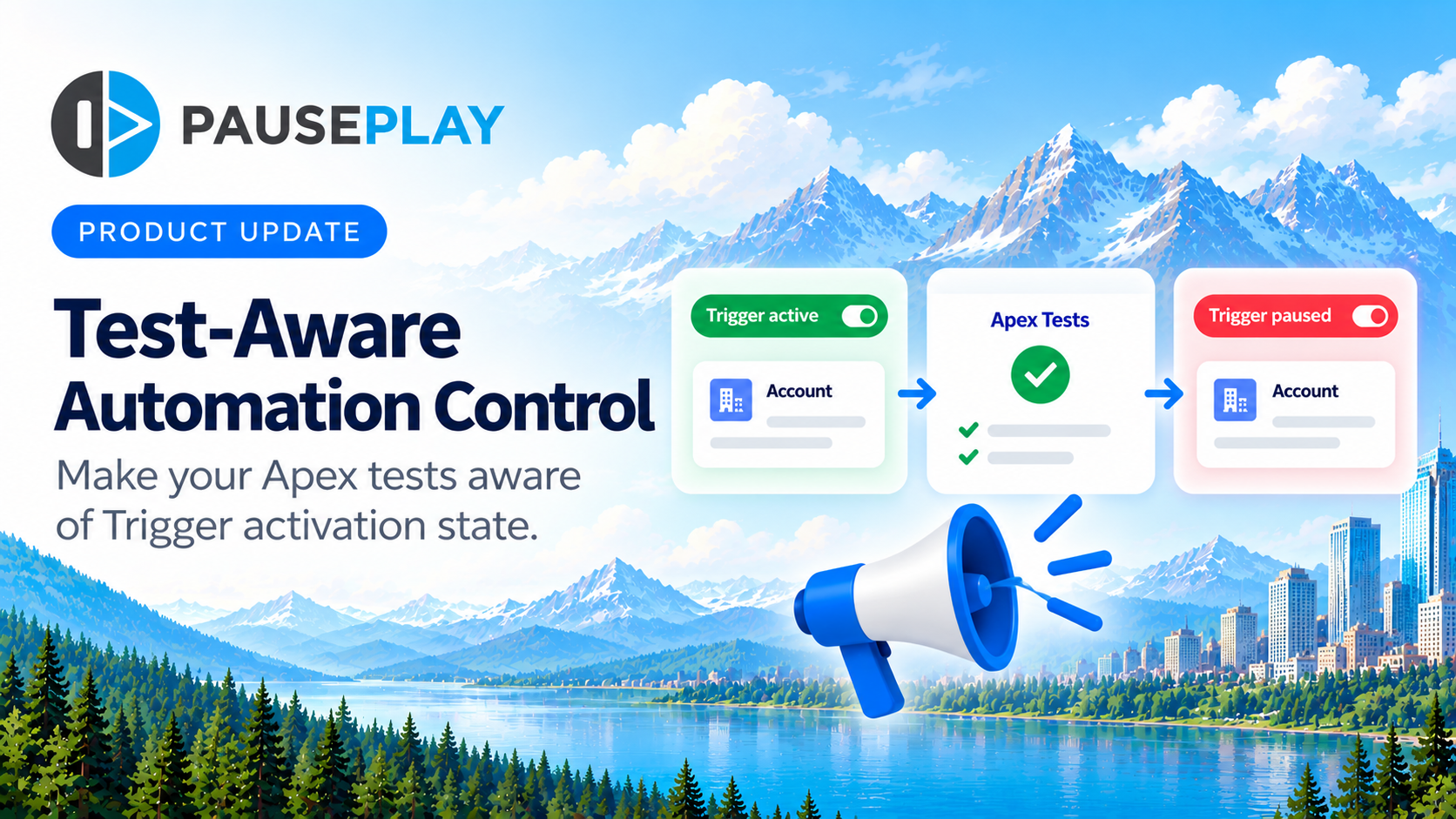
Introducing Test-Aware Automation Control
PausePlay introduces Test-Aware Automation Control, helping Salesforce developers make Trigger-dependent Apex assertions aware of whether a Trigger is active or inactive.