
Introducing Test-Aware Automation Control
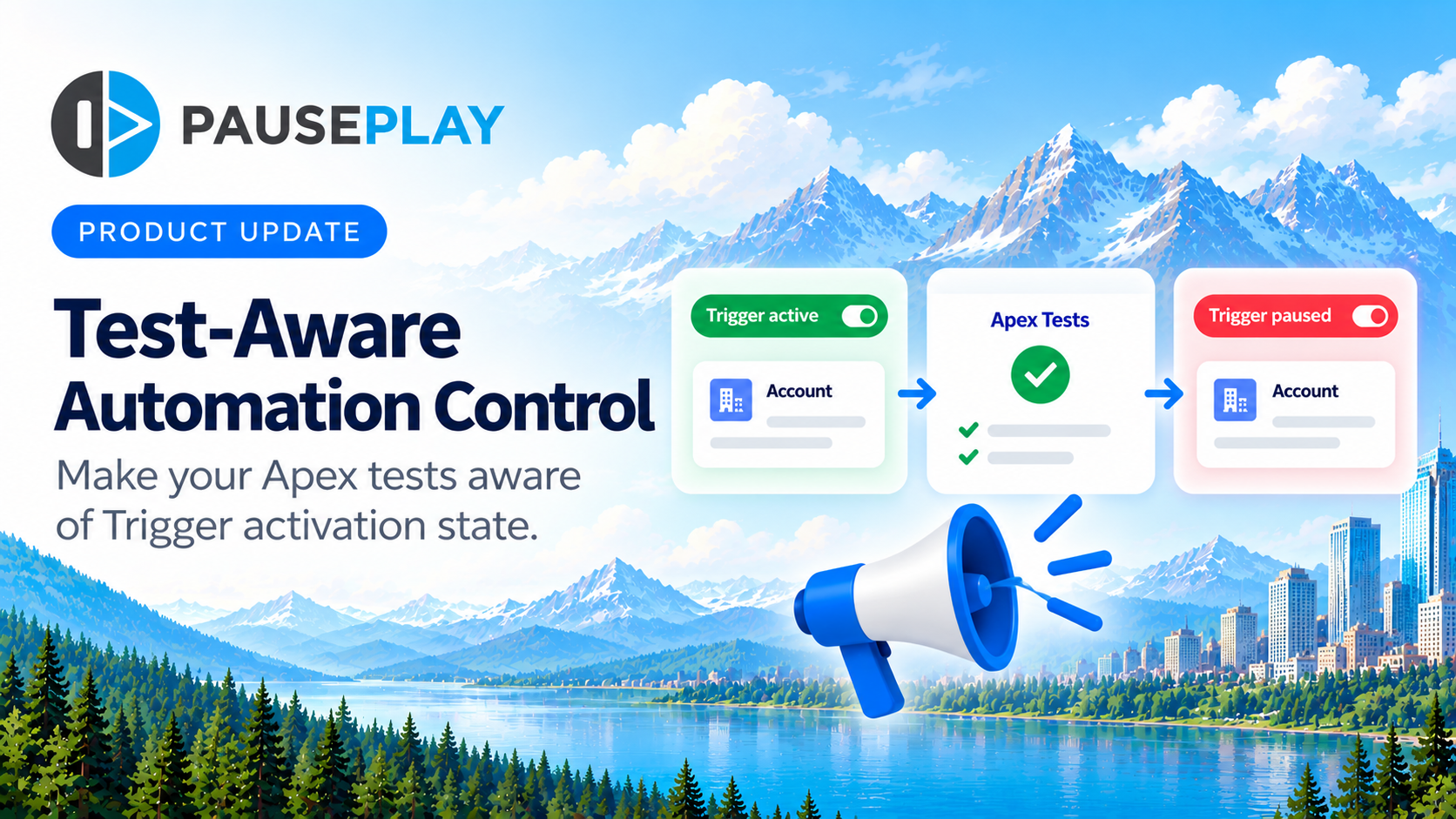
Introducing Test-Aware Automation Control: When Triggers Pause, Tests Adapt
A new capability in PausePlay 0.15.0 helps Salesforce teams handle Trigger-dependent Apex tests during deployments.
You deactivate an Apex Trigger before a deployment.
Not because something is broken. Not because the Trigger is unnecessary. You simply don't want that automation running while you're making changes.
Then you run your deployment.
And an Apex test fails.
The test expects a record to be created, a field to be updated, or some other action to happen automatically. But the Trigger responsible for that behaviour is inactive.
The deployment fails because the test is expecting something you've deliberately switched off.
This is the problem Test-Aware Automation Control is designed to address.
The problem: Your tests don't know the Trigger is paused
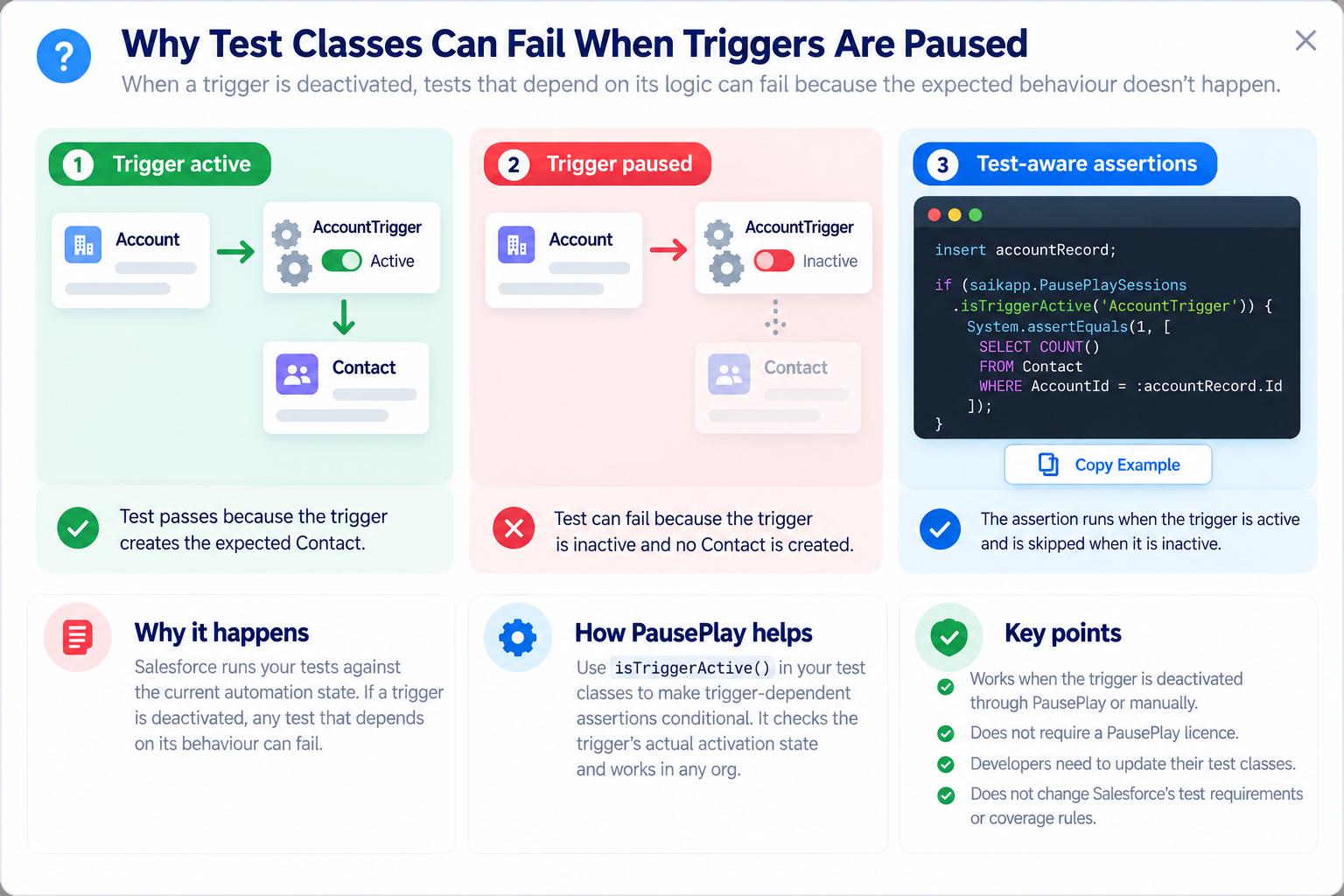
Imagine an Account Trigger that automatically creates a Contact whenever a new Account is inserted.
Your Apex test inserts an Account and checks that the Contact exists.
Under normal circumstances, everything works.
But during a deployment, you temporarily deactivate the Account Trigger using PausePlay.
The test still expects the Contact to be created. Salesforce runs the test, the Contact doesn't exist, and the assertion fails.
Nothing is necessarily wrong with your business logic. The test simply assumes the Trigger is active.
Introducing Test-Aware Automation Control
With PausePlay 0.15.0, developers can make Trigger-dependent assertions aware of the Trigger's actual activation state.
The new Apex method is:
saikapp.PausePlaySessions.isTriggerActive('AccountTrigger')
It checks whether the named Apex Trigger is currently active in Salesforce.
Developers can use that information to conditionally execute assertions that depend on the Trigger's behaviour.
When the Trigger is active, the assertion runs. When it's inactive, the dependent assertion is skipped. When the Trigger is restored, the assertion runs again.
That's the idea behind Test-Aware Automation Control.
How it works
Here's a simplified example from an Apex test:
// Adapt: accountRecord is an Account from your test.
insert accountRecord;

if (saikapp.PausePlaySessions.isTriggerActive('AccountTrigger')) {
    System.assertEquals(1, [
        SELECT COUNT()
        FROM Contact
        WHERE AccountId = :accountRecord.Id
    ]);
}
The developer adds the condition around an assertion that specifically depends on the Account Trigger.
The method reads the Trigger's actual Salesforce activation state. It doesn't require an active PausePlay Session, and it also works when a Trigger has been deactivated outside PausePlay.
The result is a test that understands whether the automation it depends on is available.
What this means for Salesforce teams
For Salesforce developers, it provides a straightforward way to make affected test classes aware of temporarily deactivated Triggers.
For administrators, it reduces a potential source of friction when coordinating deployments that require automation to be paused.
For consultants and delivery teams, it offers a more predictable approach to handling Trigger-dependent assertions across deployment workflows.
And when PausePlay restores the Trigger, the original assertion executes again.
A few important things to know
Test-Aware Automation Control doesn't automatically modify existing Apex tests. Developers must update the relevant assertions to use the new method.
It also doesn't override Salesforce's test execution or code coverage requirements. Tests must still meet the requirements applicable to the deployment.
The method checks whether a Trigger is active or inactive in Salesforce metadata. It does not indicate whether an active Trigger's business logic is being bypassed.
The capability is available through the PausePlay Apex API without requiring a paid PausePlay licence.
Available now in PausePlay 0.15.0
Test-Aware Automation Control is included in PausePlay 0.15.0-1.
It builds on PausePlay's broader goal: helping Salesforce teams manage automation during deployments, migrations and data operations, with better control over what changes and how it gets restored.
Because temporarily pausing automation shouldn't mean losing control of your deployment.
Learn more at pauseplay.app.
Explore More
Related Posts

Meet Meliv: AI-Powered Salesforce Automation Analysis
Meet Meliv, the new PausePlay AI assistant. Analyze Salesforce Flows, Triggers and Validation Rules, understand risks and create automation configurations.
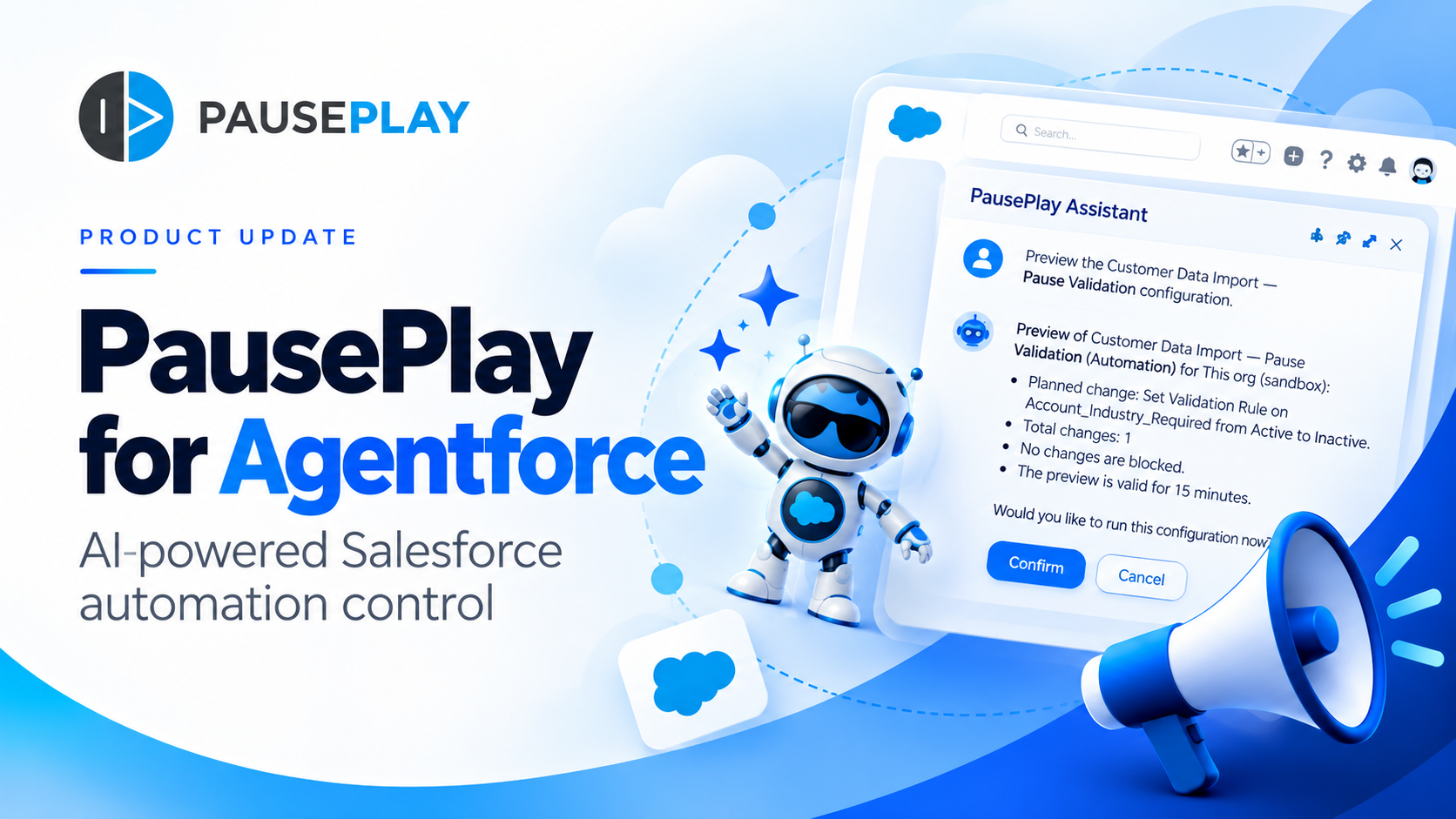
Introducing PausePlay for Agentforce: AI-Powered Salesforce Automation Control
Salesforce automation control is now conversational. Discover how PausePlay integrates with Agentforce to preview changes, authorize execution, manage automation sessions, and safely restore Salesforce automation, all through natural language and with built-in safeguards.
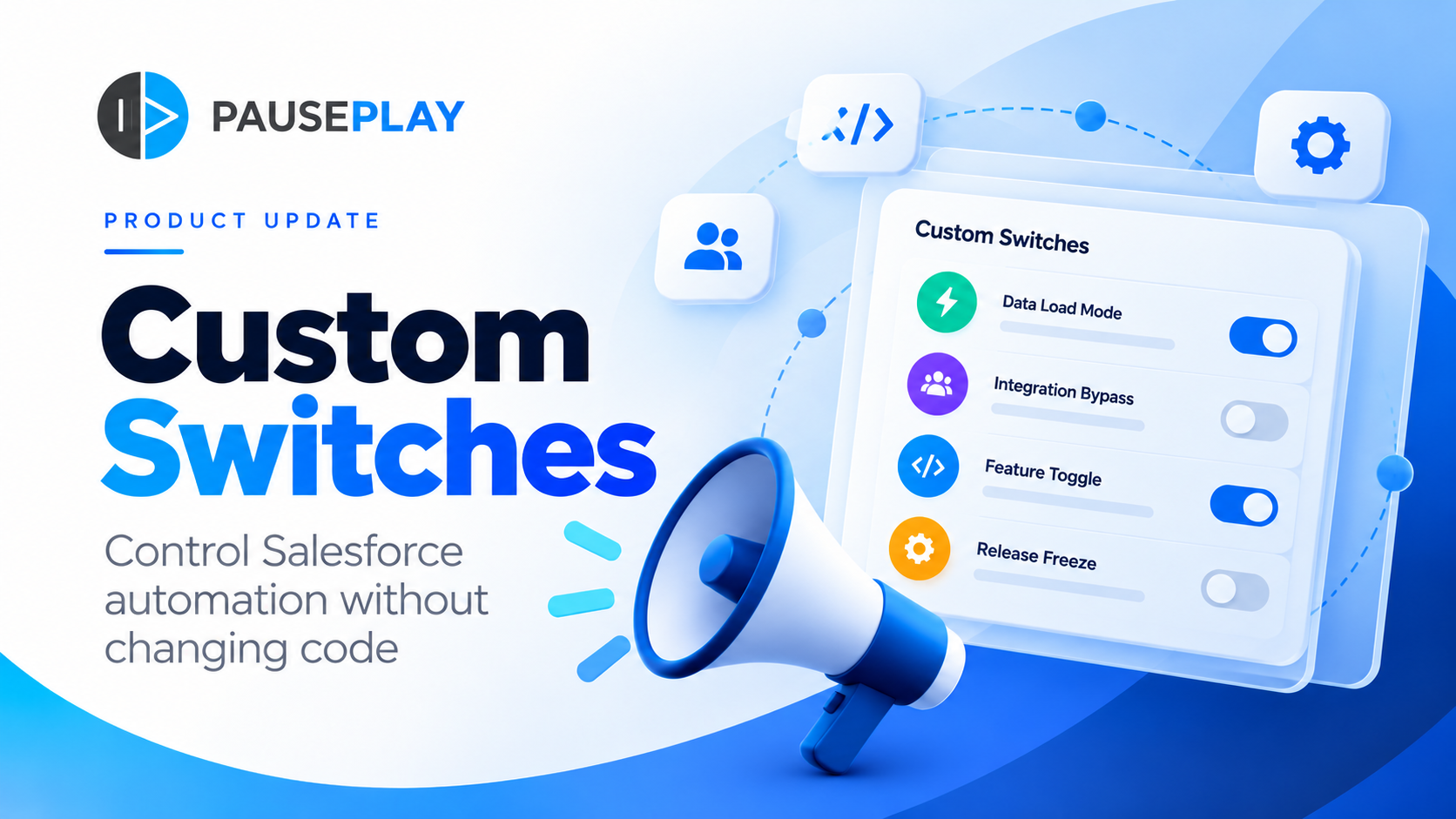
Introducing PausePlay Custom Switches: Control Salesforce Automation Without Changing Code
Meet PausePlay Custom Switches: control Salesforce automation by org, profile, group, permission set or user. Integrate with Apex and Flow, restore changes automatically, and manage connected orgs with Pro.