
Salesforce Order of Execution Explained (2026)
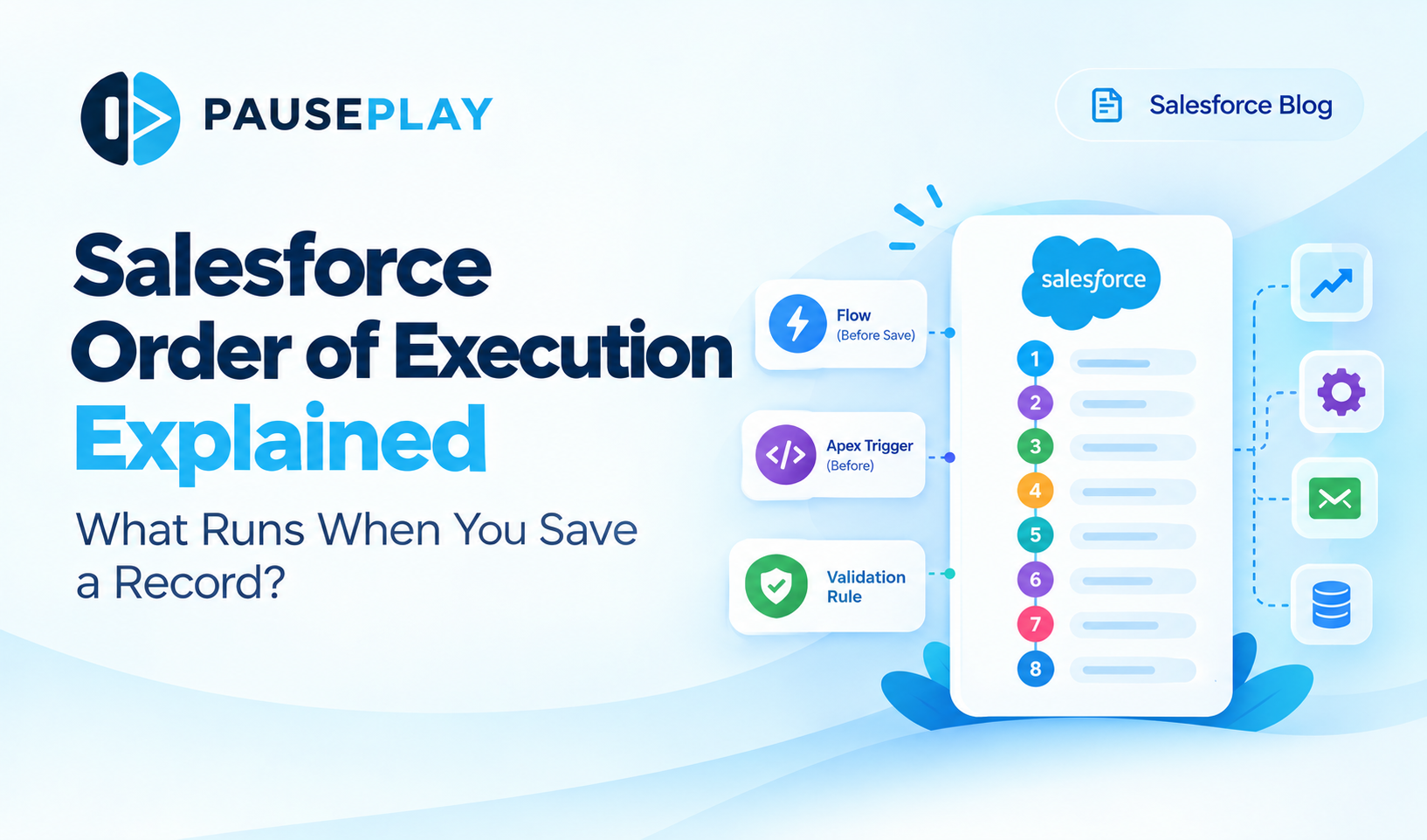
Salesforce Order of Execution Explained: What Runs When You Save a Record?
When you create or update a record in Salesforce, several things can happen behind the scenes. A record-triggered Flow might update a field, an Apex Trigger might run business logic, a validation rule might block the save, and another automation might update a related record.
But how does Salesforce decide what runs first?
It follows a defined sequence called the Salesforce Order of Execution.
Understanding this sequence helps Salesforce Admins, Developers, and Consultants troubleshoot automation issues, prevent unexpected field updates, and prepare for safer deployments and data imports.
In this guide, we'll explain the main stages of the order of execution, walk through a practical example, and share ways to manage automation more reliably.
What Is the Salesforce Order of Execution?
The Salesforce Order of Execution is the sequence Salesforce follows when processing a record save, such as when a user creates or updates an Account, Contact, Opportunity, or custom object.
During this process, Salesforce evaluates system rules, runs applicable Flows and Apex Triggers, checks validation rules, and performs other actions based on the record and its configuration.
The order matters because one automation can change data that another automation depends on.
For example, if a before-save Flow changes an Opportunity's Stage before the record is saved, a later automation may evaluate the updated value. If two automations update the same field at different stages, the final value may not be what you expected.
Salesforce defines this sequence in its official Apex Developer Guide.
The Salesforce Order of Execution, Simplified
The complete sequence contains more steps and exceptions than this overview. However, the following stages explain the main parts that Salesforce Admins and Developers should understand when working with record automation.
1. Salesforce prepares the record
Salesforce loads the existing record or initializes a new one, then applies the incoming field values.
Initial system checks take place before the record moves through its automation sequence.
2. Before-save record-triggered Flows run
Before-save Flows run before the record is saved to the database.
They are particularly useful when you need to update fields on the same record, such as setting a default value or calculating a field from other values.
For example, a before-save Flow could set an Opportunity's internal category based on its Type.
Because these Flows update the triggering record without requiring an additional record update, they can be more efficient than performing the same update through a separate after-save operation.
3. Before Apex Triggers run
Apex before triggers execute before the record is saved.
Developers commonly use them for more complex logic that needs to run before the save is completed.
The order between before-save record-triggered Flows and before Apex Triggers matters. If both modify or depend on the same field, their behavior should be reviewed carefully.
4. Validation rules and duplicate checks are evaluated
Salesforce evaluates custom validation rules and performs duplicate checks at the relevant stages of the save process.
If a validation rule fails, Salesforce can prevent the record from being saved and display an error.
For example, a validation rule might prevent an Opportunity from moving to Closed Won unless a required field has been completed.
This is one reason automation testing should include records that meet the expected criteria and records that should be rejected.
5. Salesforce saves the record, but the transaction is not yet committed
Salesforce performs the initial database save. At this point, the transaction has not necessarily been committed.
This distinction matters because additional automation and processing can still occur before the transaction completes. If an error causes the transaction to fail, changes made within that transaction can be rolled back.
6. After Apex Triggers run
After Apex Triggers execute after the record has been saved to the database, but before the transaction is committed.
They are often used when code needs access to the saved record's ID or needs to perform additional logic involving related records.
For example, an after trigger might create a related custom record when an Opportunity reaches a particular stage.
7. Assignment, auto-response, workflow, and other applicable automation runs
Depending on the object, configuration, and type of operation, Salesforce processes additional automation such as assignment rules, auto-response rules, workflow actions, and other legacy automation.
The exact position of each component depends on the documented execution sequence and its applicable conditions.
One important detail: Workflow Rules and Process Builder reached end of support on December 31, 2025, but existing automation can continue to run. Salesforce recommends moving legacy automation to Flow Builder.
8. After-save record-triggered Flows run
After-save Flows can do more than update the triggering record. They can create or update related records, send notifications, invoke actions, and perform other work supported by the Flow.
For example, when an Opportunity is marked Closed Won, an after-save Flow could create an onboarding task or update a related record.
If multiple record-triggered Flows run for the same object and trigger type, you can configure their relative order using Flow trigger ordering, within Salesforce's execution rules.
9. Additional processing takes place before commit
Salesforce can perform other applicable processing, including roll-up summary calculations and sharing-related work, before the transaction commits.
These steps help ensure that related calculations and access rules reflect the record changes.
10. The transaction commits and post-commit work begins
After the transaction completes successfully, Salesforce can execute post-commit work, such as asynchronous processing and other operations scheduled to run after the save.
Not every automation runs at the same stage. For example, asynchronous paths and scheduled paths have their own execution timing.
Important: This is a simplified learning guide, not the complete numbered sequence. Always consult the official Salesforce Order of Execution documentation when designing automation that depends on exact timing.
A Practical Example: Why Order of Execution Matters
Imagine your sales team updates an Opportunity in Salesforce.
The Opportunity has three automations:
Flow A: A before-save Flow sets a field called
Deal_Category__c.Apex Trigger: A before trigger checks the Opportunity's values and applies additional business logic.
Flow B: An after-save Flow creates an onboarding task when the Opportunity becomes Closed Won.
When a user saves the Opportunity, these automations do not simply run in the order someone created them.
The before-save Flow runs before the before Apex Trigger. Later, after the record is saved, the after-save Flow can perform its related-record action if its entry conditions are met.
Now imagine Flow A sets a field that the Apex Trigger expects to contain a different value. Or Flow B updates a related record that has its own automation.
The result may be unexpected unless the dependencies and execution stages have been considered.
This is why troubleshooting requires more than opening one Flow and checking its logic. You need to understand the wider automation affecting the record.
Common Problems Caused by Order of Execution
Multiple automations update the same field
A Flow and an Apex Trigger may both change the same field. A later update can affect the final value, so identify every automation that writes to that field.
A validation rule blocks a record save
An automation may change a value that causes a validation rule to fail. Review the rule's conditions alongside the automation's timing and the data being saved.
One automation triggers another
An after-save Flow may update a related record, which starts another set of automations for that record. These dependencies can make troubleshooting difficult and, in poorly designed systems, contribute to repeated processing.
Automation behaves differently during a data import
A data load can process many records and invoke the automation associated with each record operation. An import that works for a small sample may expose performance issues, unexpected updates, or dependencies when run at scale.
A deployment changes automation behavior
A newly deployed Flow, Trigger, or Validation Rule can affect existing processes. If the change interacts with other automation, records may behave differently after deployment than they did before it.
For related guidance, read Bulk Disable and Re-Enable Salesforce Triggers, Flows, and Validation Rules.
How to Troubleshoot Salesforce Automation More Effectively
When a record does not behave as expected, use a consistent troubleshooting process.
1. Identify the record operation. Determine whether the issue occurs when creating, updating, deleting, or processing records through an integration or import.
2. Review the automation on the object. Check active record-triggered Flows, Apex Triggers, validation rules, and any relevant legacy automation.
3. Check entry conditions. Confirm which automations should run for the record and which conditions they evaluate.
4. Review field dependencies. Look for multiple automations that read or update the same fields, especially when they run at different stages.
5. Use Flow Trigger Explorer and debugging tools. Flow Trigger Explorer helps you review and manage the order of supported record-triggered Flows for an object. Use Flow debugging, debug logs, and controlled tests to investigate the behavior of individual components.
6. Test in a sandbox. Reproduce the problem with representative records before changing production automation. Test both successful and unsuccessful save scenarios.
7. Review the wider transaction. If the problem persists, investigate related-record updates, asynchronous work, integrations, and other processes that may be involved.
For a deeper comparison of automation choices, see Apex Triggers vs. Flows in 2026: Which Should You Use?.
Why Automation Management Matters During Deployments and Data Loads
Understanding the order of execution helps explain what happens when a record is saved. But teams also need to manage which automations are active when they deploy changes or import data.
For example, a migration may update thousands of records. If several active automations run on each record, the operation can trigger additional updates, create related records, send notifications, or encounter validation errors.
Simply deactivating every automation is not a safe solution. Some rules may be essential to data integrity or business operations, and changing their state without a plan can introduce new problems.
A safer approach is to:
Identify which automations are relevant to the operation.
Understand their dependencies and purpose.
Decide which, if any, need to be temporarily deactivated.
Record their original activation states.
Test the operation and restore the intended states afterward.
Verify the results and check for errors.
PausePlay helps Salesforce teams manage selected Flows, Apex Triggers, and Validation Rules during deployments and data operations. The goal is to make automation changes easier to control, so teams can focus on the operation without losing track of the automation states they need to restore.
Learn more at PausePlay.
Frequently Asked Questions
Does Salesforce always run automation in the order I created it?
No. Salesforce follows a defined order of execution. For supported before-save and after-save record-triggered Flows on the same object, you can configure trigger order, but that setting does not override the overall platform execution sequence.
Do before-save Flows run before Apex Triggers?
Before-save record-triggered Flows run before before Apex Triggers in the record-save process. After-save Flows run later, after the record has been saved and after other applicable stages that precede them.
Can two Apex Triggers on the same object have a guaranteed execution order?
Salesforce does not guarantee the order in which multiple Apex Triggers in the same trigger group execute. If logic depends on a specific sequence, use an appropriate design that coordinates that logic rather than relying on trigger creation order.
Why can a record save fail even when a Flow appears to run correctly?
A validation rule, duplicate rule, or another part of the transaction may prevent the save. An automation can also change values that affect later checks. Review the error, relevant conditions, and the full sequence rather than investigating the Flow in isolation.
Does Order of Execution matter during data migration?
Yes. Data imports can invoke record automation, and that automation may update other records or perform additional actions. Understanding execution order helps teams plan imports, test dependencies, and reduce unexpected results.
Final Thoughts
The Salesforce Order of Execution is more than a sequence to memorize for an exam. It is a practical tool for understanding how Flows, Apex Triggers, validation rules, and other automation interact when records change.
When you know what runs first, what runs later, and which automations depend on each other, you can troubleshoot more confidently and make safer decisions during deployments and data operations.
Start by reviewing the automation on your most frequently updated objects. Identify overlapping logic, test important dependencies, and document the changes your team makes.
The clearer your automation landscape is, the easier it becomes to maintain a reliable Salesforce environment.
Explore More
Related Posts
I forgot to Turn it Back On: Salesforce Automation
Forgot to reactivate a Salesforce Flow, Trigger, or Validation Rule after a deployment? Learn how to track automation states and restore them safely.
PausePlay 0.22.0-2 Release Notes: Meliv AI
Discover what's new in PausePlay 0.22.0-2: Meliv AI, multi-object Salesforce automation analysis, risk recommendations, and guided configuration creation.

Meet Meliv: AI-Powered Salesforce Automation Analysis
Meet Meliv, the new PausePlay AI assistant. Analyze Salesforce Flows, Triggers and Validation Rules, understand risks and create automation configurations.