
Disable Salesforce Automations in Bulk
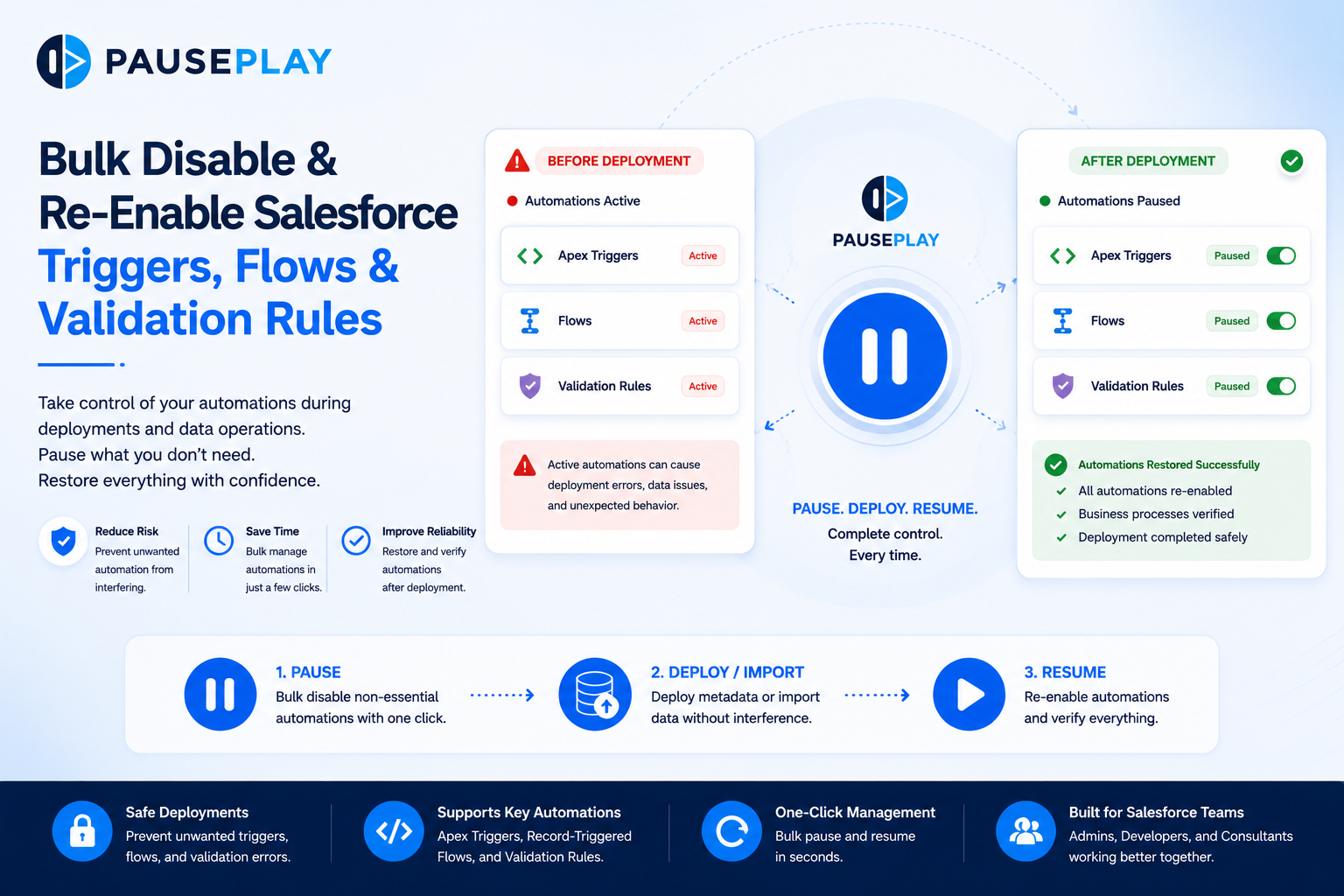
Bulk Disable & Re-Enable Salesforce Triggers, Flows & Validation Rules
Managing a Salesforce deployment involves more than just moving metadata from one environment to another. One of the biggest challenges is controlling the automations that continue running while changes are being deployed.
In many organizations, a single deployment can interact with dozens of Apex Triggers, Flows, and Validation Rules. If these automations remain active when they shouldn't, they can interfere with data imports, testing, and deployments, leading to unexpected errors and unnecessary troubleshooting.
Knowing when and how to temporarily disable and restore these automations is an important part of every Salesforce release process.
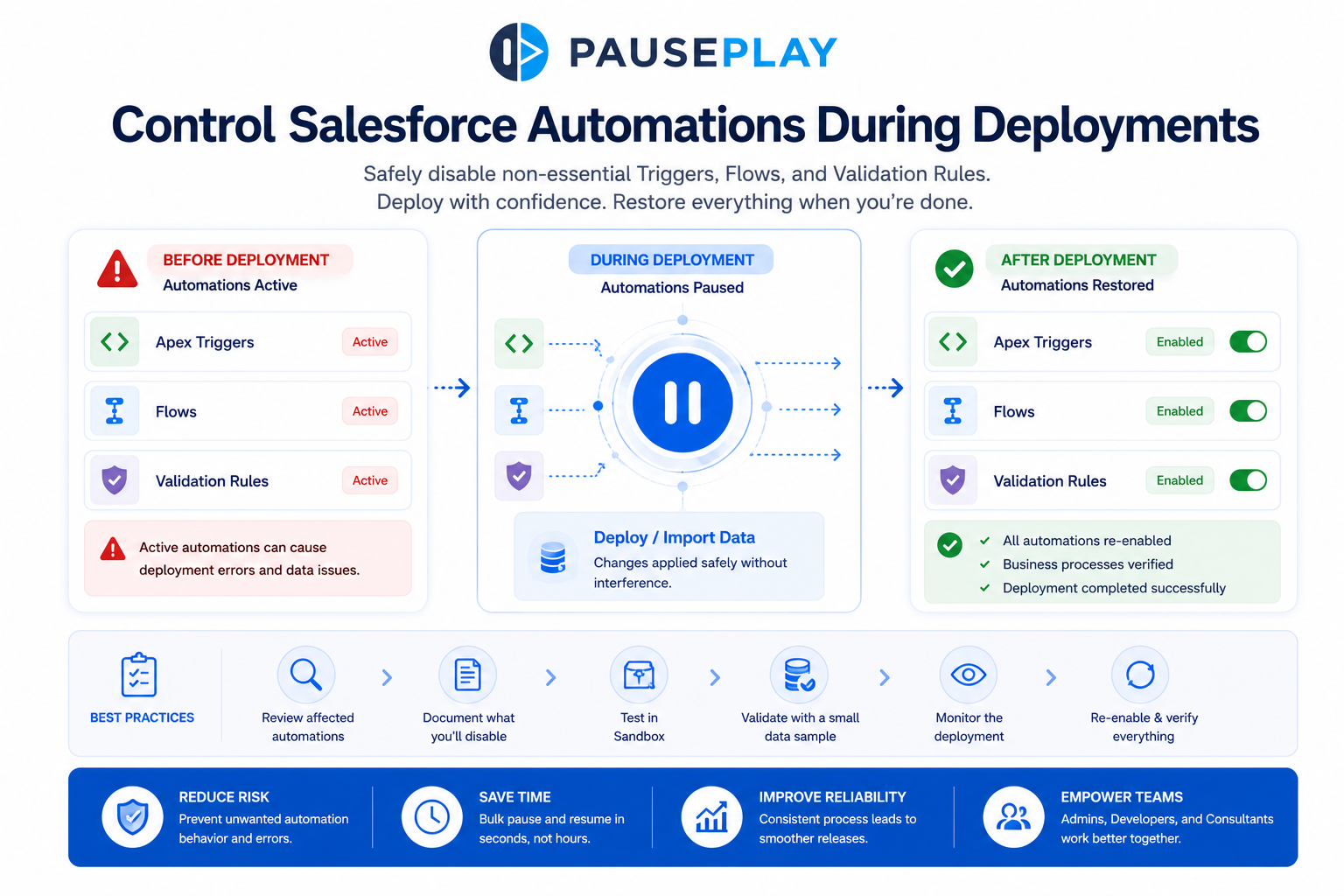
Why Teams Disable Automations During Deployments
Salesforce automations exist to protect data and automate business processes. However, during deployments or large data operations, they can sometimes create the opposite effect.
For example, importing thousands of records while validation rules and triggers are active may result in:
Failed data imports
Unexpected record updates
Trigger execution errors
Validation rule failures
Longer deployment times
In these situations, temporarily disabling selected automations helps create a controlled environment where changes can be applied safely.
The key is knowing which automations should remain active and which can be paused without affecting critical business operations.
Which Automations Should You Review?
Before starting a deployment or data operation, review the automations that interact with the records you're modifying.
Common automations include:
Apex Triggers
Record-Triggered Flows
Validation Rules
Not every automation needs to be disabled. Some validation rules protect data integrity, while certain triggers may be essential to system functionality. Understanding these dependencies helps reduce unnecessary risks.
Best Practices for Managing Automations
Whether you're deploying metadata or importing data, following a structured process makes deployments more predictable.
Before starting:
Review the automations that will be affected.
Document what will be temporarily disabled.
Test the deployment in a Sandbox.
Validate the expected results using a small data sample.
During deployment:
Disable only the automations that are not required.
Monitor the deployment for errors.
Keep track of every change made.
After deployment:
Re-enable all paused automations.
Verify that business processes are functioning normally.
Review deployment logs and test key workflows.
Following the same process every time reduces mistakes and makes deployments easier to repeat.
Why Manual Automation Management Becomes Difficult
In small Salesforce organizations, manually enabling and disabling automations may only take a few minutes.
As an organization grows, however, the number of Flows, Triggers, and Validation Rules increases significantly. Finding each one in Setup, remembering its previous state, and restoring everything afterward becomes both time-consuming and error-prone.
This is one of the reasons many Salesforce teams standardize how they manage automations during deployments instead of relying on manual steps.
Final Thoughts
Managing Salesforce automations isn't about turning everything off. It's about maintaining control during the moments that matter most.
By reviewing affected automations, following a consistent deployment process, and restoring everything once the work is complete, teams can reduce deployment risks, save time, and improve release reliability.
PausePlay simplifies this process by giving Salesforce Admins and Developers a safer, more efficient way to temporarily pause and restore Triggers, Flows, and Validation Rules during deployments and data operations
Frequently Asked Questions
Why would I disable Salesforce automations during a deployment?
Temporarily disabling selected automations can prevent unexpected record updates, validation errors, and deployment conflicts during large changes or data operations.
Should every Trigger, Flow, and Validation Rule be disabled?
No. Only automations that could interfere with the deployment should be paused. Critical business processes and data integrity checks should remain active where appropriate.
Is manually disabling automations a good long-term approach?
It works for small environments, but as Salesforce organizations grow, manual management becomes more time-consuming and increases the risk of forgetting to restore important automations.
How can teams simplify automation management?
Using a structured deployment process and automation management tools like PausePlay helps teams safely pause and restore automations while reducing deployment risks.
Explore More
Related Posts
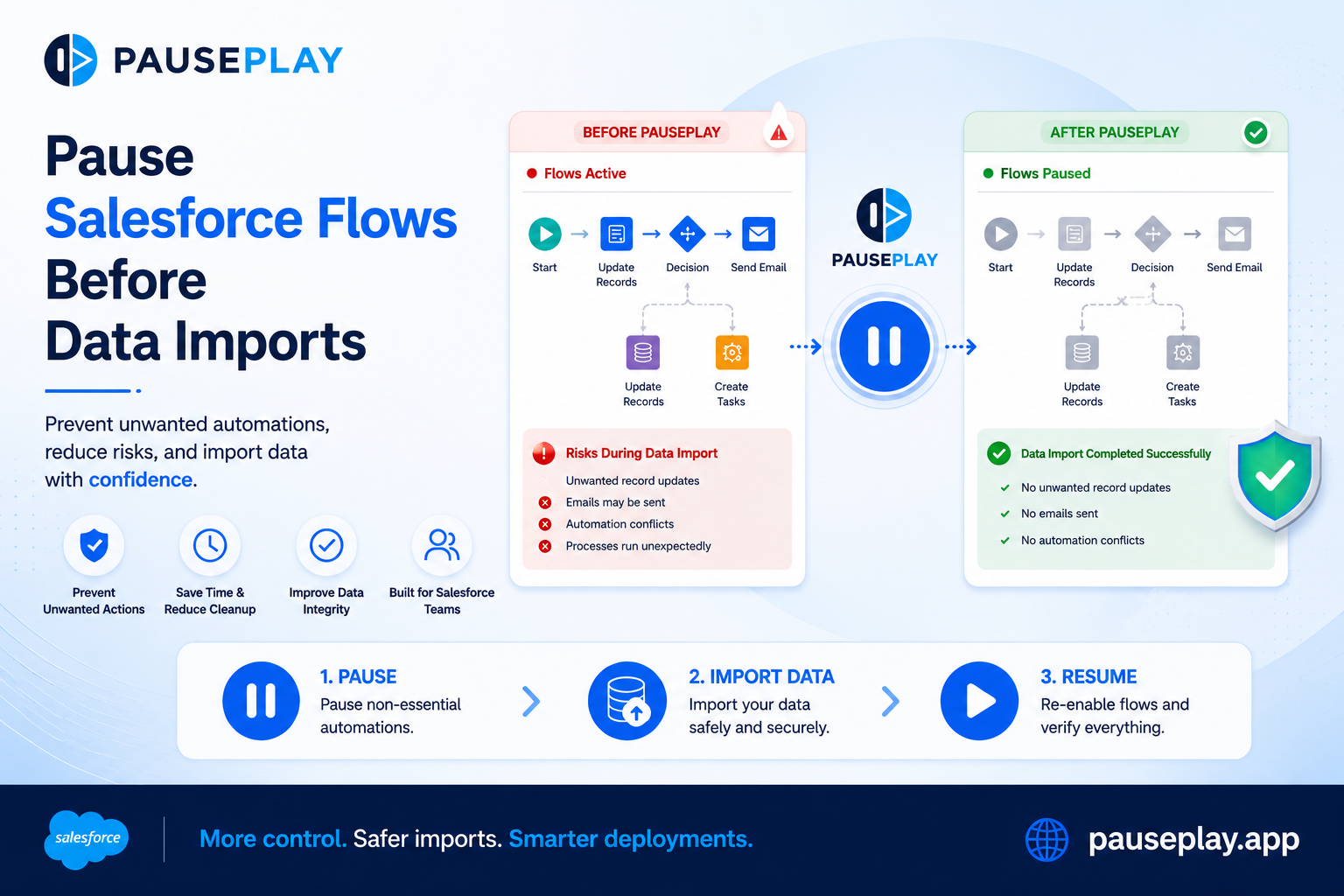
Pause Salesforce Flows Before Data Imports
Learn how to safely deactivate Salesforce Flows before data imports to prevent unwanted automations, record updates, and deployment issues.

Why Your Data Migration Sent 40,000 Emails
Prevent unwanted emails during Salesforce data migrations. Pause flows, triggers, and validation rules, then restore them safely with PausePlay.
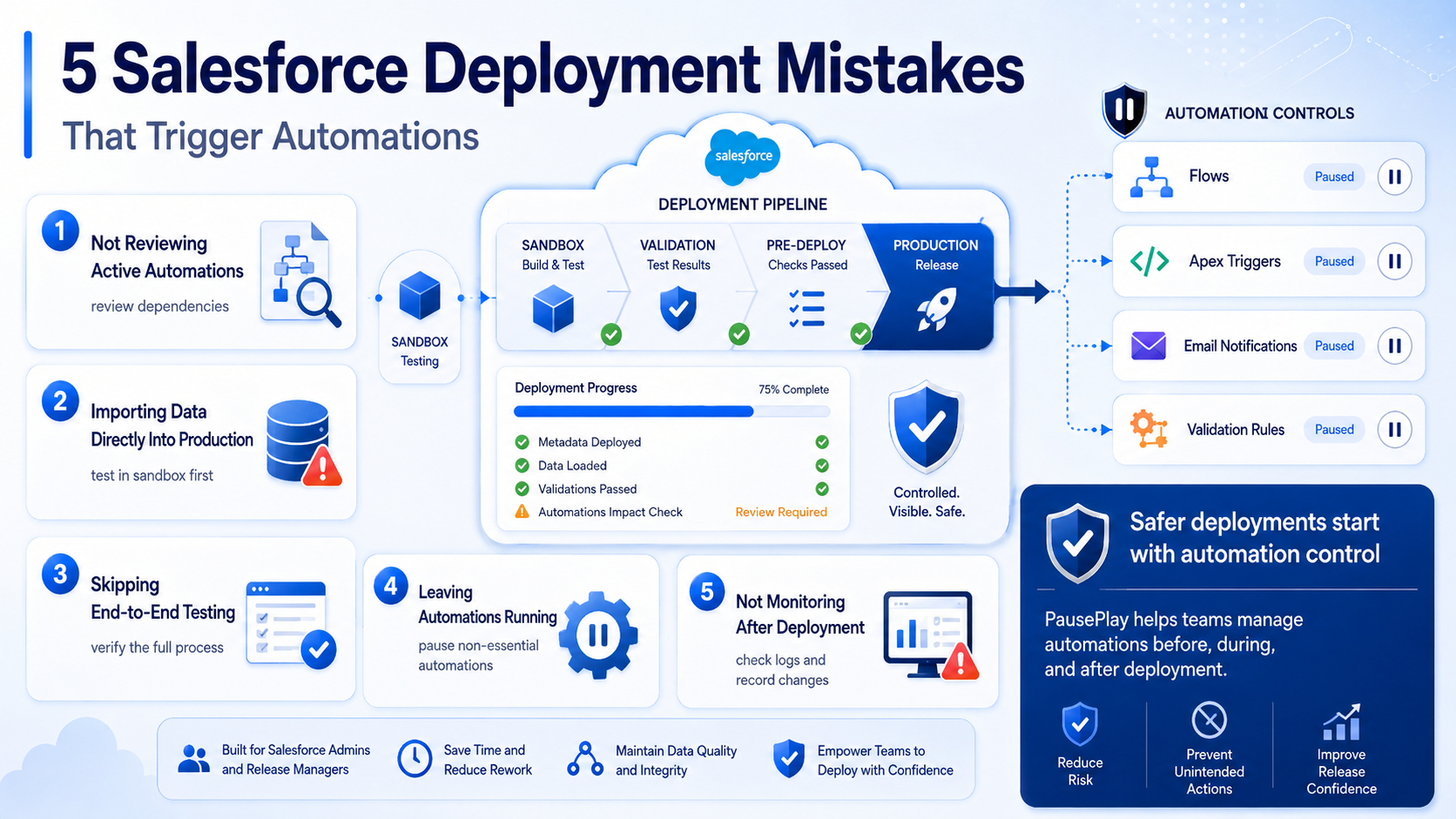
Avoid These 5 Salesforce Deployment Mistakes
Discover five common Salesforce deployment mistakes that trigger unwanted automations and learn practical ways to prevent deployment issues.