
Avoid These 5 Salesforce Deployment Mistakes
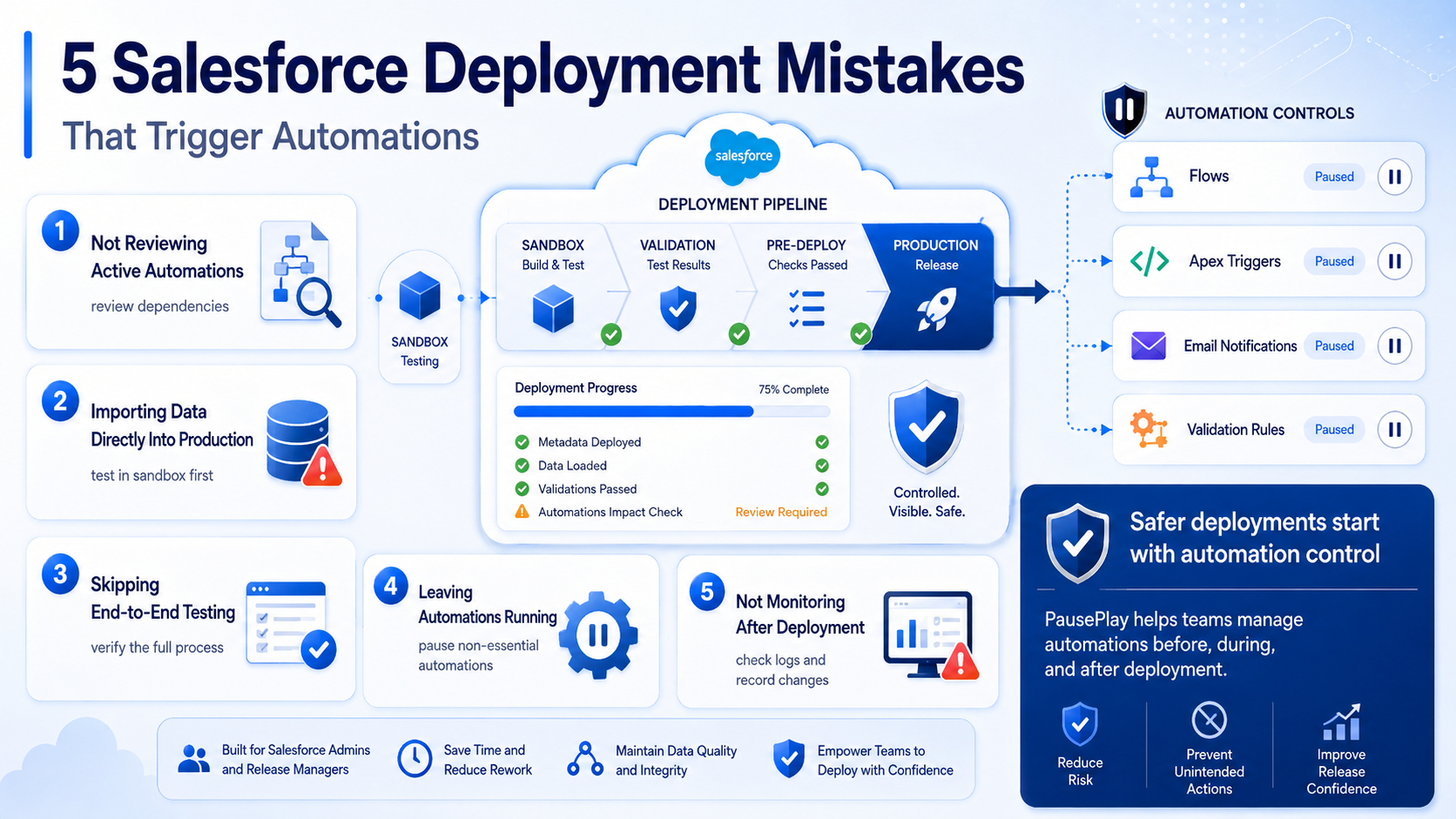
5 Salesforce Deployment Mistakes That Trigger Automations
Salesforce deployments can quickly become messy when automations keep running in the background. Unexpected emails, record updates, and workflows can create delays and unnecessary troubleshooting.
Here are five common mistakes to avoid.
1. Not Reviewing Active Automations
Flows, Workflow Rules, and Apex Triggers may react to deployment changes unexpectedly.
How to avoid it:
Review active automations.
Identify dependencies.
Use a deployment checklist.
2. Importing Data Directly Into Production
Large data imports can trigger emails, approvals, and record updates.
How to avoid it:
Test in a Sandbox first.
Validate your data.
Monitor automation activity.
3. Skipping End-to-End Testing
A deployment may look successful while hidden automations continue creating issues.
How to avoid it:
Test the entire process.
Verify automation behavior.
Include business users in testing.
4. Leaving Automations Running
Active automations can cause duplicate records and workflow conflicts.
How to avoid it:
Pause non-essential automations. (Learn how you can pause automations)
Reactivate them after deployment.
Tools like PausePlay help teams manage this process more safely.
5. Not Monitoring After Deployment
Unexpected automation behavior can still occur after release.
How to avoid it:
Review logs.
Check for unexpected record changes.
Validate critical processes.
Final Thoughts
Salesforce automations are powerful, but they require proper management during deployments. Reviewing automations, testing thoroughly, and monitoring results can significantly reduce deployment risks.
Want safer and more predictable Salesforce deployments? Learn more about PausePlay and join the beta program today.
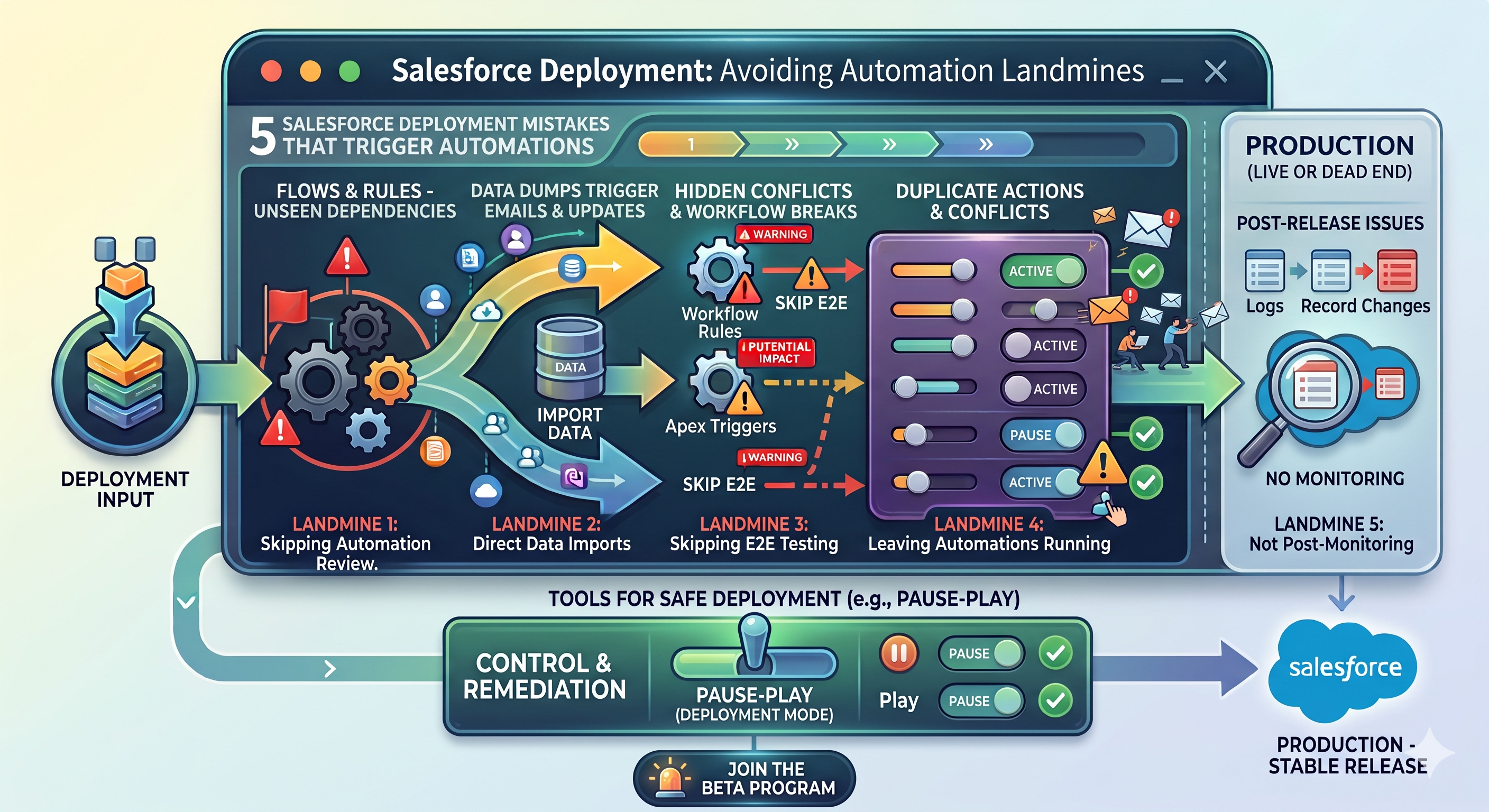
Frequently Asked Questions
Can Salesforce Flows interfere with deployments?
Yes. Active Flows can trigger unexpected actions if not properly managed.
Should automations be paused during deployments?
Often, yes. Temporarily pausing non-essential automations can help prevent unintended behavior. (Learn more about how to temporarily disable salesforce automations)
How can teams reduce deployment risks?
Use deployment checklists, test thoroughly, and actively manage automations before and after releases.
Explore More
Related Posts
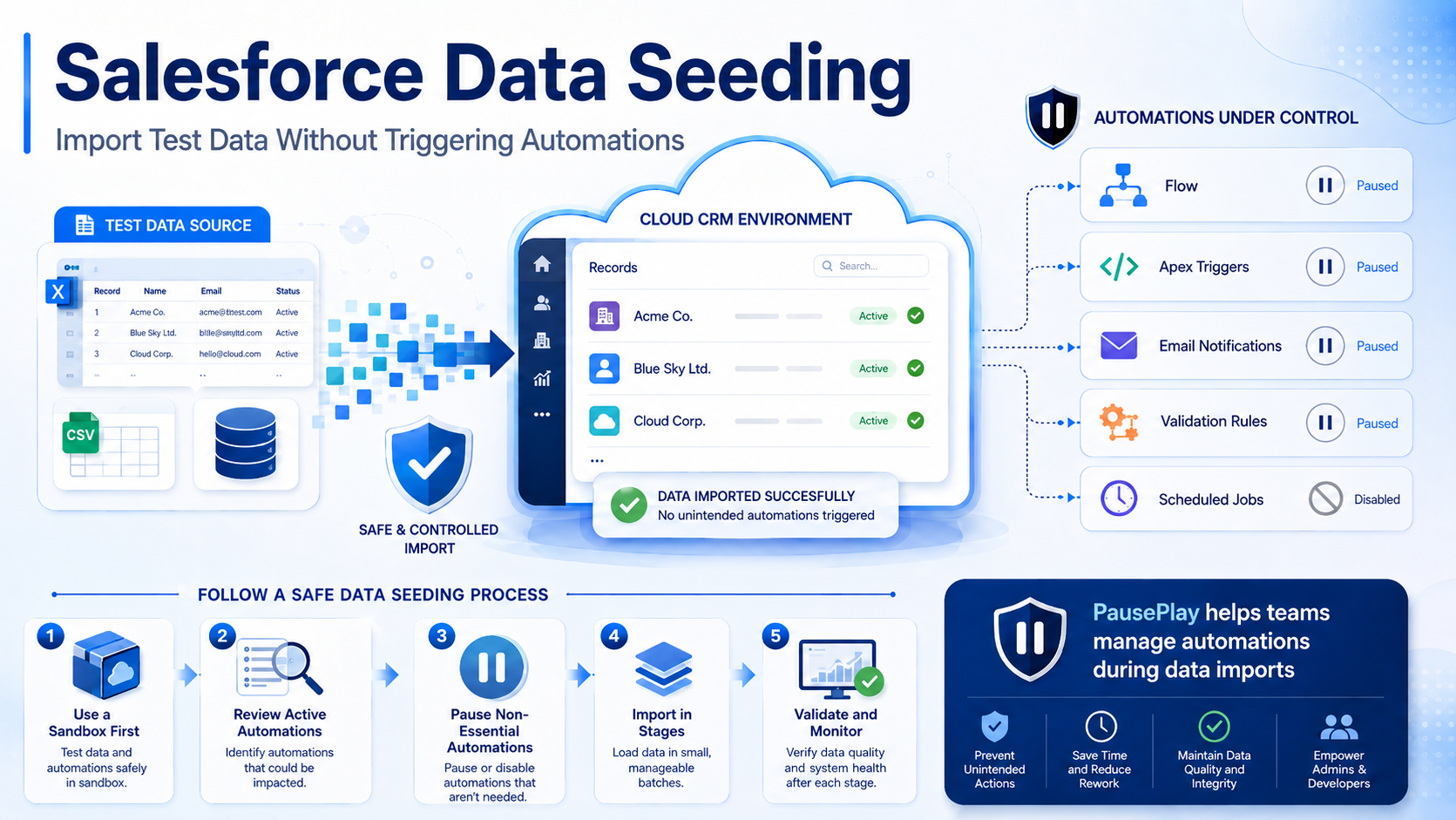
Salesforce Data Seeding: Import Test Data Safely
Learn Salesforce data seeding best practices and discover how to import test data without triggering unwanted automations or workflows.

Why Your Data Migration Sent 40,000 Emails
Prevent unwanted emails during Salesforce data migrations. Pause flows, triggers, and validation rules, then restore them safely with PausePlay.
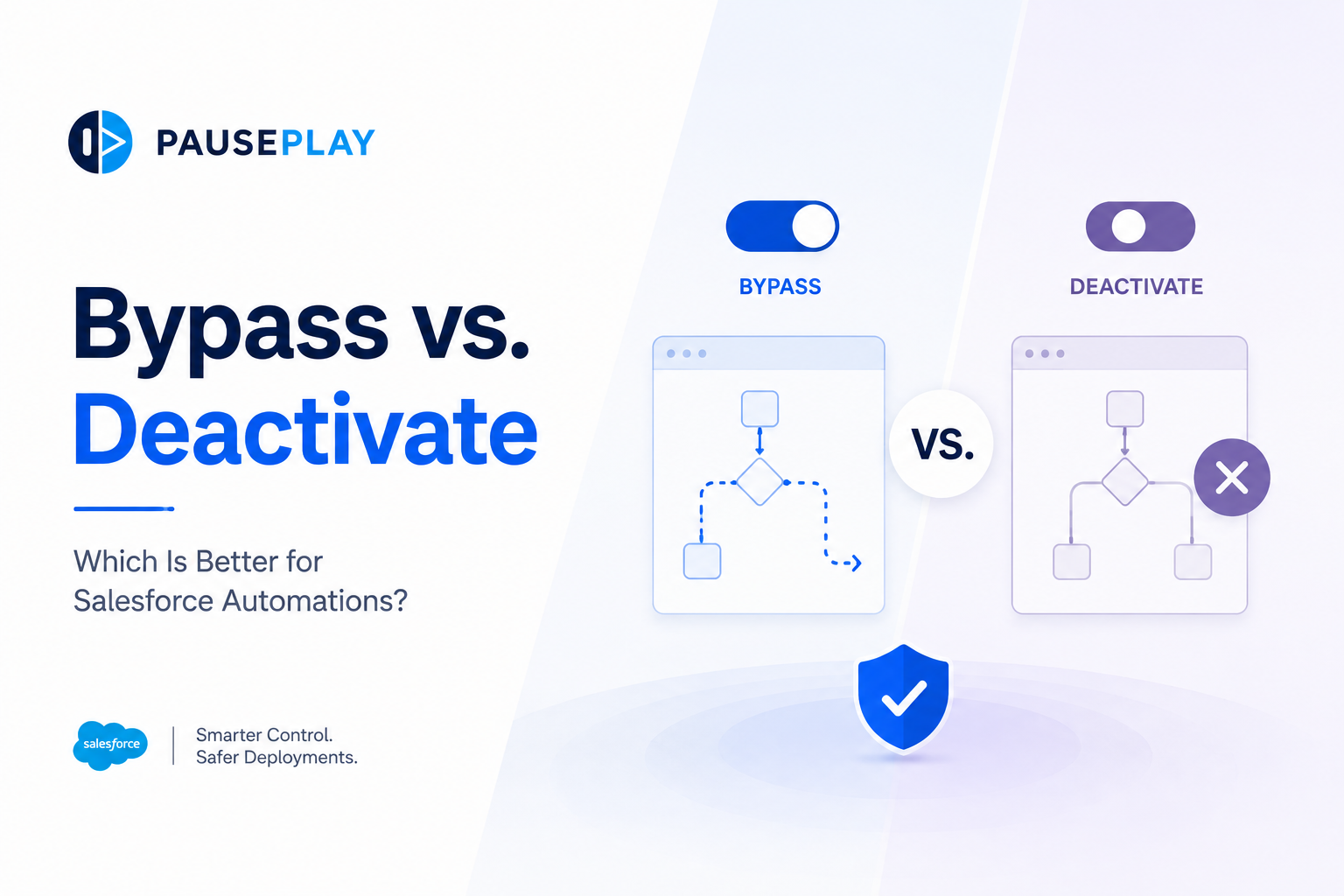
Bypass vs. Deactivate: Which Is Better for Salesforce Automations?
Should you bypass automations or deactivate them during deployments and data operations? Learn the differences, when to use each approach, and the risks to avoid.