
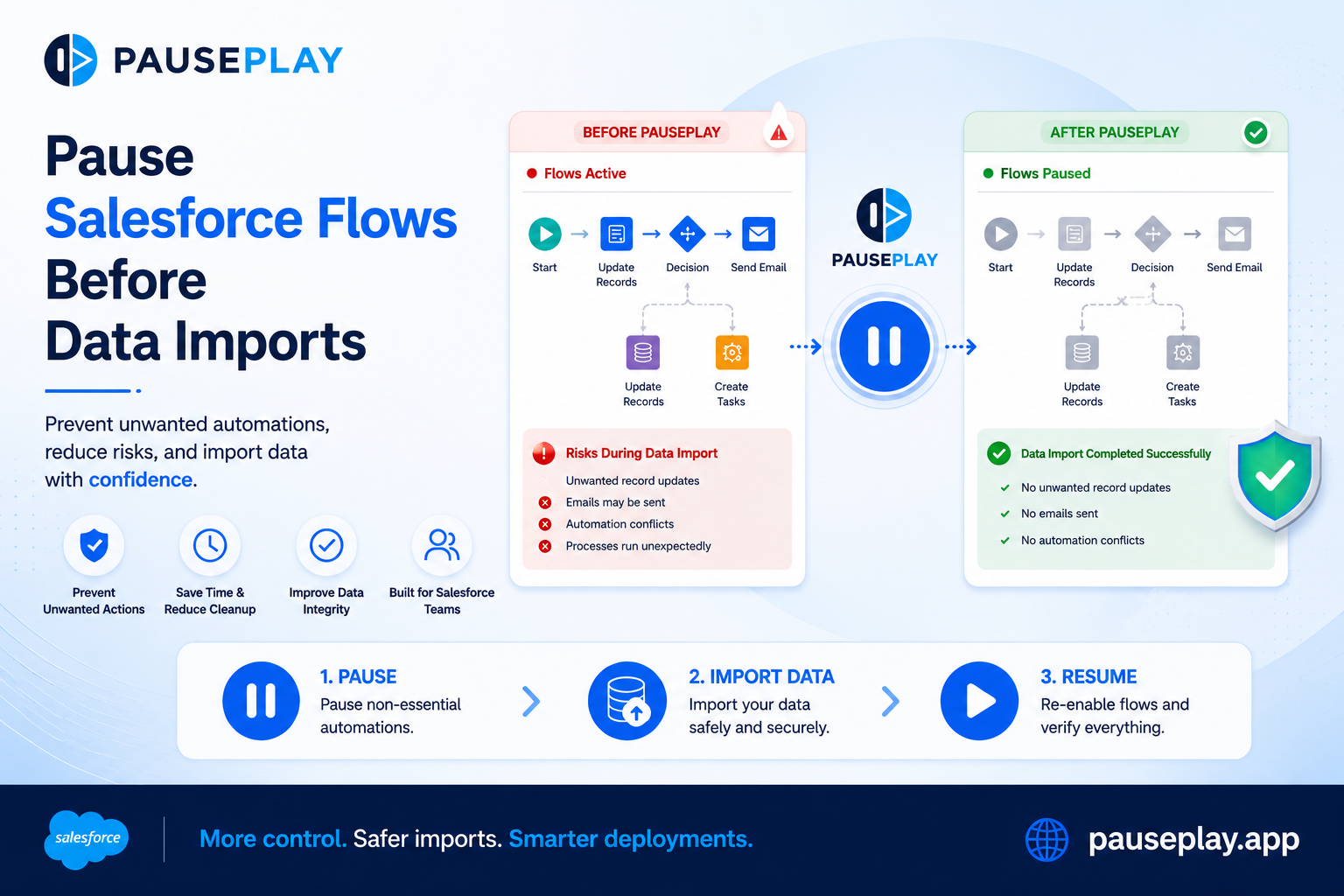
Pause Salesforce Flows Before Data Imports
How to Safely Deactivate a Salesforce Flow Before a Data Load
Importing data into Salesforce is something every Admin and Developer does regularly, whether it's migrating records, updating customer information, or preparing a Sandbox for testing. While the data itself is usually the focus, there's another part of the process that is often overlooked: the automations that react to every record you import.
A single import can trigger dozens or even hundreds of Flows, Apex Triggers, Validation Rules, and other automations. If those automations aren't expected to run during the import, they can create duplicate records, send emails, update related objects, or even cause the import to fail.
Understanding when and how to manage these automations is an important part of maintaining a healthy Salesforce environment.
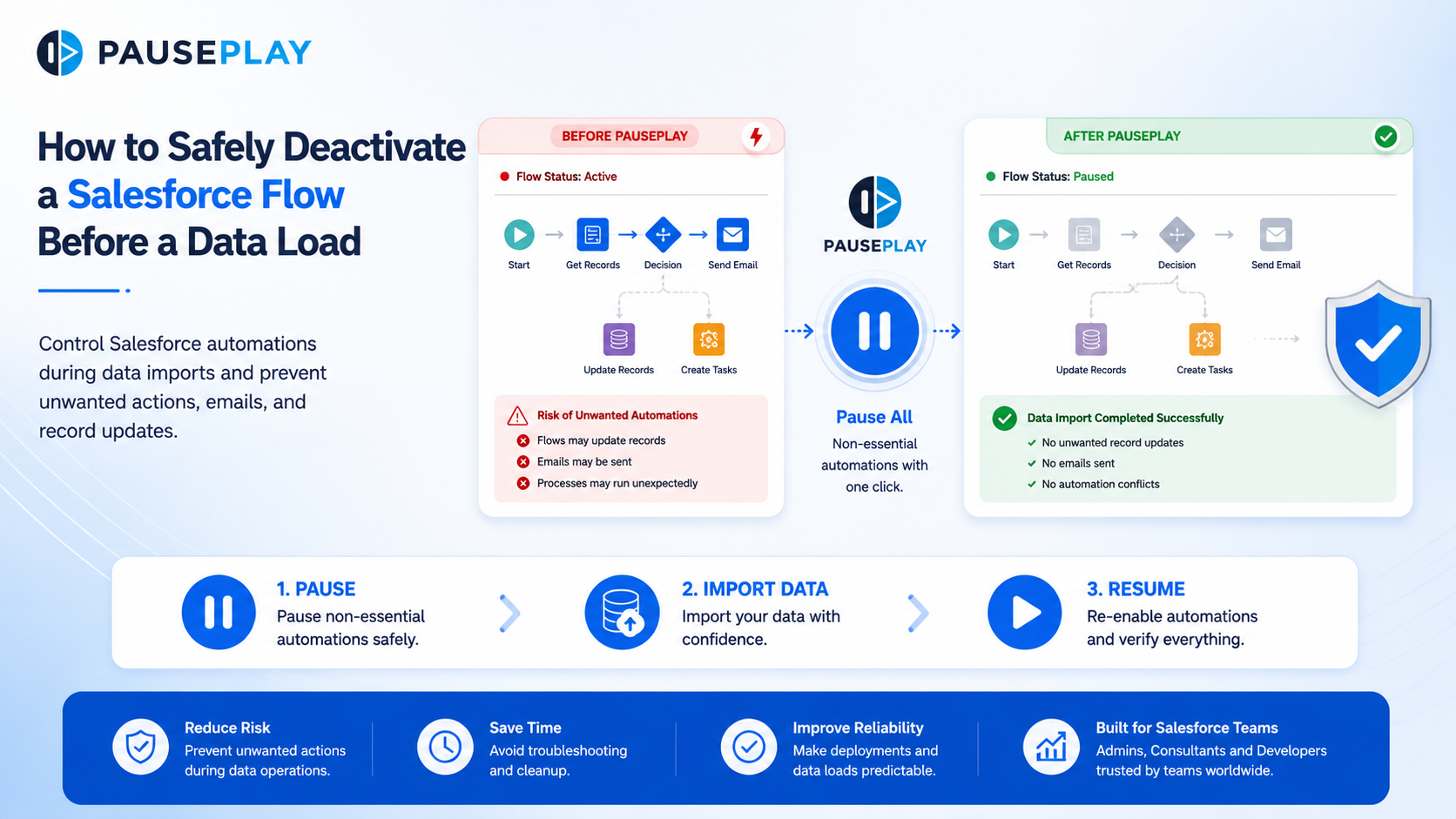
Why Flows Can Become a Problem During Data Loads
Record-triggered Flows are designed to respond whenever a record is created or updated. During a bulk import, Salesforce treats every imported record just like a normal user action.
For example, imagine you're importing 20,000 Contact records. If there's a Flow that sends a welcome email whenever a new Contact is created, Salesforce will attempt to execute that Flow 20,000 times.
The result could be:
Thousands of unnecessary emails
Unexpected record updates
Longer processing times
Failed imports due to automation errors
Hours spent investigating what went wrong
The issue isn't the Flow itself. The issue is when it's allowed to run.
When Should You Deactivate a Flow?
Not every Flow should be disabled during a data load. Some automations are essential to maintaining data quality or enforcing business rules.
Consider temporarily deactivating a Flow when:
You're importing historical or legacy data.
You're performing large migration projects.
You're testing data in a Sandbox.
The Flow performs actions that aren't needed during the import, such as sending emails or creating follow-up tasks.
Always review the business impact before disabling any automation.
Best Practices Before Starting a Data Load
A little preparation can prevent major issues later.
Before importing data:
Review all Flows that interact with the object you're importing.
Test the process in a Sandbox.
Document which automations will be paused.
Validate the import with a small batch first.
Monitor the results before importing the remaining records.
These steps reduce risk and make troubleshooting much easier if something goes wrong.
Don't Forget to Restore Your Automations
One of the biggest mistakes teams make is remembering to disable automations but forgetting to turn them back on.
After the import:
Confirm the data imported successfully.
Verify related business processes.
Reactivate any paused automations.
Perform a final validation to ensure everything is functioning as expected.
Having a documented deployment process helps ensure nothing is missed.
PausePlay helps Salesforce teams manage this process more efficiently by giving Admins and Developers a safer, simpler way to control automations before, during, and after deployments and data operations..
Final Thoughts
Managing a successful data load isn't just about importing records. It's about understanding how Salesforce automations interact with those records and planning accordingly.
By reviewing your Flows, testing beforehand, and temporarily pausing non-essential automations when appropriate, you can reduce deployment risks and keep your Salesforce environment stable.
Explore More
Related Posts
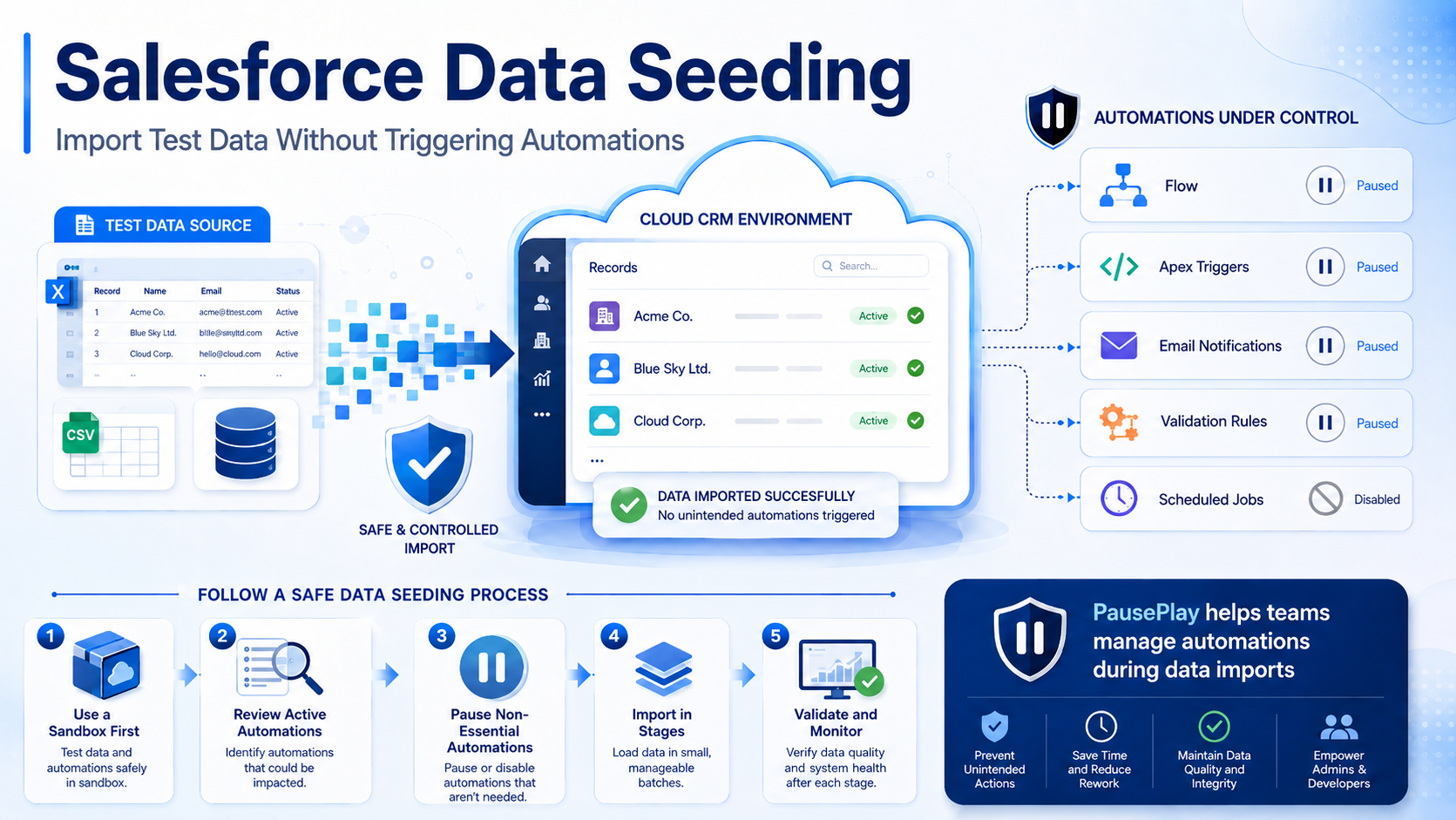
Salesforce Data Seeding: Import Test Data Safely
Learn Salesforce data seeding best practices and discover how to import test data without triggering unwanted automations or workflows.
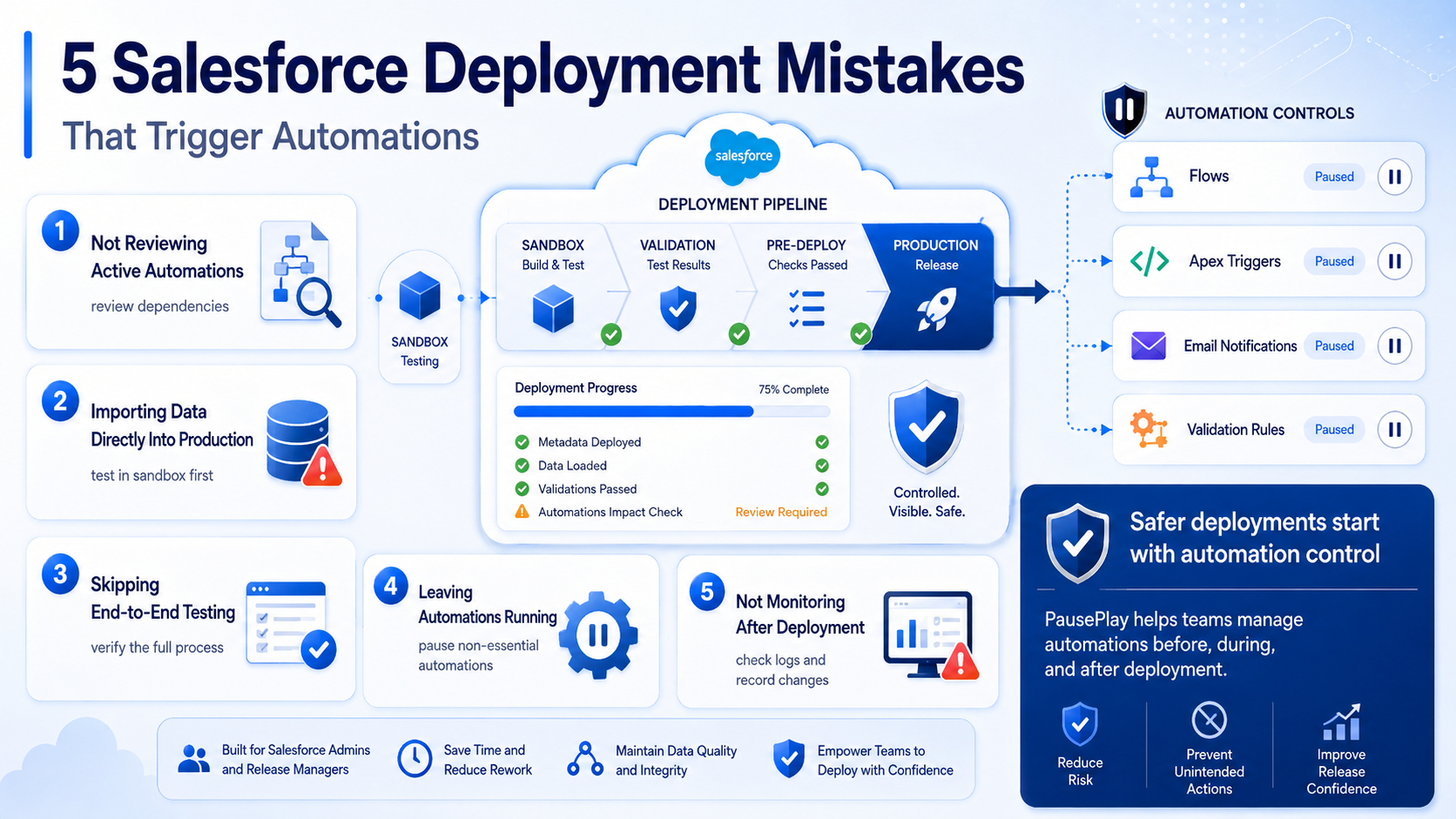
Avoid These 5 Salesforce Deployment Mistakes
Discover five common Salesforce deployment mistakes that trigger unwanted automations and learn practical ways to prevent deployment issues.
Bypass vs. Deactivate: Which Is Better for Salesforce Automations?
Should you bypass automations or deactivate them during deployments and data operations? Learn the differences, when to use each approach, and the risks to avoid.