
Why Your Data Migration Sent 40,000 Emails

Why Your Data Migration Sent 40,000 Emails
Data migrations are supposed to move records from one system to another.
But when automations remain active, a routine import can quickly turn into a flood of emails, record updates, tasks, approvals, and unexpected errors.
That is how a data migration can end up sending 40,000 emails.
The Real Problem Is Not the Data
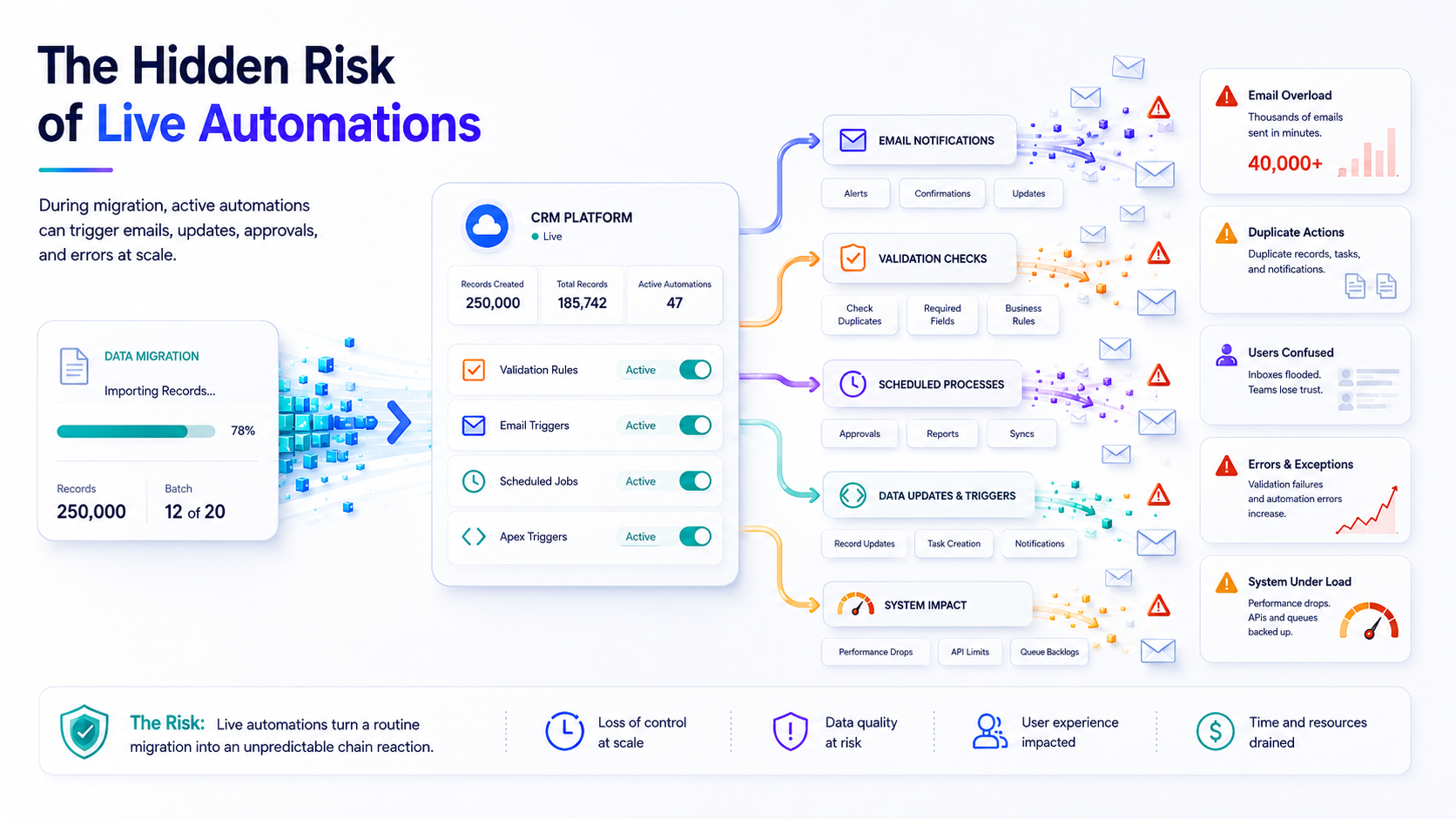
The imported data is often not the issue.
The problem is everything that reacts to it.
When thousands of records are created or updated, active automations may treat every change as a normal business event. Flows start running. Apex triggers execute. Validation rules evaluate records. Notifications are sent. Scheduled processes and other dependent automations may also become involved.
A single imported record may trigger several actions.
Multiply that by 10,000, 50,000, or 250,000 records, and the consequences can escalate quickly.
What Can Go Wrong? Thousands of Emails Are Sent
A flow or trigger designed to send a confirmation email may run for every imported record.
Instead of one controlled communication, customers, employees, or partners may receive thousands of duplicate or irrelevant emails.
This can damage trust and create unnecessary work for support teams.
Records Are Updated More Than Once
Automations can create additional updates after the original data import.
Those updates may activate other automations, creating a chain reaction that becomes difficult to trace.
Tasks and Notifications Are Duplicated
Flows may create tasks, alerts, approvals, or internal notifications for each imported record.
Teams may return to work and find their inboxes, task lists, and queues filled with actions that should never have been created.
Validation Rules Block the Migration
Validation rules that make sense during normal user activity may prevent historical or incomplete data from being imported.
This can lead to failed records, partial migrations, and repeated troubleshooting.
The System Comes Under Unnecessary Load
Large imports already require significant system resources.
When every record also activates multiple automations, processing slows down, queues grow, and failures become more likely.
Why Manual Deactivation Is Risky
The usual approach is to manually deactivate every relevant automation before a migration and reactivate it afterwards.
That sounds simple until you have to manage:
Multiple flows
Apex triggers
Validation rules
Workflow rules
Scheduled jobs
Dependencies across several objects
The bigger challenge is remembering exactly what was active before the migration.
If the team forgets to reactivate one important process, the migration may be complete, but normal business operations remain broken.
If something is reactivated too early, the automation problems may begin again before the migration has finished.
Manual tracking with spreadsheets, screenshots, and checklists is possible, but it introduces another opportunity for human error.
A Safer Process: Pause, Migrate, Resume
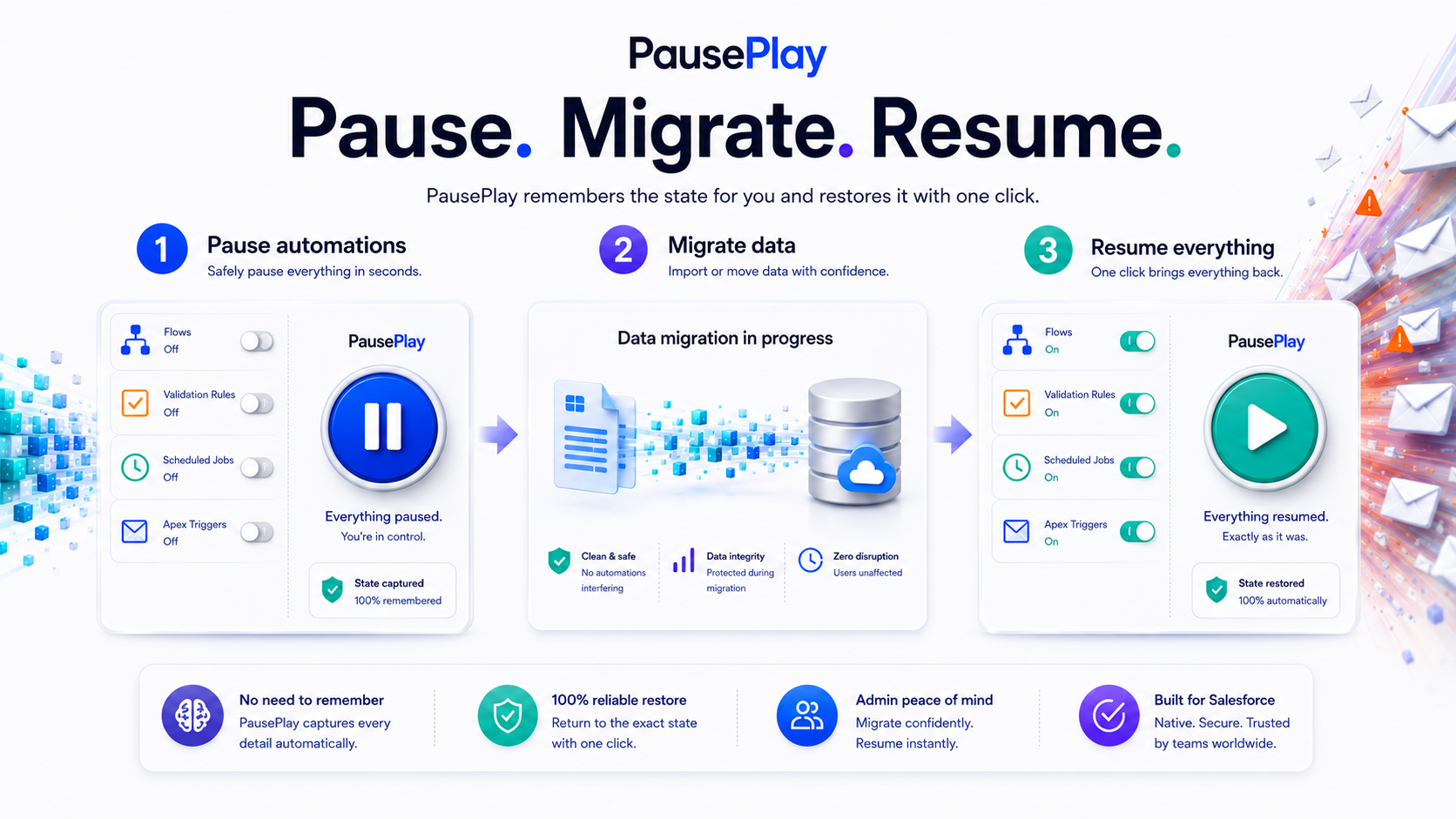
A safer migration process should have three clear stages.
1. Pause the Relevant Automations
Before importing data, pause the flows, triggers, validation rules, and other processes that could react to the migration.
The important part is not only disabling them. Their original state must also be recorded accurately.
2. Run the Migration
With unnecessary automations paused, the migration can run without triggering emails, duplicate tasks, unwanted updates, and avoidable validation failures.
The team can focus on the quality and completeness of the imported data.
3. Restore Everything to Its Previous State
After the migration is complete, restart the automations that were previously active.
Automations that were already inactive should remain inactive.
This is where PausePlay helps.
How PausePlay Helps
PausePlay gives Salesforce teams a central place to pause and resume automations without manually tracking everything that was changed.
It allows administrators to pause flows, triggers, validation rules, and other supported automations before a migration.
PausePlay remembers what was active and what was already inactive.
When the work is complete, the previous automation state can be restored with the click of a button.
That means teams do not need to rely on spreadsheets, screenshots, handwritten notes, or memory.
The process becomes:
Pause. Migrate. Resume.
Before Your Next Data Migration
Before importing a large number of records, ask these questions:
Which automations could react to the imported data?
Could any of them send emails or notifications?
Could they create tasks, approvals, or additional records?
Could validation rules reject historical data?
Do we know exactly which automations must be restored afterwards?
How will we confirm that the system has returned to its original state?
A successful migration is not only about getting records into Salesforce.
It is also about preventing the surrounding system from reacting in ways you did not intend.
PausePlay helps teams stay in control before, during, and after a data migration.
Pause your automations. Complete your migration. Restore everything with confidence.
Explore More
Related Posts
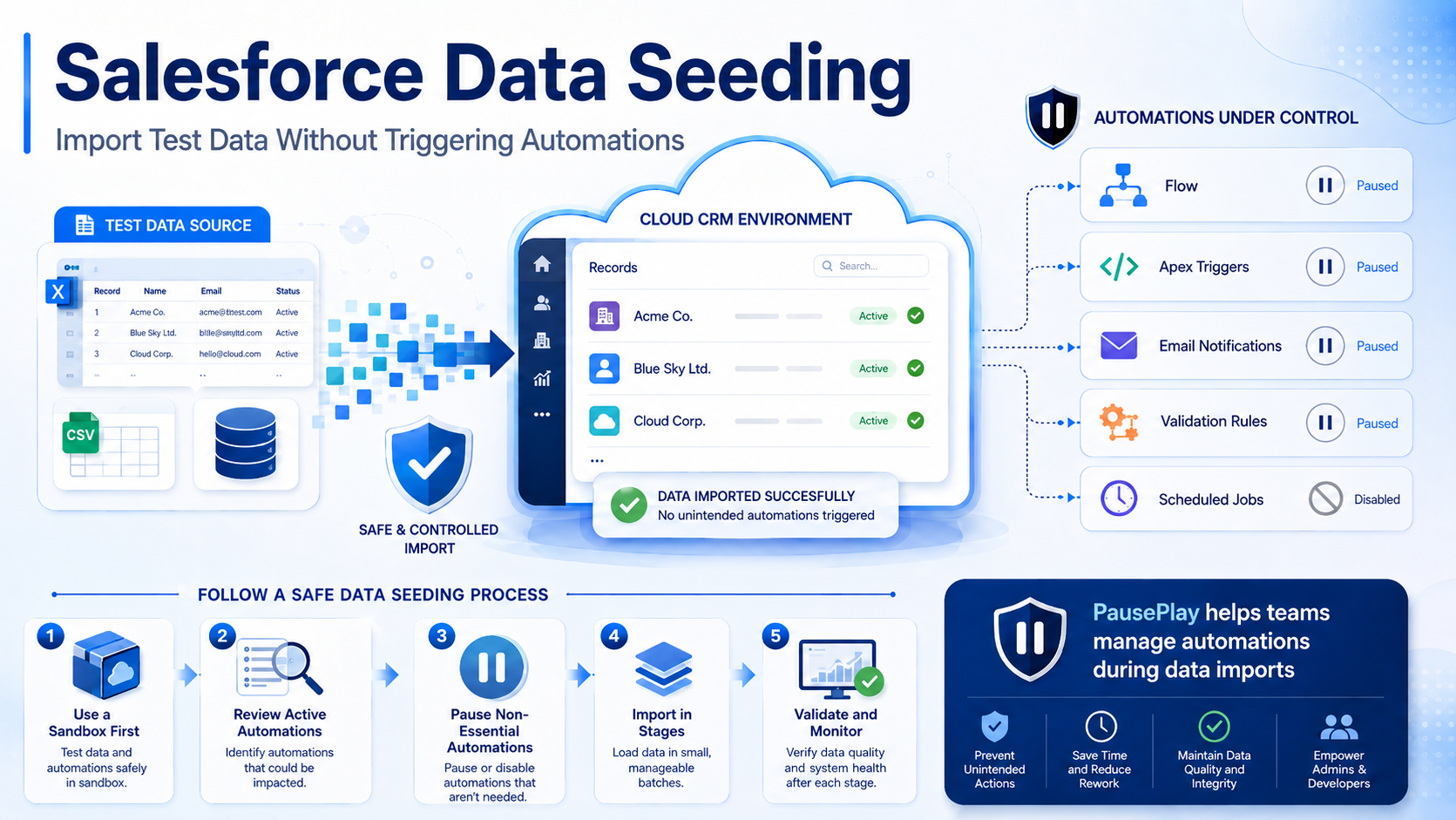
Salesforce Data Seeding: Import Test Data Safely
Learn Salesforce data seeding best practices and discover how to import test data without triggering unwanted automations or workflows.
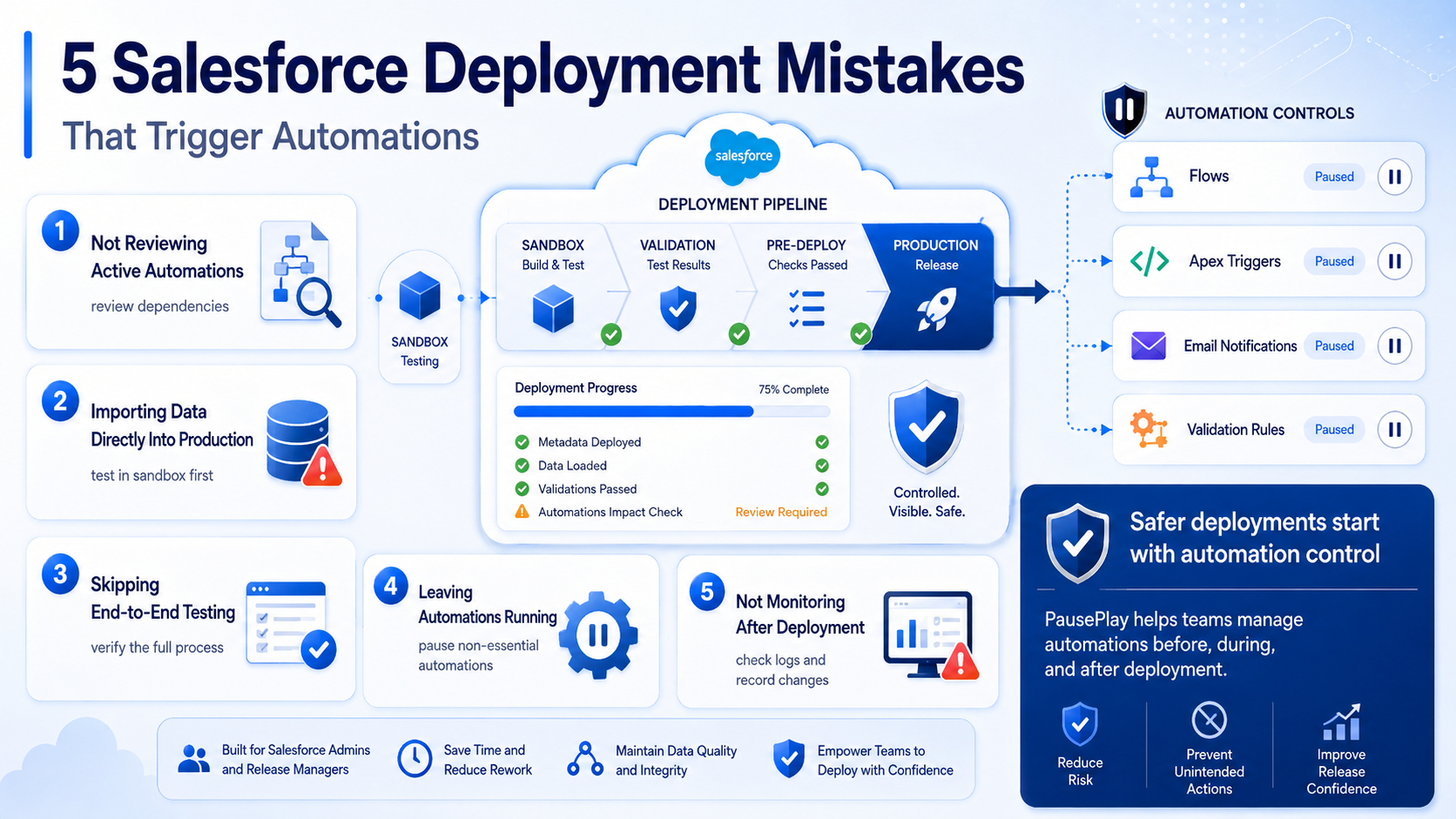
Avoid These 5 Salesforce Deployment Mistakes
Discover five common Salesforce deployment mistakes that trigger unwanted automations and learn practical ways to prevent deployment issues.
Bypass vs. Deactivate: Which Is Better for Salesforce Automations?
Should you bypass automations or deactivate them during deployments and data operations? Learn the differences, when to use each approach, and the risks to avoid.