
PausePlay 0.27.0-3 Release Notes: Multi-Sandbox Operations
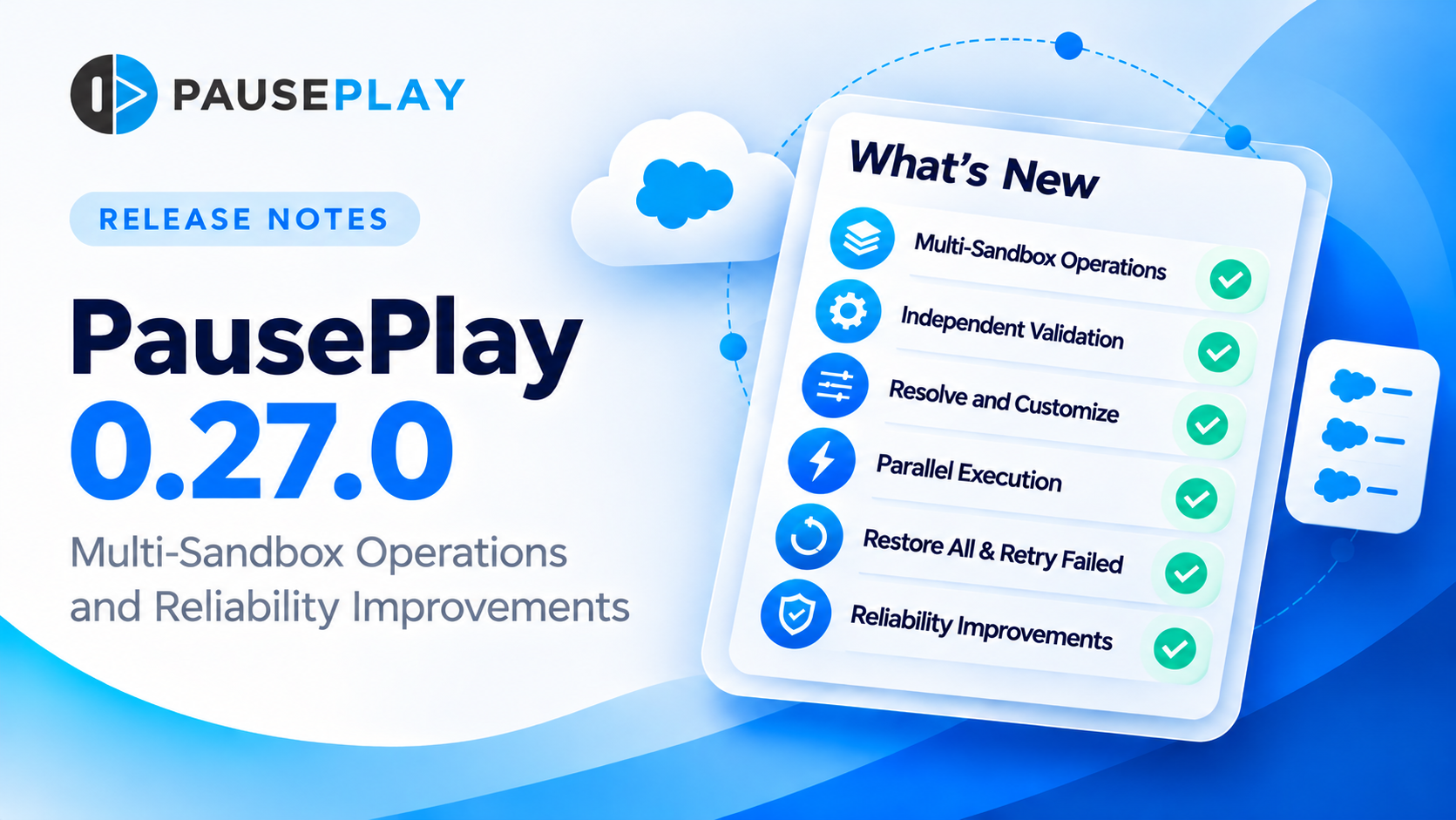
PausePlay 0.27.0-3 Release Notes: Multi-Sandbox Operations
Release: 0.27.0-3
Availability: Generally available
Edition: PausePlay Pro (Multi-Sandbox Operations)
Overview
PausePlay 0.27.0-3 introduces Multi-Sandbox Operations, allowing Salesforce administrators and release teams to coordinate automation changes across multiple sandboxes from one workspace.
This release extends PausePlay's existing automation-control capabilities with independent environment validation, sandbox-specific customization, parallel execution, consolidated monitoring and controlled restoration.
It also includes reliability improvements for asynchronous operations and maintains compatibility with existing single-environment workflows.
1. New: Multi-Sandbox Operations
Availability: PausePlay Pro
Manage automation across 2 to 10 Salesforce sandboxes belonging to the same production organization.
Multi-Sandbox Operations is accessible through the existing Automation Control Center.
How it works
Select automations in a reference sandbox.
Launch Multi-Sandbox Operation.
Select additional eligible sandboxes.
Validate the selected automations in each environment.
Resolve differences and customize selections where necessary.
Review the final changes and restoration settings.
Start the operation and monitor individual sandbox sessions.
Each target sandbox receives its own execution session, with independent progress, outcomes and restoration handling.
Eligibility and safeguards
All selected environments must be Salesforce sandboxes.
Sandboxes must belong to the same production organization.
The operation requires at least 2 and supports up to 10 distinct sandboxes.
Each target must have a verified PausePlay connection.
The feature requires an eligible Pro entitlement.
The reference sandbox remains fixed throughout the operation.
Production organizations cannot be selected as targets in a Multi-Sandbox Operation.
2. Independent Validation
PausePlay validates the selected automations separately in every sandbox before execution.
Validation identifies:
Automations available for the requested change.
Automations already in the requested state.
Missing or unresolved automations.
Differences requiring sandbox-specific decisions.
The validation summary distinguishes changes from skipped items.
For example:
2 to change · 1 skipped
An automation already in the requested state does not need to be changed again.
Validation results are maintained independently for each sandbox, so resolving an issue in one environment does not invalidate the selections in another.
3. Resolve and Customize
The new validation workflow provides two ways to handle environment differences.
Resolve
When an automation is missing or cannot be matched unambiguously, users can review the available candidates and select an appropriate replacement.
The affected sandbox is then revalidated.
Customize
Users can adjust the automation selection for an individual sandbox by removing, replacing or adding supported automations.
These changes apply only to the selected sandbox.
Other sandboxes retain their own validated selections.
This supports real-world situations where development, testing and UAT environments do not contain identical automation metadata.
4. Parallel Execution and Monitoring
Multi-Sandbox Operations initiates independent execution sessions across the selected environments.
Each session progresses through the relevant automation stages:
Apex Triggers
Salesforce Flows
Validation Rules
The monitoring workspace provides consolidated visibility into each sandbox's progress and status.
Users can identify which sessions are processing, active, restored, completed or require attention.
A failure in one sandbox does not automatically require successful sessions in other sandboxes to be repeated.
Actual execution concurrency is subject to Salesforce asynchronous processing and deployment scheduling.
5. Restore All
Multi-Sandbox Operations supports coordinated restoration across the operation's sessions.
Restore All initiates restoration of the automation changes recorded for each sandbox.
Restoration respects the original state of each automation.
For example, a Flow that was inactive before the operation remains inactive after restoration.
Automations that were not changed are not unnecessarily modified.
The operation monitor displays Restored when all relevant sandbox sessions have been restored successfully.
The operation can then be closed separately using Close Operation, preserving the distinction between restoration completion and administrative closure.
6. Safe Retry Failed
If an individual sandbox cannot start its session, PausePlay records the refusal and displays the reason in the operation monitor.
Once the underlying issue is resolved, Retry Failed allows the affected sandbox to be revalidated and started without repeating sessions that have already succeeded.
Safeguards prevent duplicate session creation and unsafe retries when an execution outcome is uncertain.
This is particularly useful when a sandbox has a conflicting scheduled or active session.
7. Reliability Improvements
This release strengthens PausePlay's asynchronous execution handling.
Queueable execution continuity
Long-running automation operations may require several successive background jobs.
PausePlay now checks the current Queueable Apex chain depth before scheduling the next job and uses a safe continuation mechanism when necessary.
This improves reliability in Salesforce environments with more restrictive asynchronous execution limits, including Developer Edition and scratch organizations.
The handling no longer depends solely on recognizing English-language Salesforce error messages.
Deployment outcome protection
PausePlay continues to distinguish confirmed deployment results from outcomes that require verification.
If a deployment's result cannot be safely confirmed, the session enters Needs Attention rather than automatically repeating the deployment.
Administrators can use the supported status-check and restoration workflows to reconcile confirmed outcomes.
8. Compatibility and Upgrade
PausePlay 0.27.0-3 supports upgrading from the previous public package release.
Existing single-environment automation sessions remain supported.
The release does not require customers to migrate existing session configurations to Multi-Sandbox Operations.
Installation
Production organizations:
https://login.salesforce.com/packaging/installPackage.apexp?p0=04tfj000000jalhAAA
Sandbox organizations:
https://test.salesforce.com/packaging/installPackage.apexp?p0=04tfj000000jalhAAA
Alternatively, use the official PausePlay installation page.
Licensing
Multi-Sandbox Operations is available to eligible PausePlay Pro users.
Existing Free installations can continue using their available Free capabilities.
Installing or upgrading the package does not automatically activate Pro features.
9. Verification
Before release, the Multi-Sandbox Operations lifecycle was verified using six Salesforce sandboxes belonging to the same production organization.
The verification covered:
Eligibility and connection validation.
Missing and already-inactive automation handling.
Independent Resolve and Customize actions.
Overlapping execution across multiple sandboxes.
Successful Trigger, Flow and Validation Rule stages.
Complete restoration of the original automation states.
Safe handling of a refused session and subsequent retry.
Compatibility with existing single-environment operations.
The final package passed Salesforce package validation with 93% Apex code coverage.
Getting Started
To use Multi-Sandbox Operations:
Install or upgrade to PausePlay 0.27.0-3.
Ensure your organization has the required Pro entitlement.
Configure and verify the relevant sandbox connections.
Open the Automation Control Center.
Select the automations you want to manage.
Choose Multi-Sandbox Operation and follow the guided workflow.
For more information, visit PausePlay.
PausePlay — Control Salesforce automation with confidence.
Explore more topics
- PausePlay
- Release Notes
- Multi-Sandbox Operations
- Salesforce
- Automation Control
Explore More
Related Posts
PausePlay 0.22.0-2 Release Notes: Meliv AI
Discover what's new in PausePlay 0.22.0-2: Meliv AI, multi-object Salesforce automation analysis, risk recommendations, and guided configuration creation.
PausePlay 0.18.0 Release Notes: Agentforce Integratio
PausePlay 0.18.0-3 introduces seven Salesforce Agentforce actions for governed automation control, including configuration discovery, change previews, authorized execution, session monitoring, and restoration. Explore the new capabilities, security safeguards, and upgrade information.
PausePlay 0.17.0 Release Notes: Custom Switches and Cross-Org Management
PausePlay 0.17.0 introduces Custom Switches, scoped automation controls, Apex and Flow integration, timed restoration, configuration import/export, and Pro cross-org management.