
Kill the Click-Tax

Kill the Click-Tax
Estimated read time: ~4 minutes
Category: Salesforce / DevOps / Productivity
The Hero in the Hole: From Architect to Switch-Flipper
You didn’t become a Salesforce professional to spend your life in the "Setup" menu. You’re a builder, a strategist, a problem solver. You’re the hero who translates complex business needs into powerful digital solutions.
But lately, it feels like you’ve been demoted to a Manual Switch Operator.
You have a big data migration coming up. It should be a win. Instead, you feel that familiar weight in your chest. You know that before you can even start the work, you have to navigate a labyrinth of deactivations. You’re in a hole, buried under a mountain of repetitive, low-value manual tasks that eat your hours and drain your energy.
The Villain: The "Click-Tax"
In an enterprise-level Salesforce org, "turning things off" isn't just a chore—it’s a marathon. We call this the Click-Tax. It’s the hidden cost of being a responsible admin.
Every time you perform a release, the system demands a tribute of your time. If you have 50+ automations, you aren't just clicking "Deactivate" 50 times. You’re searching, loading, clicking, confirming, and waiting. Then, you have to do it all again in reverse.
This is a productivity killer that leads to the "Deployment Hangover"—that state of total mental exhaustion where mistakes happen and your Tuesday night dinner turns into a Wednesday morning apology.
The Comparison: 350 Clicks vs. 1 Click
We’ve been in that hole. We’ve felt the frustration of watching the clock tick toward 6:00 PM while still stuck in the "Flow" list. We believe your time is too valuable for manual labor.
Here is the math of the "Manual Click-Athon" versus the PausePlay way:
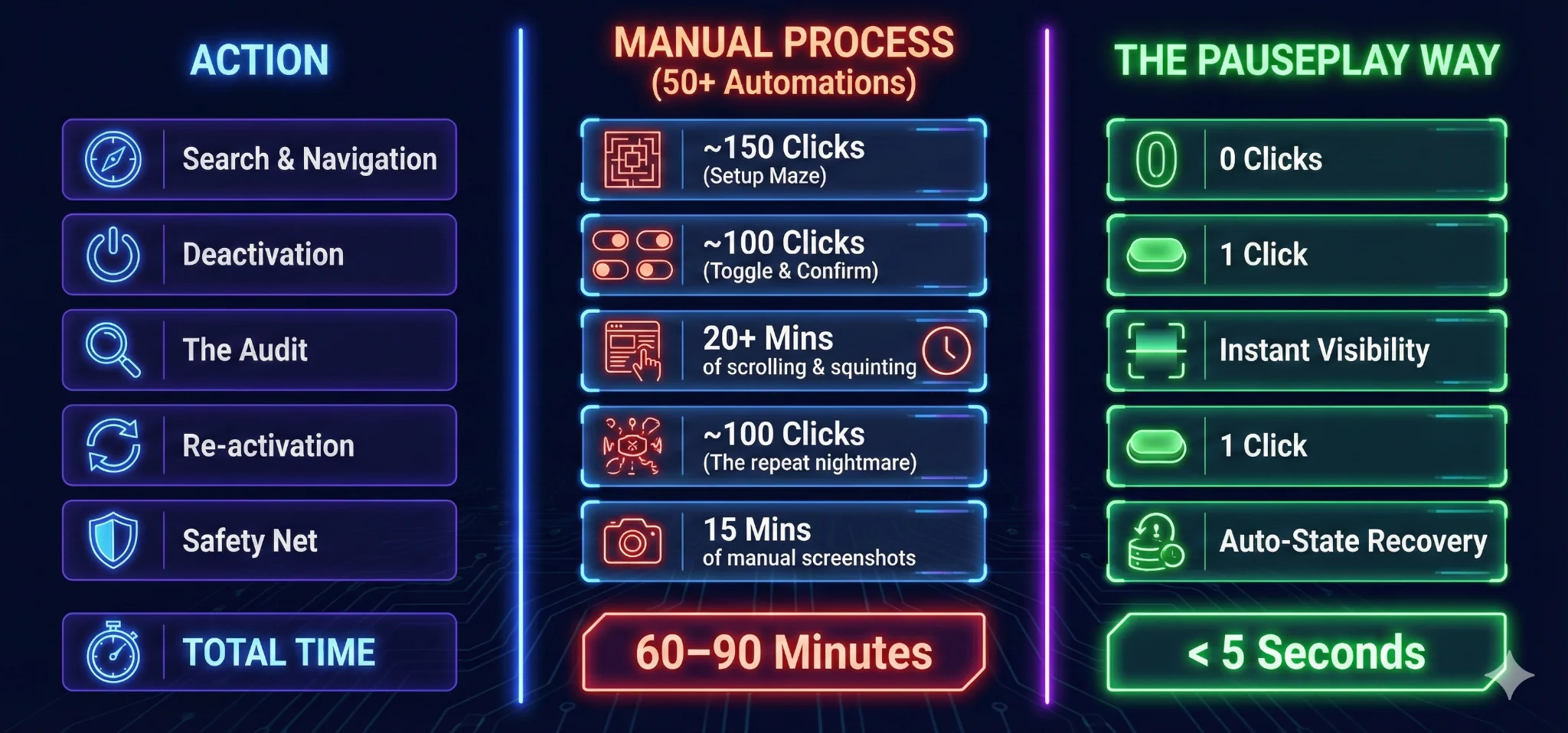
Your Guide to a Click-Free Future
PausePlay is the "Remote Control" for your Salesforce automation. We pull you out of the manual hole with a simple, three-step plan:
Stop the Search: No more hunting through the Object Manager for "active" rules.
The Master Toggle: Use our Single-Click interface to pause every disruptive automation at once.
Automatic Memory: When you're ready to "Play," PausePlay remembers exactly what was active. You don't need screenshots; you just need one click to restore the org perfectly.
Reclaim Your Hero Status
Imagine a release window where you actually have time to test because you didn't spend the first hour flipping switches.
The Click-Tax is optional. You don't have to pay it anymore.
Stop clicking. Start leading. Get Your time Back With PausePlay
Explore More
Related Posts
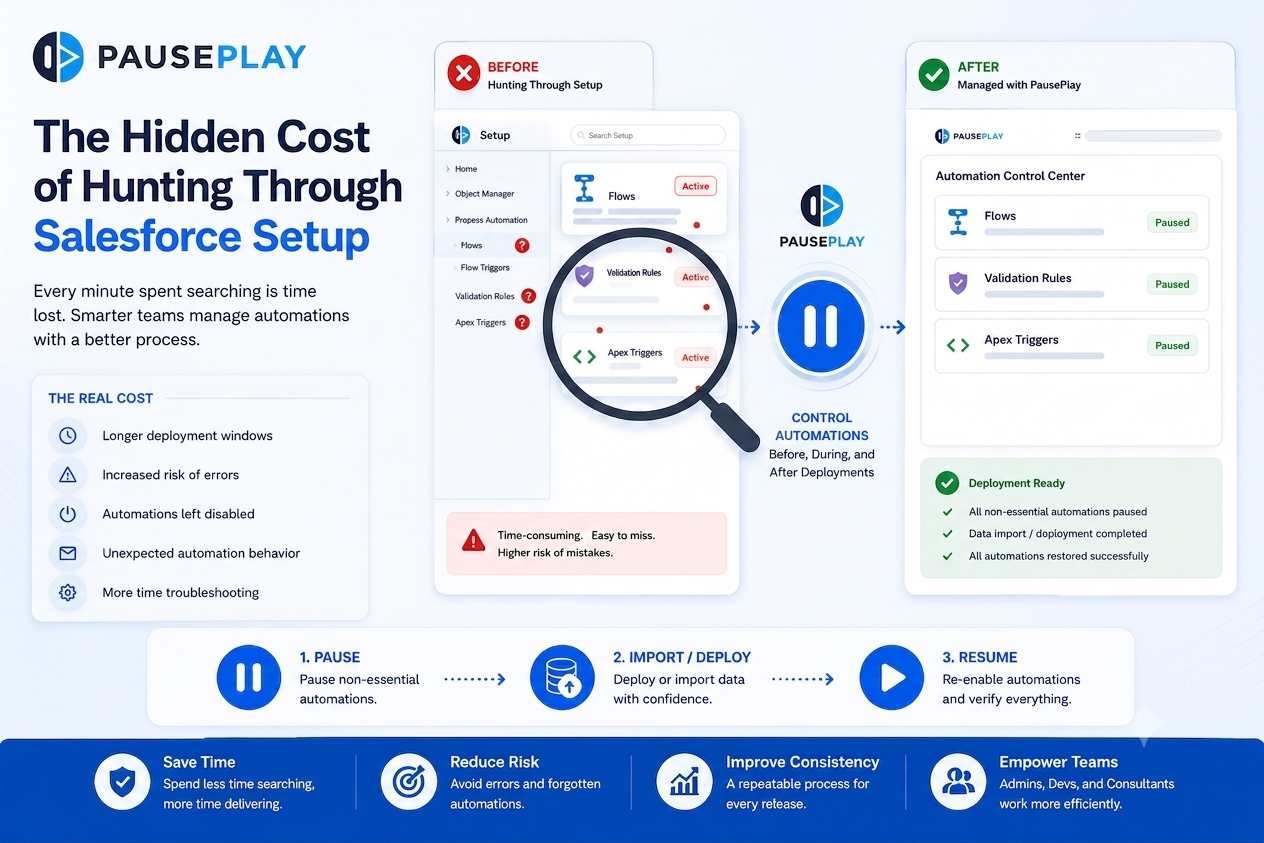
Stop Hunting Through Salesforce Setup
Discover how manually searching through Salesforce Setup for Flows, Triggers, and Validation Rules slows deployments and increases operational risk.
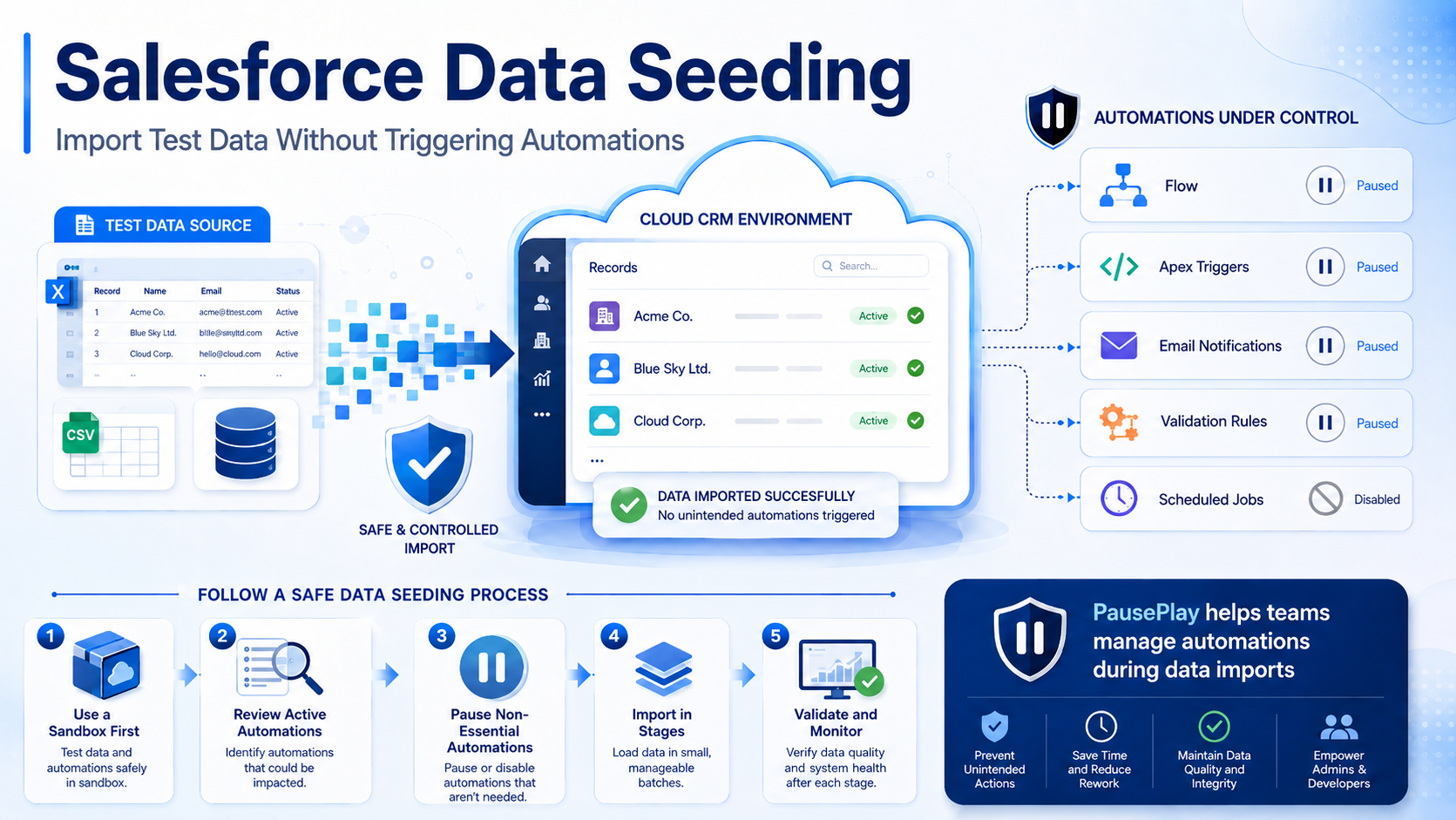
Salesforce Data Seeding: Import Test Data Safely
Learn Salesforce data seeding best practices and discover how to import test data without triggering unwanted automations or workflows.
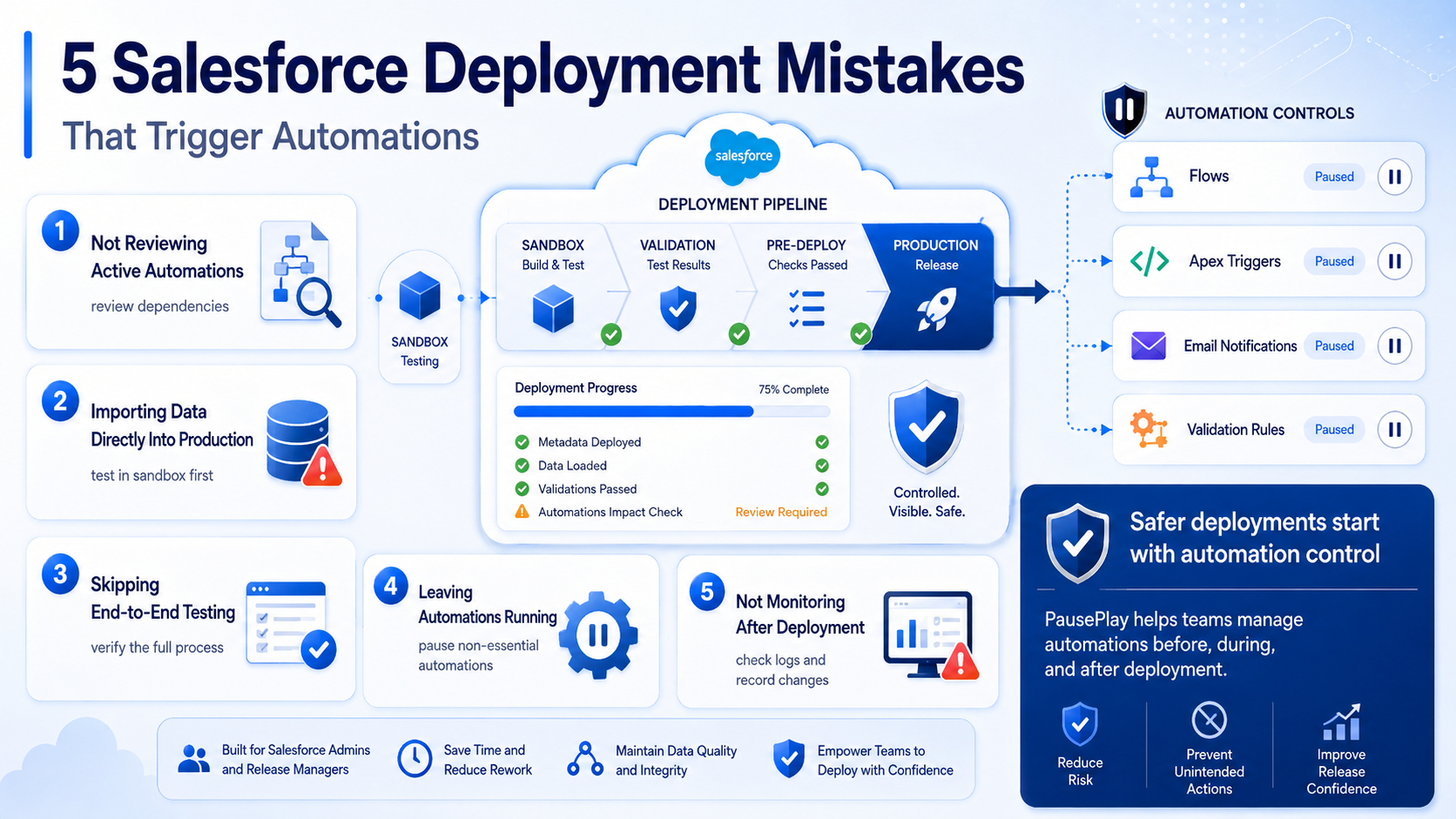
Avoid These 5 Salesforce Deployment Mistakes
Discover five common Salesforce deployment mistakes that trigger unwanted automations and learn practical ways to prevent deployment issues.