
Bypass vs. Deactivate: Which Is Better for Salesforce Automations?
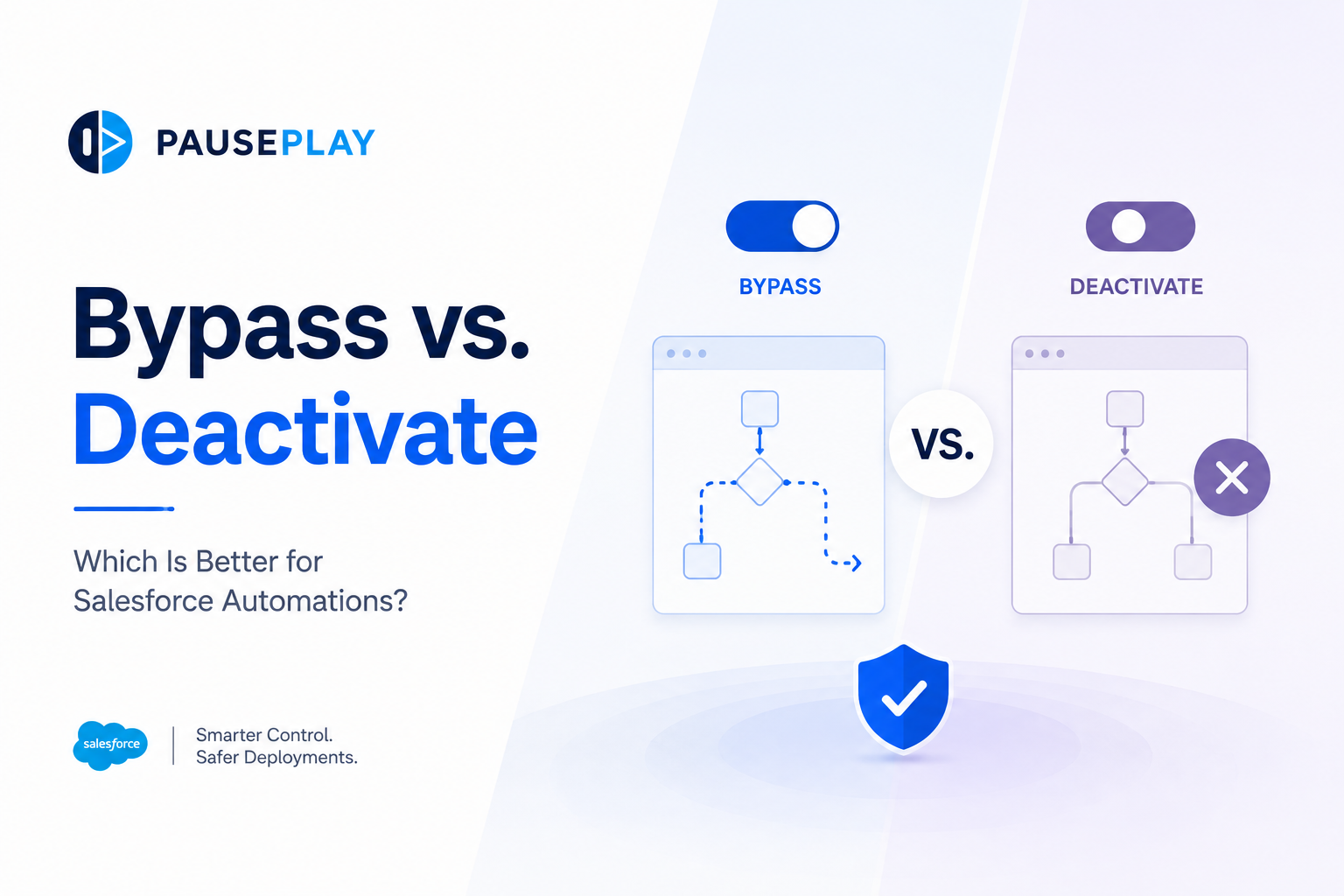
Bypass vs Deactivate: Which Is Better for Salesforce Automations?
Managing automations is one of the biggest challenges during Salesforce deployments and data operations. Whether you're importing records, testing new functionality, or deploying changes, you may need to stop certain automations from running.
The question is: Should you bypass them or deactivate them?
While both approaches prevent automations from executing, they work differently and are suited to different situations. Understanding the difference can help you reduce deployment risks and maintain a stable Salesforce environment.
What Does "Bypass" Mean?
Bypassing an automation means it remains active but is instructed to skip execution under specific conditions.
For example, an Apex Trigger or Flow might check for a custom setting, custom permission, or flag before running. If that condition is met, the automation is skipped.
Bypassing is often used when:
Running data migrations.
Performing integrations.
Executing automated jobs.
Allowing specific users or processes to ignore certain automations.
The advantage is that the automation remains available and automatically resumes normal behavior once the bypass condition is removed.
What Does "Deactivate" Mean?
Deactivating an automation means turning it off completely.
A deactivated Flow, Trigger, or Validation Rule won't run for anyone until it is enabled again.
This approach is commonly used during:
Major deployments.
Large-scale data imports.
Sandbox refreshes.
System maintenance.
The benefit is simplicity, but it also introduces responsibility. Teams must remember exactly what was disabled and ensure everything is restored afterward.
Which Approach Is Better?
There isn't a single answer. It depends on the task.
Bypass is often the better choice when:
Only specific users or processes should skip automations.
Business operations must continue for everyone else.
You need fine-grained control.
Deactivation is often the better choice when:
Performing major deployments.
Running large data migrations.
Testing without automation interference.
Multiple automations need to be temporarily paused.
The most important goal is maintaining control and consistency throughout the process.
Best Practices
Whichever approach you choose:
Test changes in a Sandbox first.
Document affected automations.
Validate results after deployment.
Restore normal operation immediately after the work is complete.
Follow a consistent deployment checklist.
A structured process reduces mistakes and makes deployments easier to repeat.
Final Thoughts
Bypassing and deactivating automations both have their place in Salesforce.
The right choice depends on your deployment strategy, business requirements, and the level of control you need.
PausePlay helps Salesforce teams simplify automation management by allowing Admins and Developers to safely pause and restore Flows, Apex Triggers, and Validation Rules during deployments and data operations, making releases more predictable and reducing operational risk.
Explore More
Related Posts
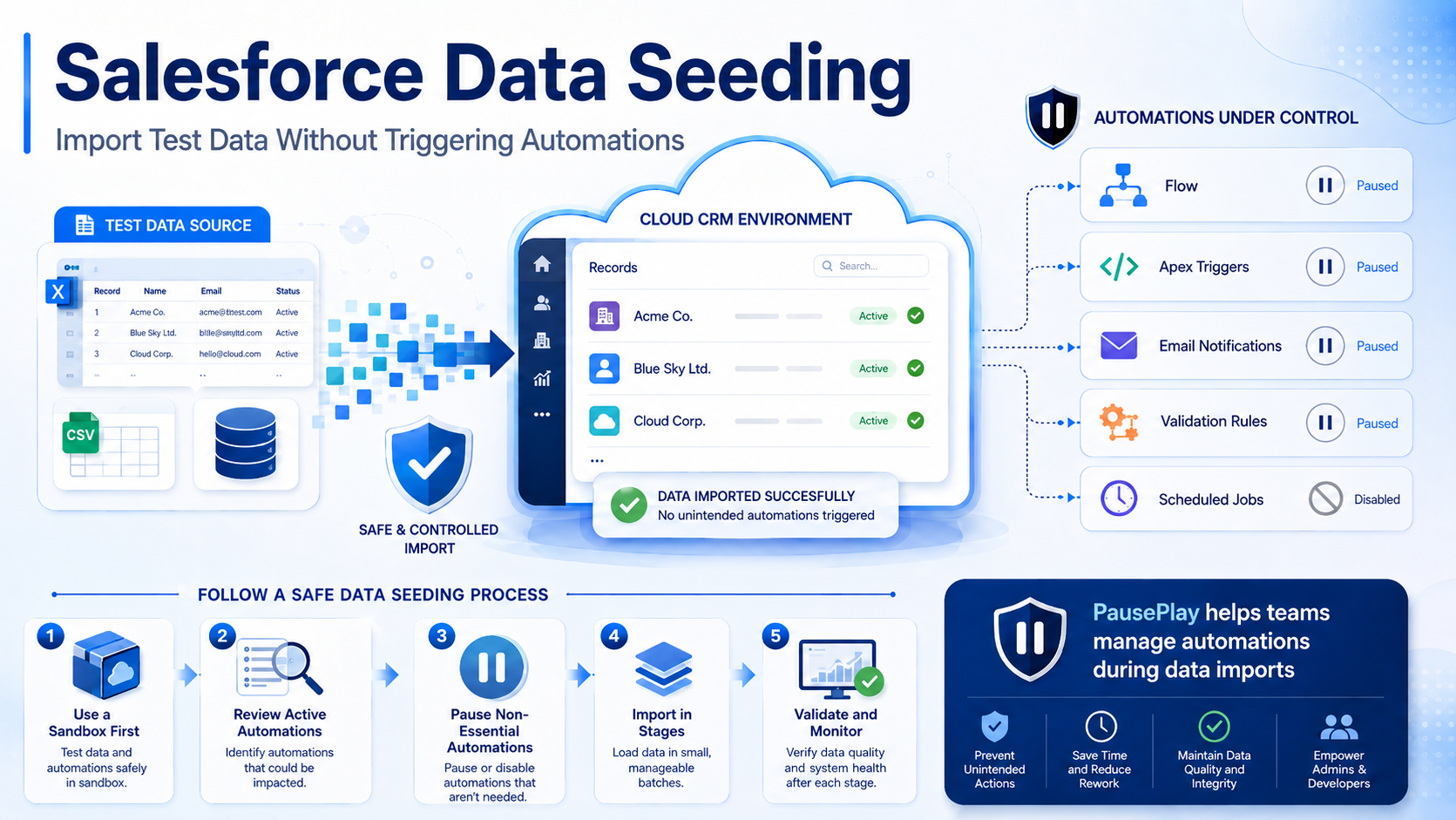
Salesforce Data Seeding: Import Test Data Safely
Learn Salesforce data seeding best practices and discover how to import test data without triggering unwanted automations or workflows.
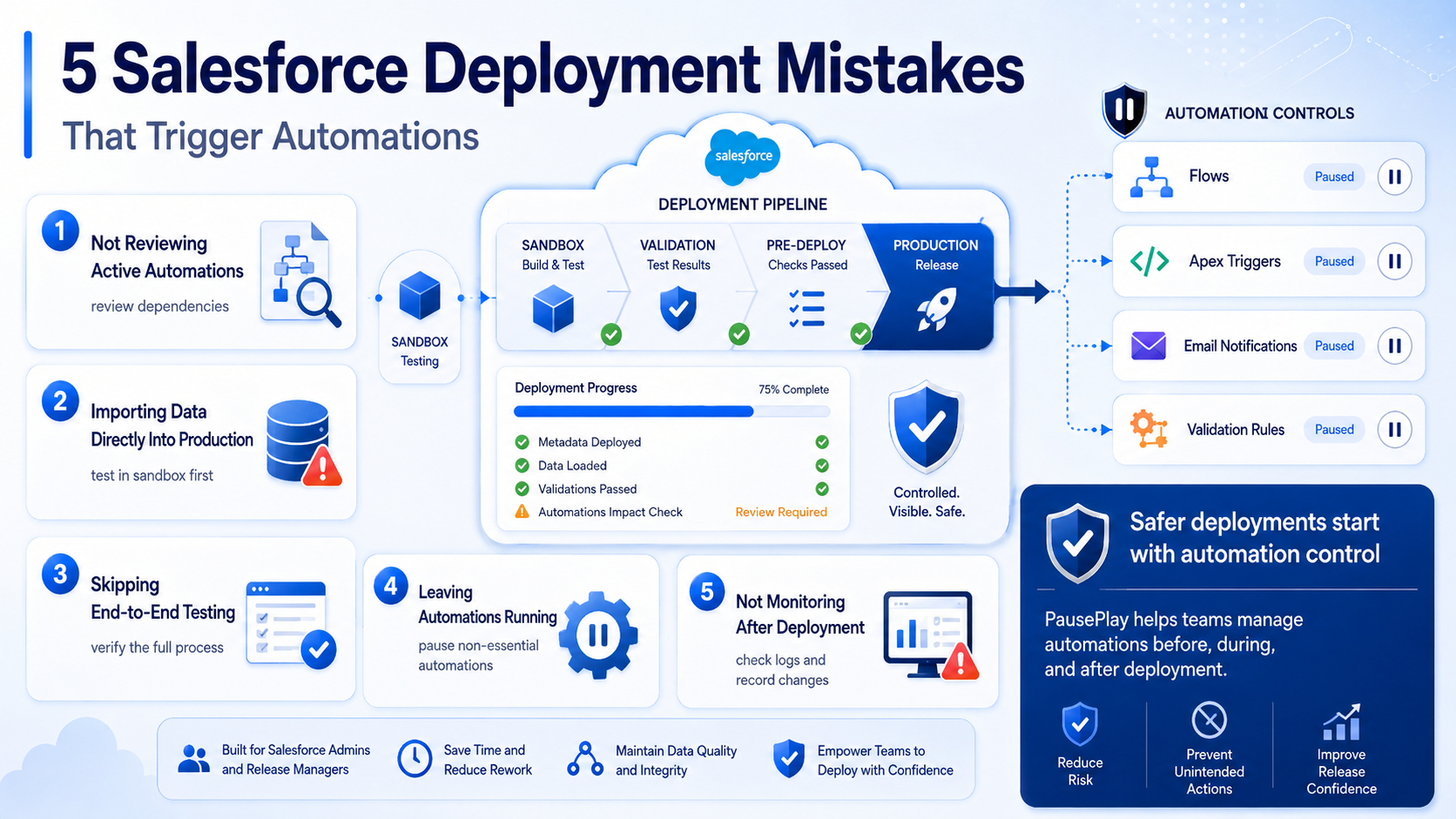
Avoid These 5 Salesforce Deployment Mistakes
Discover five common Salesforce deployment mistakes that trigger unwanted automations and learn practical ways to prevent deployment issues.
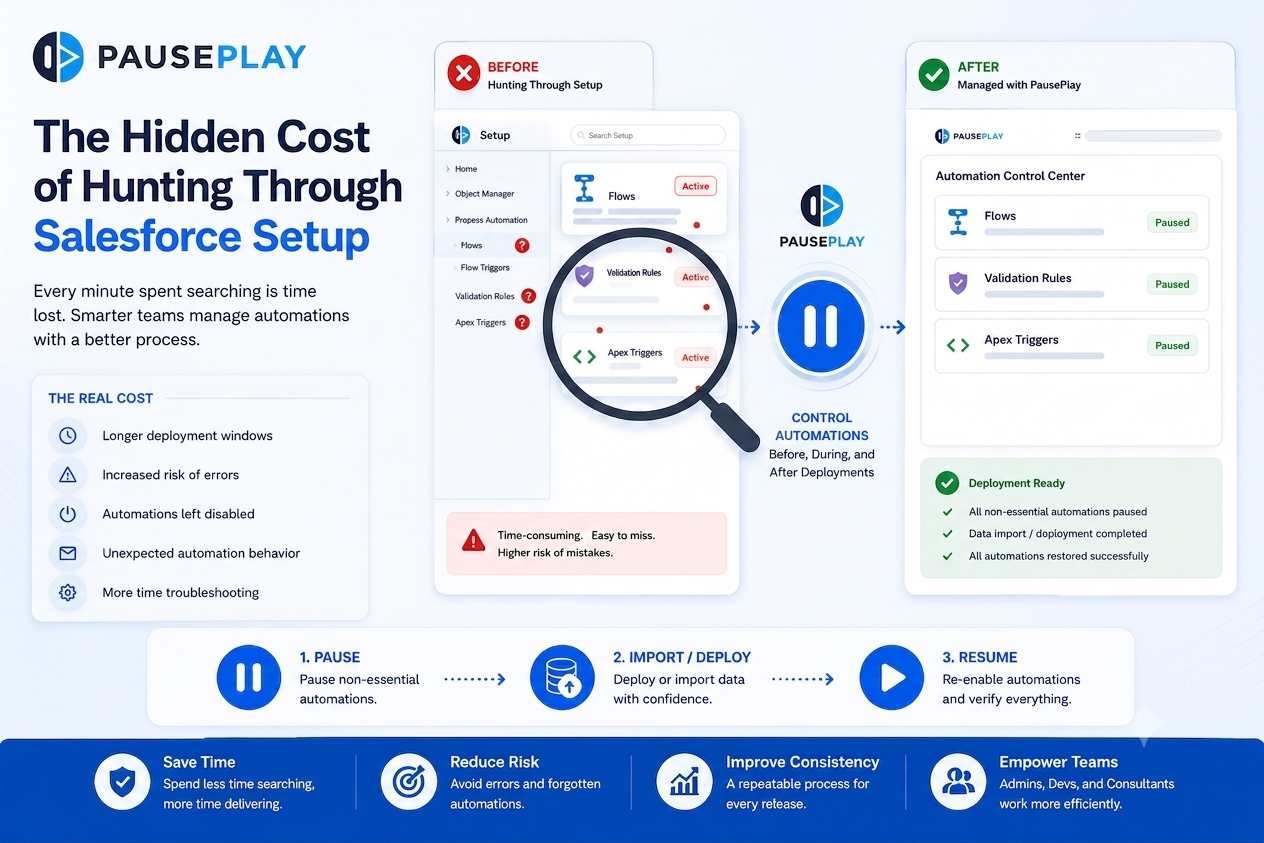
Stop Hunting Through Salesforce Setup
Discover how manually searching through Salesforce Setup for Flows, Triggers, and Validation Rules slows deployments and increases operational risk.