
Introducing Scheduled Sessions: Pause Salesforce Automation and Restore It Automatically
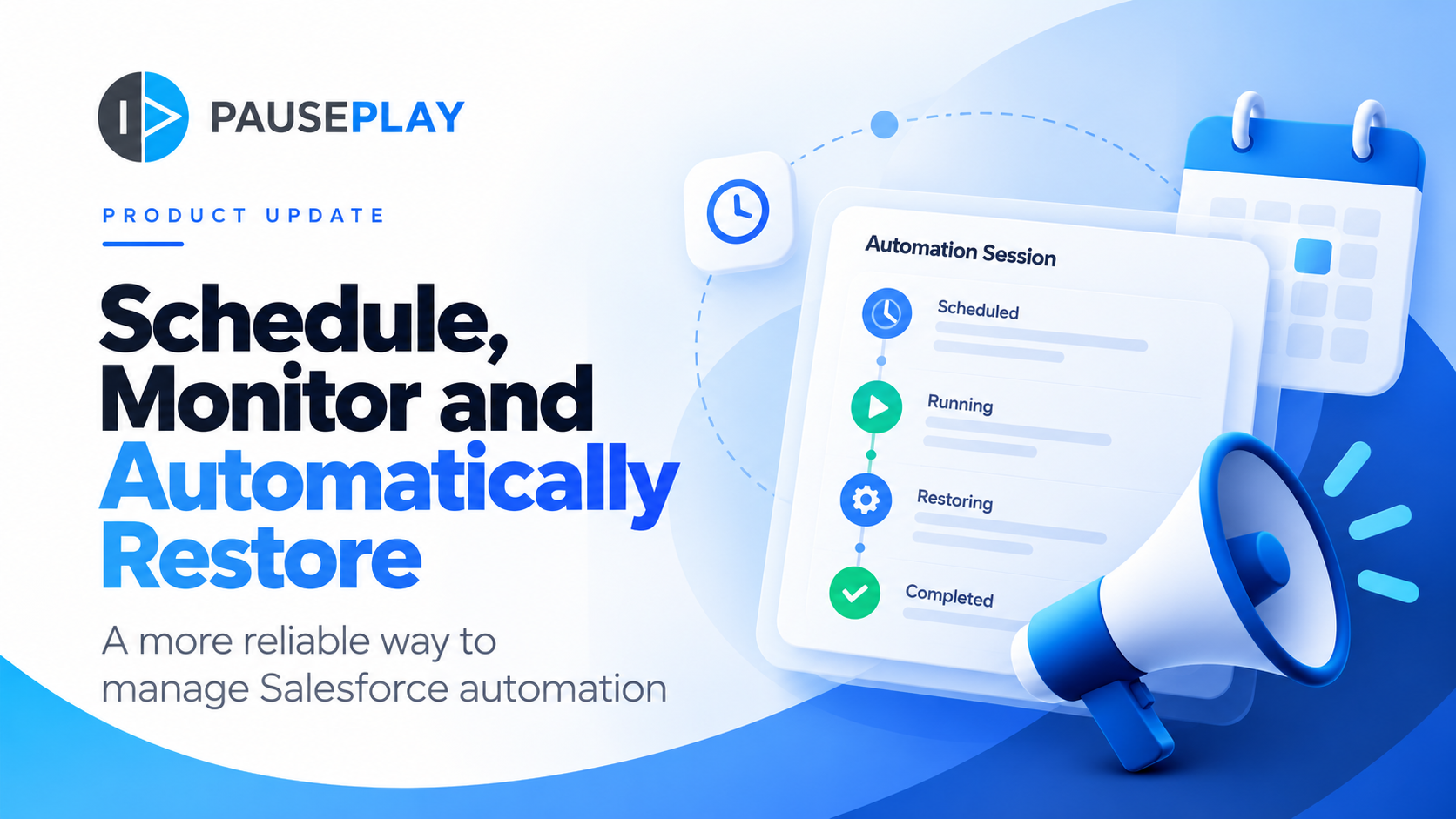
Introducing Scheduled Sessions: Pause Salesforce Automation and Restore It Automatically
Temporarily switching off Salesforce automation is sometimes necessary.
Perhaps you're preparing for a data migration, deploying changes or carrying out maintenance outside normal working hours.
You know which automations need to be paused. You know when the work should begin.
But there's one question that always matters:
Who's going to make sure everything gets switched back on?
With the latest improvements to PausePlay, that no longer has to depend entirely on someone remembering.
We're introducing Scheduled Sessions and Automatic Restoration, giving Salesforce teams more flexibility over when automation is paused, when it's restored and how the entire operation is monitored.
Schedule your work, not your evening
Not every Salesforce operation happens between nine and five.
Sometimes the best time for a data migration or deployment is late at night, early in the morning or over the weekend.
Previously, that could mean someone had to be available at exactly the right moment to pause the necessary automations.
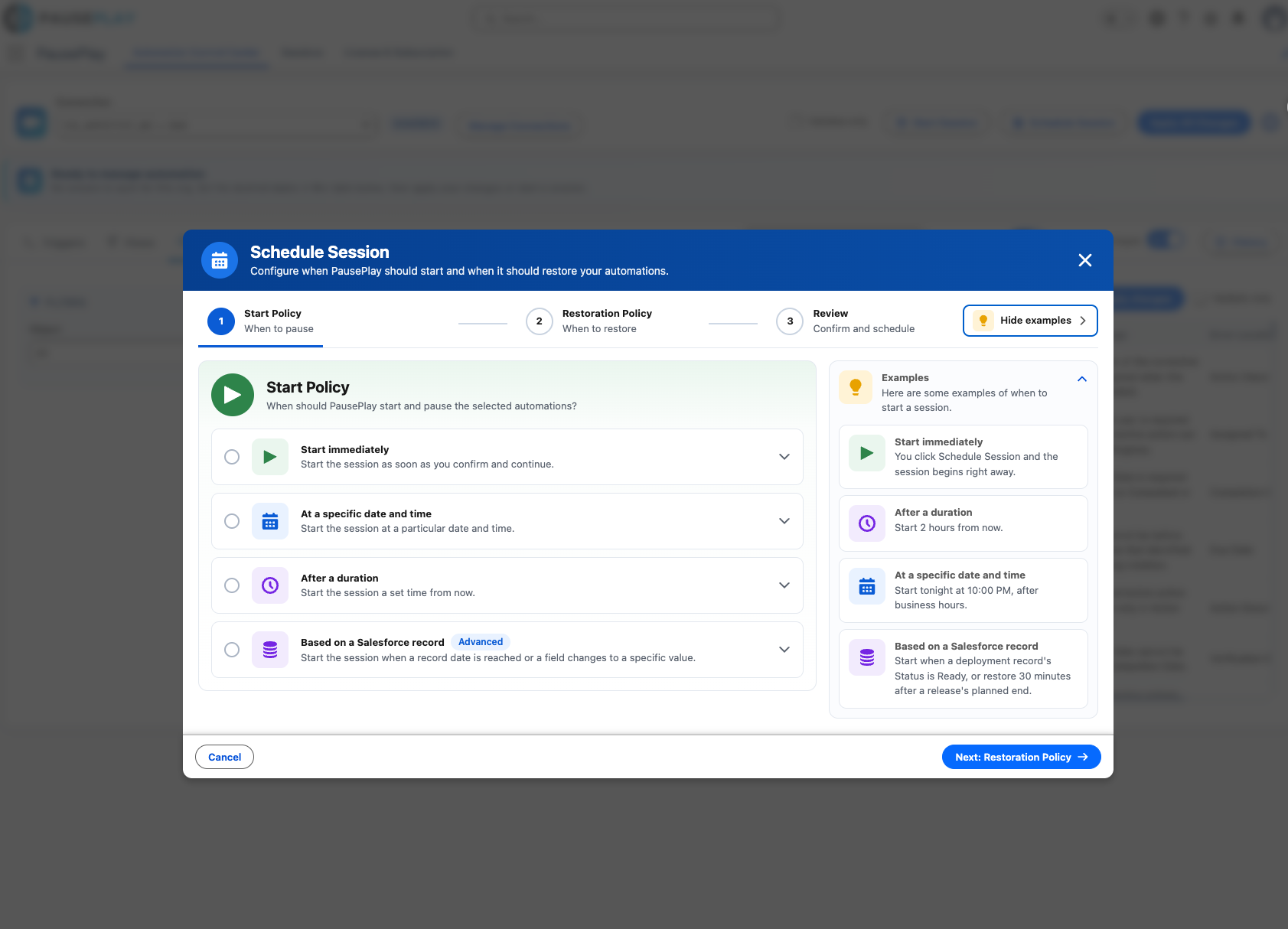
With Scheduled Sessions, you can prepare everything in advance.
Select the automations you want to pause, choose when the Session should begin, and let PausePlay start it at the scheduled time.
You plan the work. PausePlay takes care of the timing.
And if plans change, you can review or cancel a Session before it starts.
Let PausePlay handle the restoration
This is where things get particularly interesting.
Imagine you're running a large data migration.
You've paused several Flows, Triggers and Validation Rules to allow the migration to run smoothly.
The migration finishes at 2:00 AM.
Does someone really need to wake up, log in to Salesforce and manually restore everything?
Not anymore.
With Automatic Restoration, you can tell PausePlay when automation should be restored.
That might be at a specific time, after a certain period or when a Salesforce record indicates that your operation has finished.
You can even combine conditions to give yourself greater control.
Once the conditions are met, PausePlay initiates the restoration using the original automation states recorded by the Session.
No more relying entirely on calendar reminders, handover notes or someone remembering to flip the switches back.
Plans change. Stay in control.
Of course, not every operation goes exactly as planned.
A migration might take longer than expected. A deployment might finish early. Something unexpected might require your attention.
That's why Scheduled Sessions are designed to remain flexible.
Need more time? You can extend an active Session within the available limits.
Finished early? You can restore automation before the planned time.
And if a Session encounters a problem, PausePlay makes that visible so you can take action.
Automation should work around your operation, not the other way around.
All your Sessions. One clear view.
As you begin scheduling more operations, keeping track of everything becomes just as important as scheduling them.
That's why we've also introduced the Sessions Dashboard.
It's a central place to see what's happening across your PausePlay Sessions.
You can quickly identify what's scheduled, what's currently running, what's completed and what might need attention.
You can also review Session details, check previous activity and access available actions.
Whether you're managing a single Salesforce environment or working across several, the Dashboard helps you stay informed without having to piece together information from different places.
Less manual work. More peace of mind.
Think about the difference this makes to an ordinary Salesforce maintenance operation.
Instead of coordinating several manual steps, you can prepare your Session, schedule the start, define your restoration conditions and monitor the outcome.
PausePlay keeps a record of the operation, including the changes made and the restoration activity.
That means less time spent coordinating automation changes and better visibility into what happened.
And importantly, it means restoration is part of the plan from the beginning, not something you have to remember at the end.
Available with PausePlay Pro
Scheduled Sessions, Automatic Restoration and the Sessions Dashboard are available with PausePlay Pro.
PausePlay Free continues to provide essential automation control, while Pro gives teams additional flexibility to schedule, monitor and manage automation operations across connected Salesforce environments.
A smarter way to manage Salesforce automation
When we introduced PausePlay Sessions, our goal was to make it easier to manage automation changes as one controlled operation.
Scheduled Sessions and Automatic Restoration take that idea further.
Because managing Salesforce automation shouldn't mean being tied to your screen, waiting for the right moment to switch something off or worrying about whether someone will remember to switch it back on.
Schedule it. Pause it. Restore it.
And get back to the work that matters.
Pause when you need to. Restore with confidence.
Learn more at pauseplay.app.
Explore More
Related Posts

Meet Meliv: AI-Powered Salesforce Automation Analysis
Meet Meliv, the new PausePlay AI assistant. Analyze Salesforce Flows, Triggers and Validation Rules, understand risks and create automation configurations.
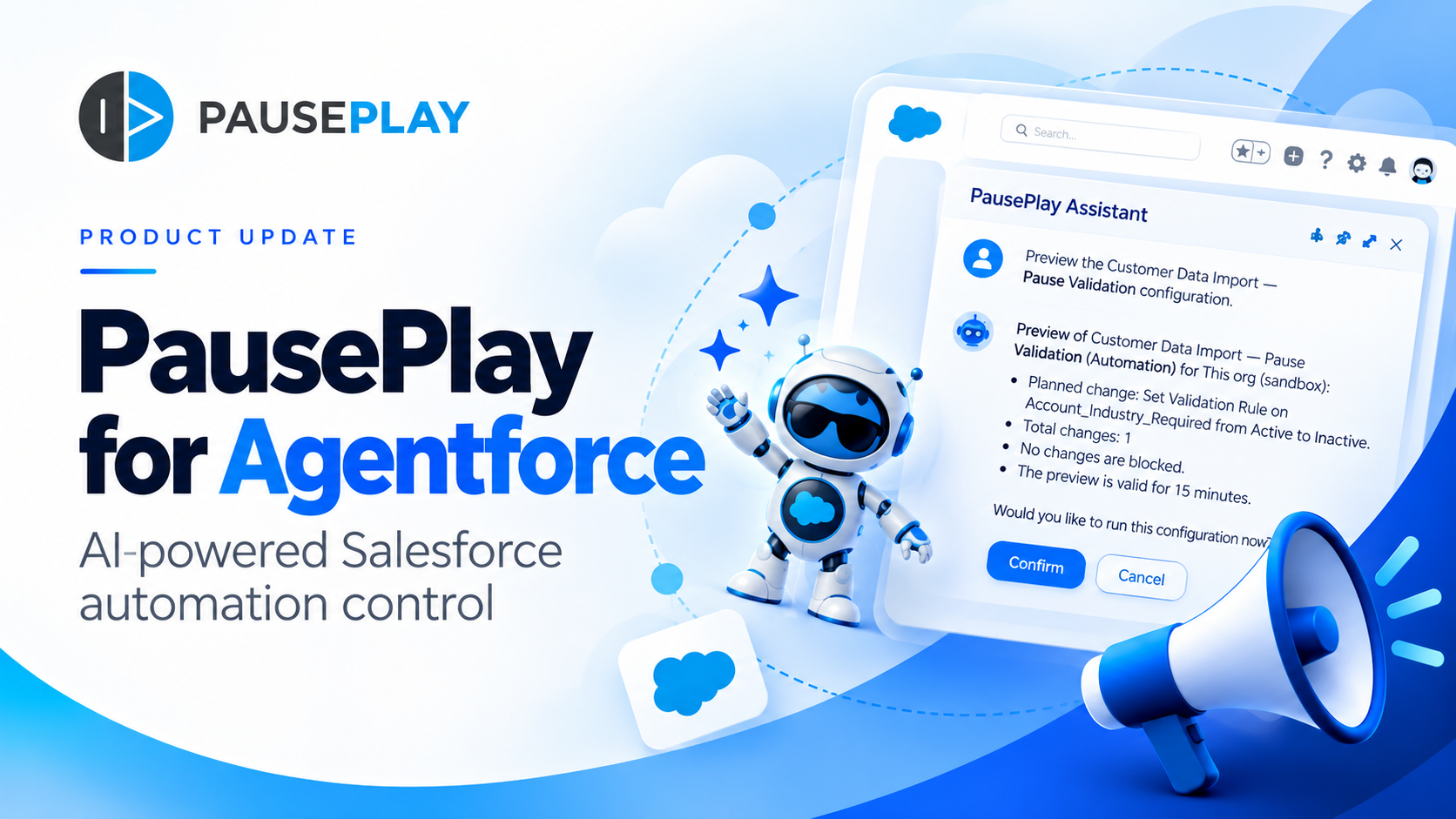
Introducing PausePlay for Agentforce: AI-Powered Salesforce Automation Control
Salesforce automation control is now conversational. Discover how PausePlay integrates with Agentforce to preview changes, authorize execution, manage automation sessions, and safely restore Salesforce automation, all through natural language and with built-in safeguards.
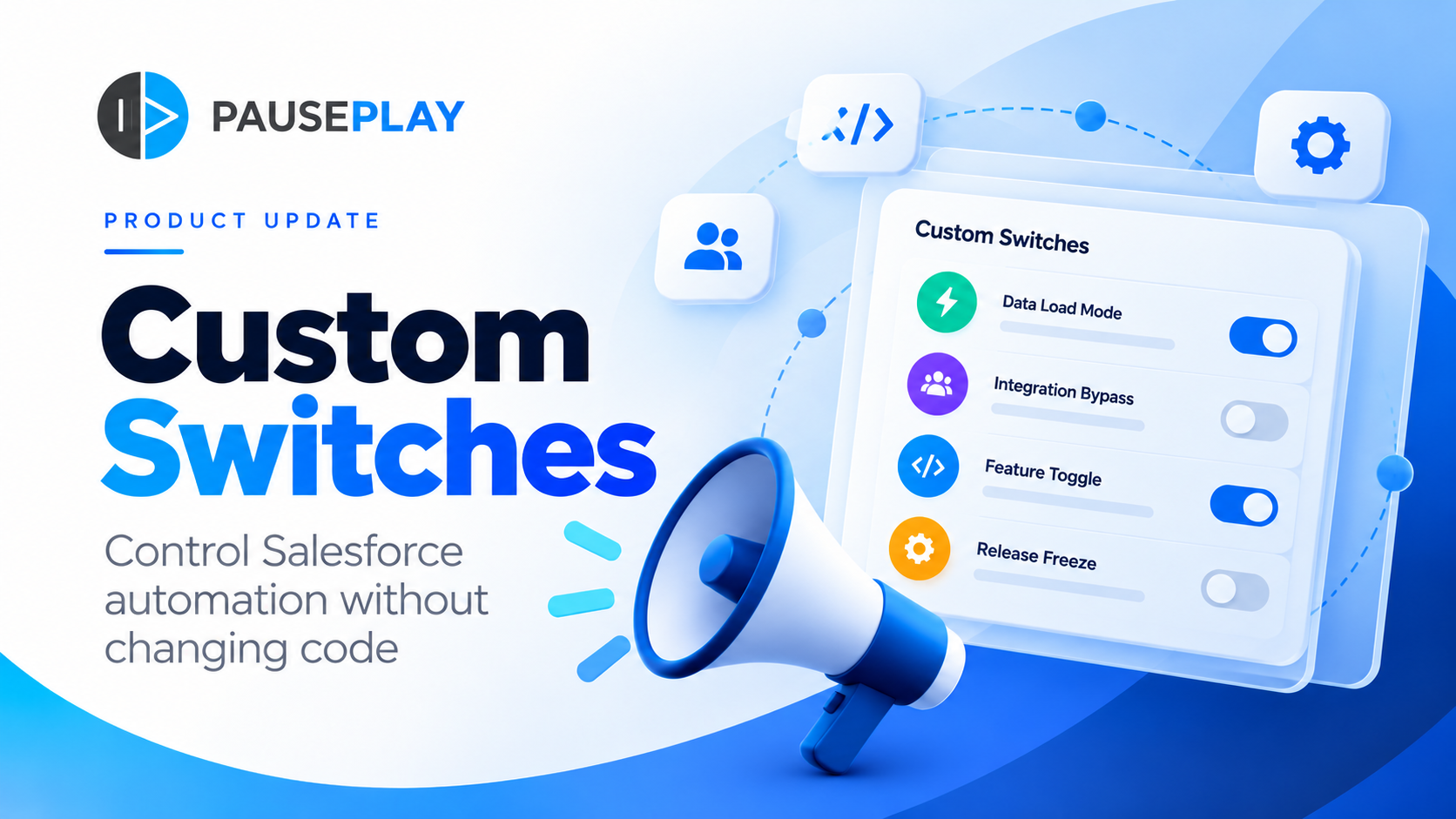
Introducing PausePlay Custom Switches: Control Salesforce Automation Without Changing Code
Meet PausePlay Custom Switches: control Salesforce automation by org, profile, group, permission set or user. Integrate with Apex and Flow, restore changes automatically, and manage connected orgs with Pro.