
Know the Risks Before You Pause Salesforce Automation
Know the Risks Before You Pause Salesforce Automation
You know what you're switching off. But do you know what will keep running?
It's a question worth asking before almost every major Salesforce deployment or data migration.
Imagine you're preparing for a large data load. You've identified the automation you want to pause, made your selections, and you're ready to proceed.
But what about the automation you haven't selected?
Could another Flow still update records? Could a Trigger initiate additional processing? Could a Validation Rule prevent records from being saved?
These are the kinds of questions that often come up when something doesn't go as expected.
And by then, the operation may already be underway.
What if you could see some of those potential risks before making the change?
That's what our latest PausePlay update is about.
Introducing Automation Risk Review
We've added a new capability to PausePlay that helps Salesforce teams understand potential risks before changing automation.
It's called Automation Risk Review.
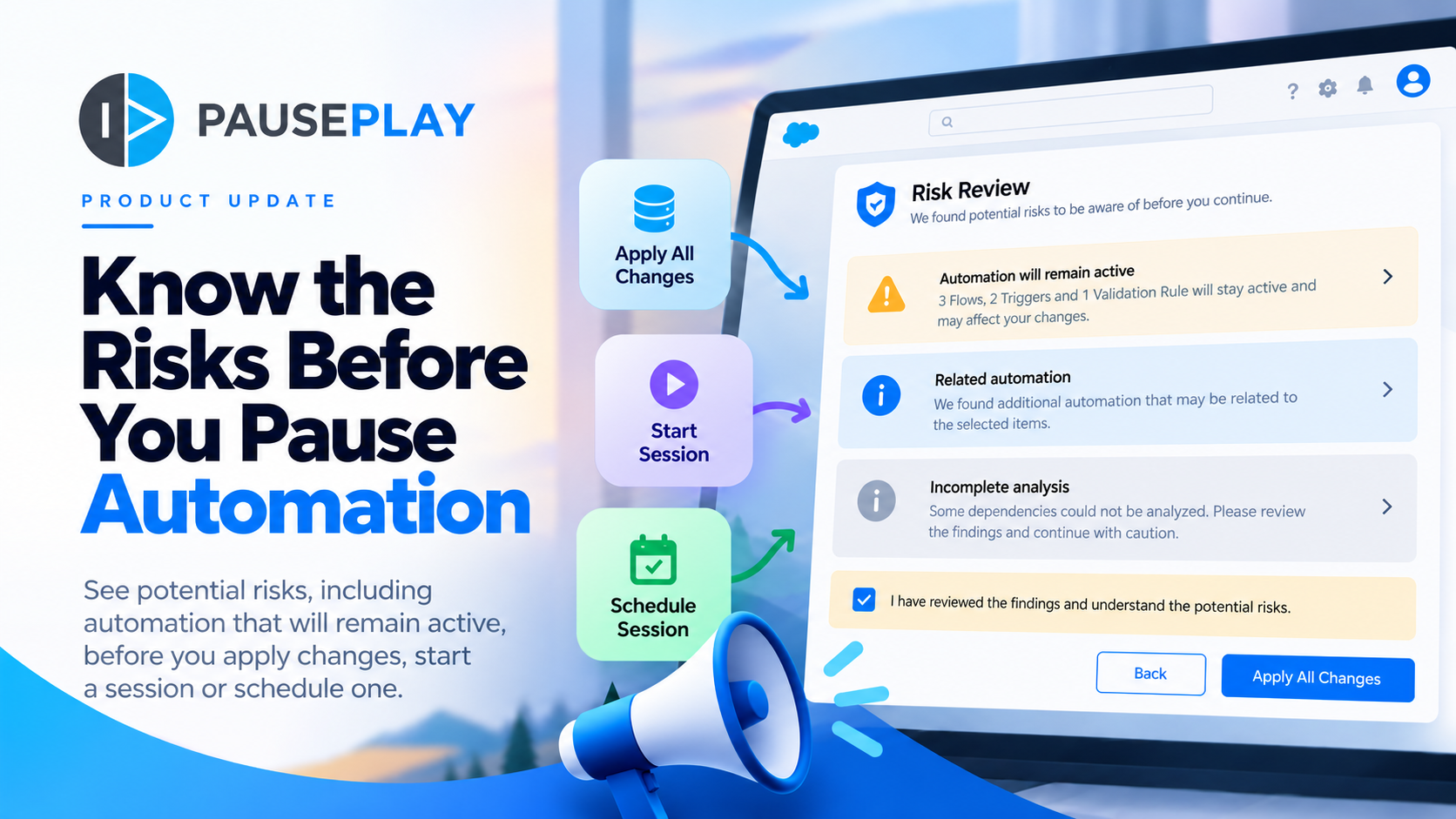
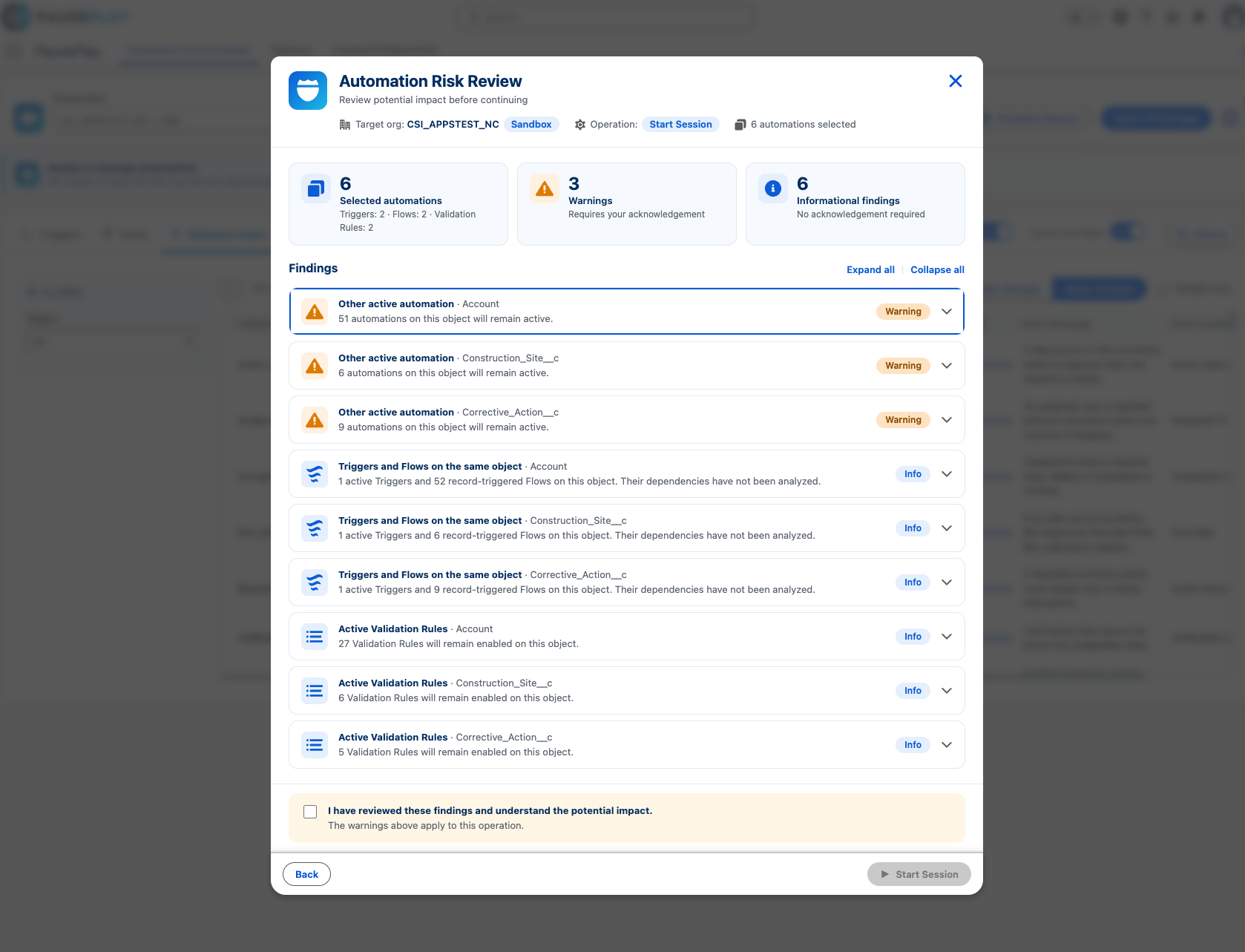
Before you apply changes, start an automation Session, or schedule one for later, PausePlay examines your selections and highlights situations that may deserve attention.
There's no separate tool to configure or additional process to learn.
The review appears as part of your existing workflow, just before you proceed.
The idea is straightforward: give you more information when it matters most.
What Could Still Be Running?
Let's return to that data migration.
You've selected several automations to pause. Everything looks ready.
But PausePlay discovers other active automation on the same Salesforce objects that isn't included in your selection.
Instead of leaving you to discover that later, PausePlay brings it to your attention.
You can see what will remain active and decide whether your original selection is appropriate.
That doesn't necessarily mean something is wrong.
Sometimes you deliberately want certain automation to continue running.
The important thing is knowing it's there.
Seeing More of the Bigger Picture
Salesforce automation rarely operates in isolation.
An object may have several Flows, Triggers and Validation Rules, each serving a different purpose.
Individually, they may work perfectly well.
But when you're planning a deployment or data migration, understanding what exists around your selected automation can make a difference.
PausePlay now highlights relevant situations, including:
Other automation that will remain active.
Different types of automation operating on the same object.
Active Validation Rules that may affect your data operation.
Important considerations when making changes in production.
Missing information that could affect the ability to restore an automation correctly.
These findings give you additional context before proceeding.
They aren't predictions that something will fail. They're things worth knowing.
Warnings When They Matter, Without Unnecessary Interruptions
Not every finding deserves the same level of attention.
Some situations are warnings. Others are simply useful information.
PausePlay makes that distinction clear.
When a warning is identified, you can review the details and acknowledge that you've considered the potential risk before continuing.
When no significant warnings are found, you can proceed without an unnecessary acknowledgement step.
And if PausePlay cannot complete its analysis, it tells you rather than suggesting everything is fine.
The decision remains yours. PausePlay simply helps you make it with better information.
Built Into the Way You Already Work
We wanted this improvement to feel like a natural part of PausePlay, not another layer of administration.
Whether you're making an immediate change or preparing an automation Session, the review happens before you confirm the operation.
You can examine the findings, go back and adjust your selections, or continue when you're comfortable.
Your existing workflows for managing, scheduling and restoring automation remain unchanged.
And there's no additional charge for the new risk review. It's available wherever your existing PausePlay plan allows you to perform the operation.
More Confidence, Not More Complexity
We've always believed that managing Salesforce automation should be simpler.
You should be able to make temporary changes without losing track of what was changed, who changed it, or how to restore it.
But there's another important part of that process.
Understanding what you're about to do.
Automation Risk Review brings that visibility closer to the moment when decisions are made.
It won't identify every possible interaction in a complex Salesforce environment, and it doesn't replace proper testing.
But it can help surface important information that might otherwise be overlooked.
And sometimes, knowing that one more automation will remain active is exactly the information you need.
Before You Pause, Take a Look
The next time you're preparing for a Salesforce deployment, data migration or planned maintenance operation, consider one more question:
What am I leaving running?
With PausePlay, you now have a better way to find out before proceeding.
Because confidently managing Salesforce automation isn't just about knowing what to switch off.
It's also about understanding what happens when you do.
See PausePlay in Action
Discover how PausePlay helps Salesforce teams manage automation changes with greater visibility and control.
Or take our free 2-minute Salesforce Migration Risk Assessment to explore potential risks in your current process.
Explore More
Related Posts
Meet Meliv: AI-Powered Salesforce Automation Analysis
Meet Meliv, the new PausePlay AI assistant. Analyze Salesforce Flows, Triggers and Validation Rules, understand risks and create automation configurations.
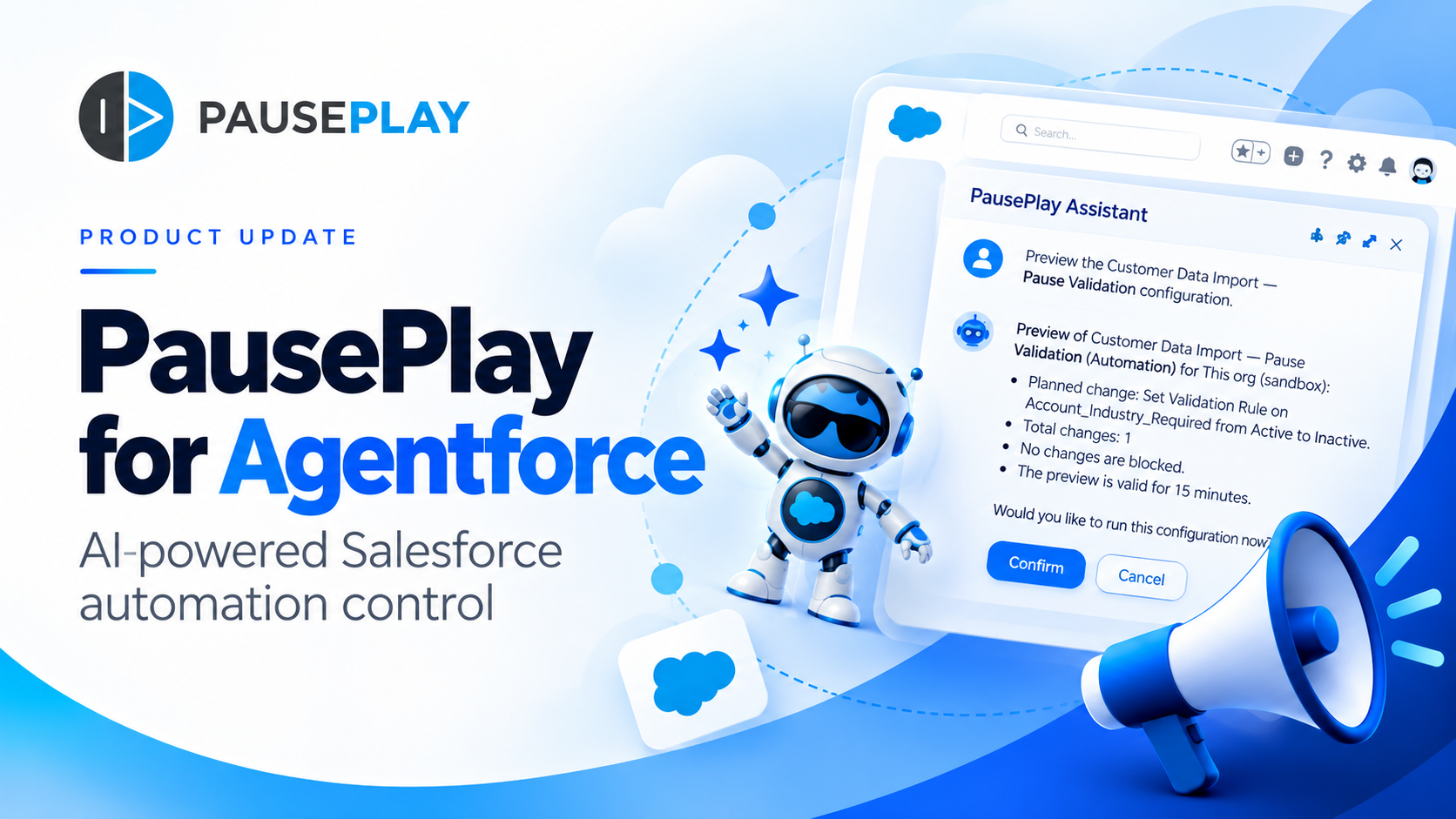
Introducing PausePlay for Agentforce: AI-Powered Salesforce Automation Control
Salesforce automation control is now conversational. Discover how PausePlay integrates with Agentforce to preview changes, authorize execution, manage automation sessions, and safely restore Salesforce automation, all through natural language and with built-in safeguards.
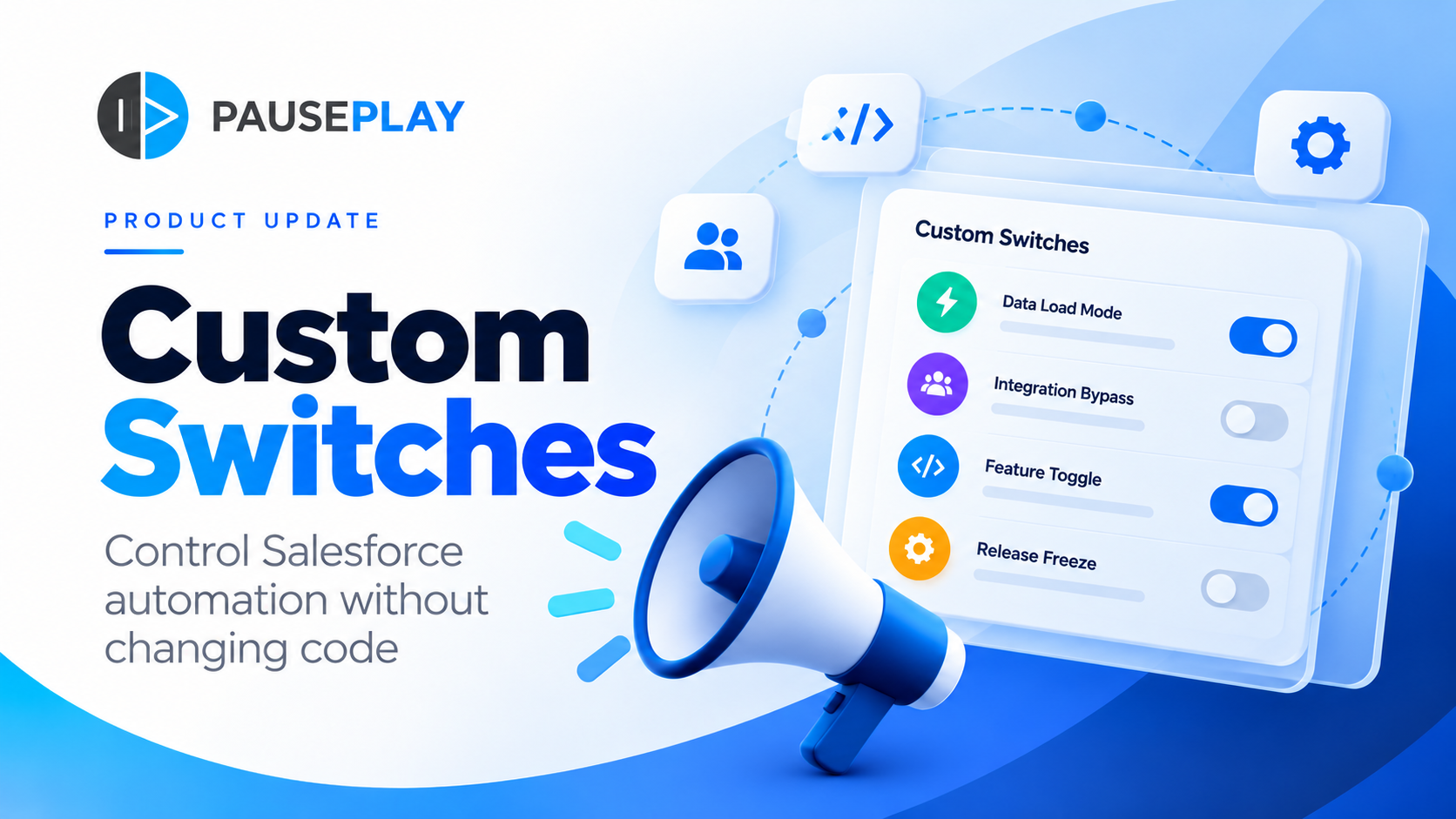
Introducing PausePlay Custom Switches: Control Salesforce Automation Without Changing Code
Meet PausePlay Custom Switches: control Salesforce automation by org, profile, group, permission set or user. Integrate with Apex and Flow, restore changes automatically, and manage connected orgs with Pro.