
PausePlay Sessions: A Better Way to Manage Salesforce Automation
Introducing PausePlay Sessions: A Better Way to Manage Salesforce Automation
Switching off Salesforce automation is sometimes necessary.
Whether you're preparing for a data migration, deploying changes or performing maintenance, there are times when certain Flows, Apex Triggers or Validation Rules need to be temporarily disabled.
But when several automations are involved, keeping track of everything can quickly become complicated.
Which automations did you pause? What was their original state? And how do you make sure everything gets restored correctly?
That's why we introduced PausePlay Sessions.
One Session. One complete operation.
Previously, managing automation changes could involve several separate actions.
You might deactivate a few Triggers, switch off some Flows and temporarily disable Validation Rules. When the work was finished, you would need to remember what changed and restore everything.
With PausePlay Sessions, these activities can be managed as one connected operation.
Select the automations you want to pause, start a Session and let PausePlay keep track of the changes.
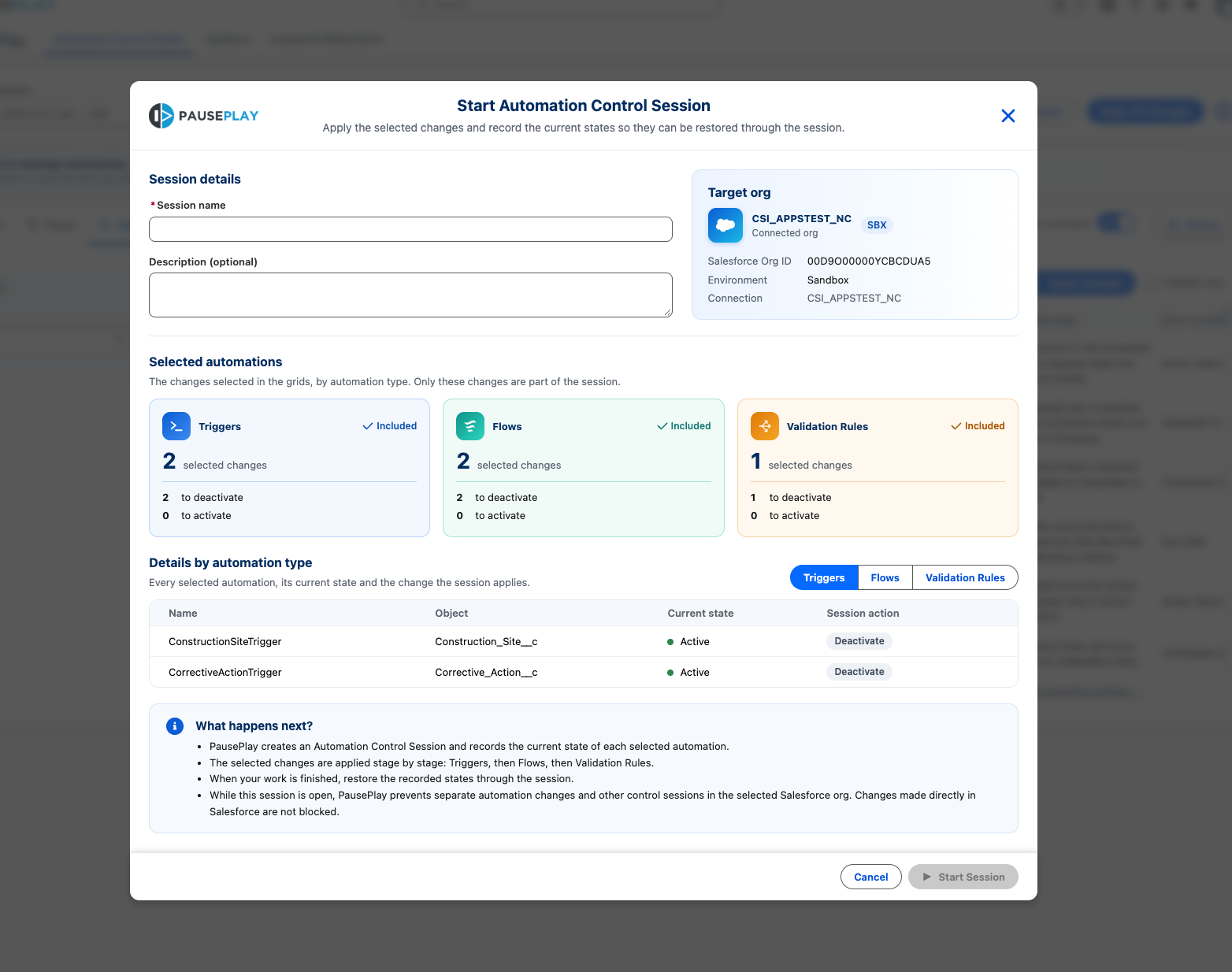
Instead of managing individual switches, you're managing the entire operation.
Restore automation with confidence
One of the biggest risks when temporarily disabling automation is forgetting to restore something.
And even when you remember, it's not always easy to know which automations were active before you started.
PausePlay Sessions help solve this by keeping track of the original automation states.
When you're ready to restore, PausePlay uses that information to return the selected automations to their previous states.
That means less manual work and fewer opportunities for mistakes.
Know what's happening throughout the process
A Session gives you a clearer picture of your automation changes.
You can see which automations belong to the operation, follow its progress and review the outcome.
If something doesn't complete as expected, PausePlay makes that visible so you can take action.
You don't have to rely on memory or piece together individual changes to understand what happened.
A history you can come back to
Imagine completing a Salesforce deployment and being asked two weeks later:
"Who switched off that Flow, and when was it restored?"
Without a clear record, answering that question can take longer than expected.
PausePlay Sessions preserve a history of the operation, helping you understand what was changed, when it happened and how the operation ended.
This is useful for troubleshooting, internal reviews and maintaining accountability across Salesforce environments.
Designed for real Salesforce operations
PausePlay Sessions are particularly useful when:
Preparing for data migrations and large data imports.
Temporarily disabling automation during deployments.
Running controlled testing or maintenance activities.
Coordinating changes involving multiple automation types.
Restoring automation after an operation is complete.
The objective is not simply to make switching automation off easier.
It's to make the entire process safer, more organized and easier to manage.
The foundation for what's next
Introducing Sessions was an important step in the evolution of PausePlay.
It created the foundation for more advanced capabilities, including scheduled Sessions, automatic restoration and the Sessions Dashboard introduced in later releases.
Our goal remains the same: help Salesforce teams make temporary automation changes without losing control of what happens next.
Pause when you need to. Restore with confidence.
Learn more at pauseplay.app.
Explore More
Related Posts

Meet Meliv: AI-Powered Salesforce Automation Analysis
Meet Meliv, the new PausePlay AI assistant. Analyze Salesforce Flows, Triggers and Validation Rules, understand risks and create automation configurations.
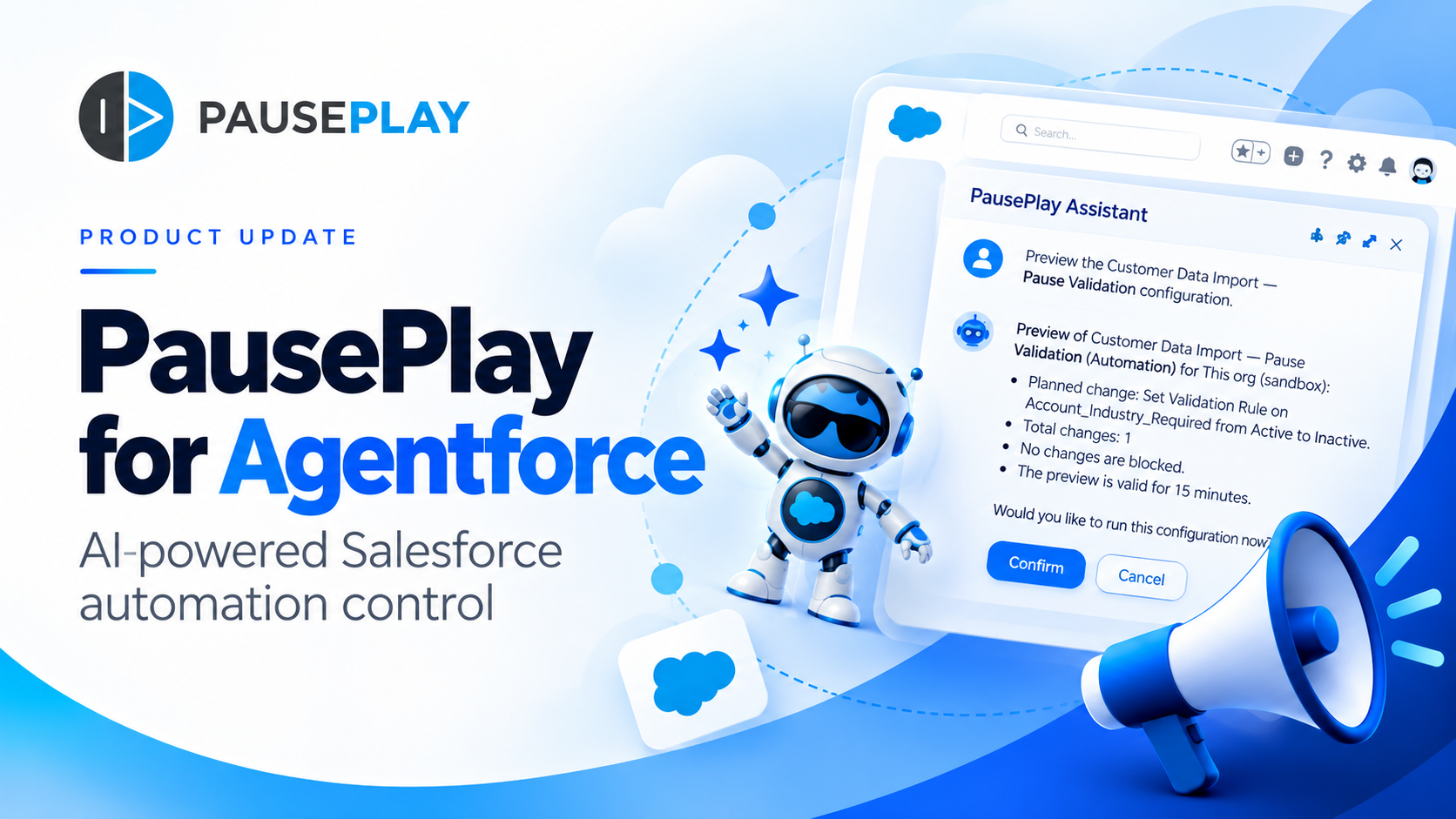
Introducing PausePlay for Agentforce: AI-Powered Salesforce Automation Control
Salesforce automation control is now conversational. Discover how PausePlay integrates with Agentforce to preview changes, authorize execution, manage automation sessions, and safely restore Salesforce automation, all through natural language and with built-in safeguards.
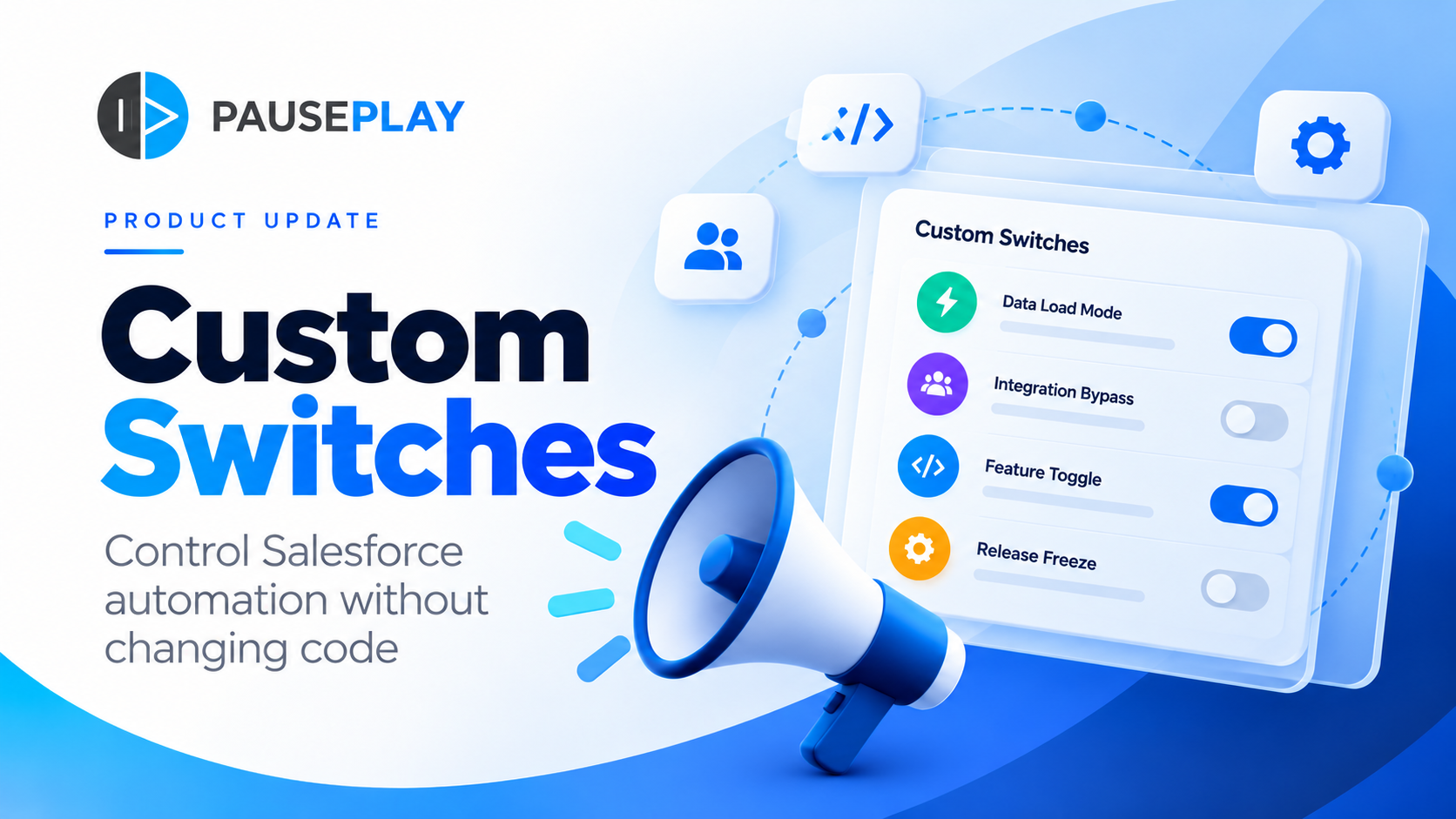
Introducing PausePlay Custom Switches: Control Salesforce Automation Without Changing Code
Meet PausePlay Custom Switches: control Salesforce automation by org, profile, group, permission set or user. Integrate with Apex and Flow, restore changes automatically, and manage connected orgs with Pro.