
Introducing PausePlay Automate: Reuse, Run and Restore with Confidence
Introducing PausePlay Automate: Reuse, Run and Restore with Confidence
Every Salesforce migration, deployment or data load comes with a familiar challenge: deciding which automations to pause, making the changes safely, and ensuring everything is restored afterward.
But what happens when you need to repeat the same process next week? Or when you want to initiate it from a Salesforce Flow rather than manually?
With PausePlay Automate, now available in version 0.13.0, we're taking the next step toward making Salesforce automation control more repeatable, connected and easier to manage.
Save Once. Run Whenever You Need It.
Imagine preparing for a customer data migration that requires temporarily pausing several Apex Triggers, Flows and Validation Rules.
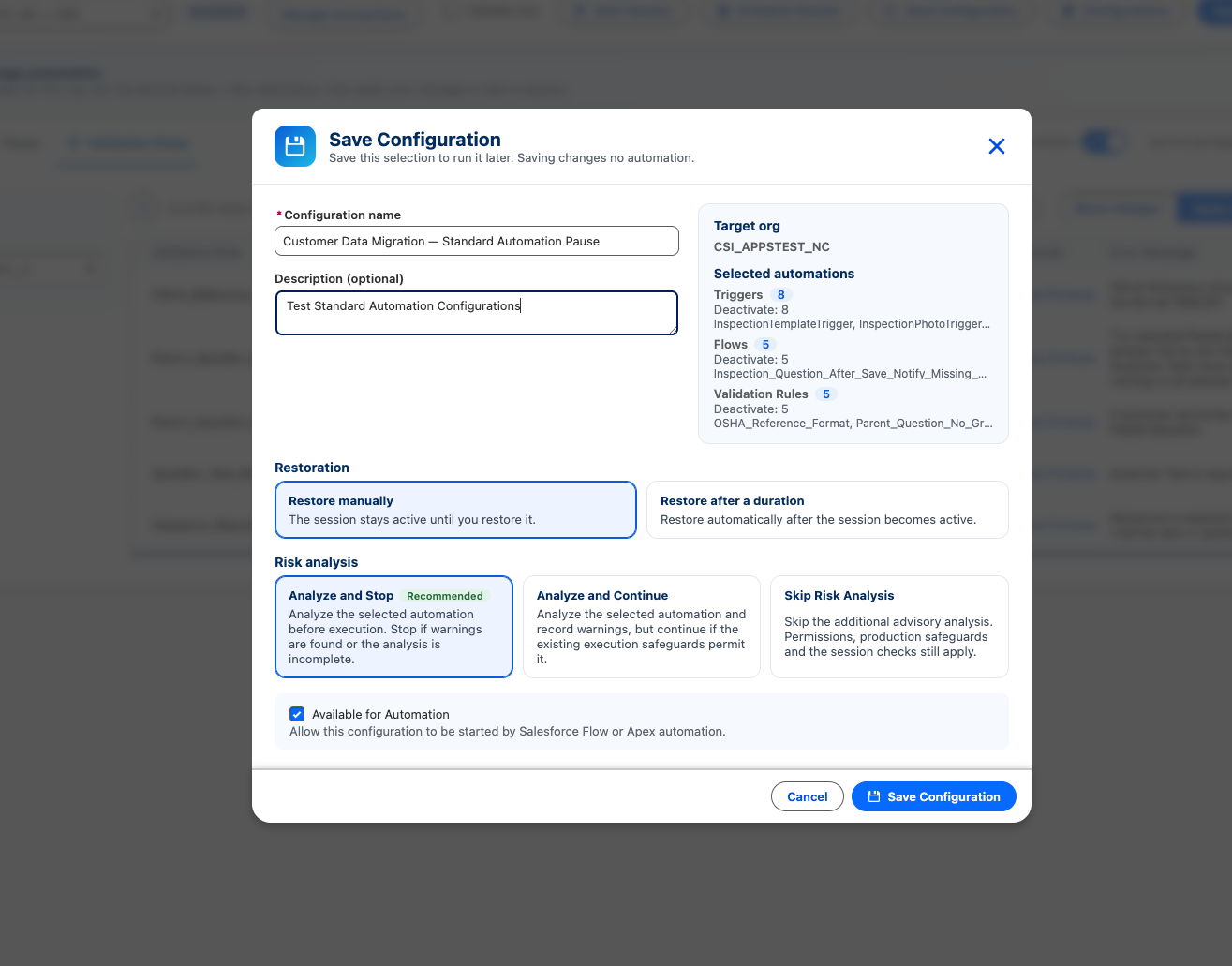
Instead of selecting the same automations every time, PausePlay now lets you save those selections as a reusable configuration.
Each configuration captures:
The selected automations and their desired states.
The target Salesforce org.
How and when automation should be restored.
Whether risk analysis should stop or allow execution.
Whether the configuration can be invoked through Salesforce Flow or Apex.
When you're ready, simply select Run Now.
PausePlay checks the configuration, evaluates the risks according to your selected policy, and starts a new Automation Session when the checks permit it.
From Configuration to Active Session
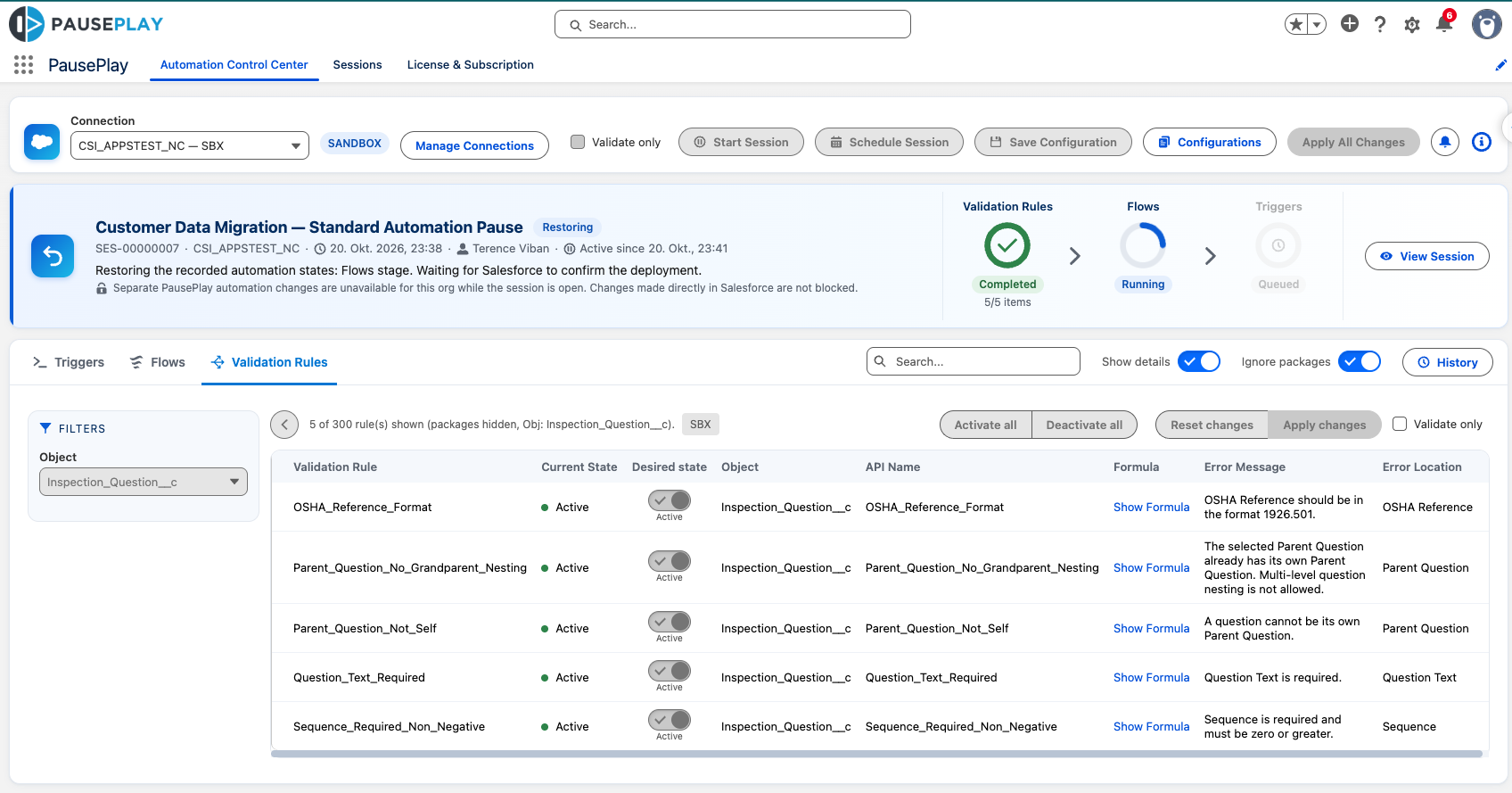
A saved configuration is more than a template. It's a repeatable way to execute automation changes through PausePlay's existing Session engine.
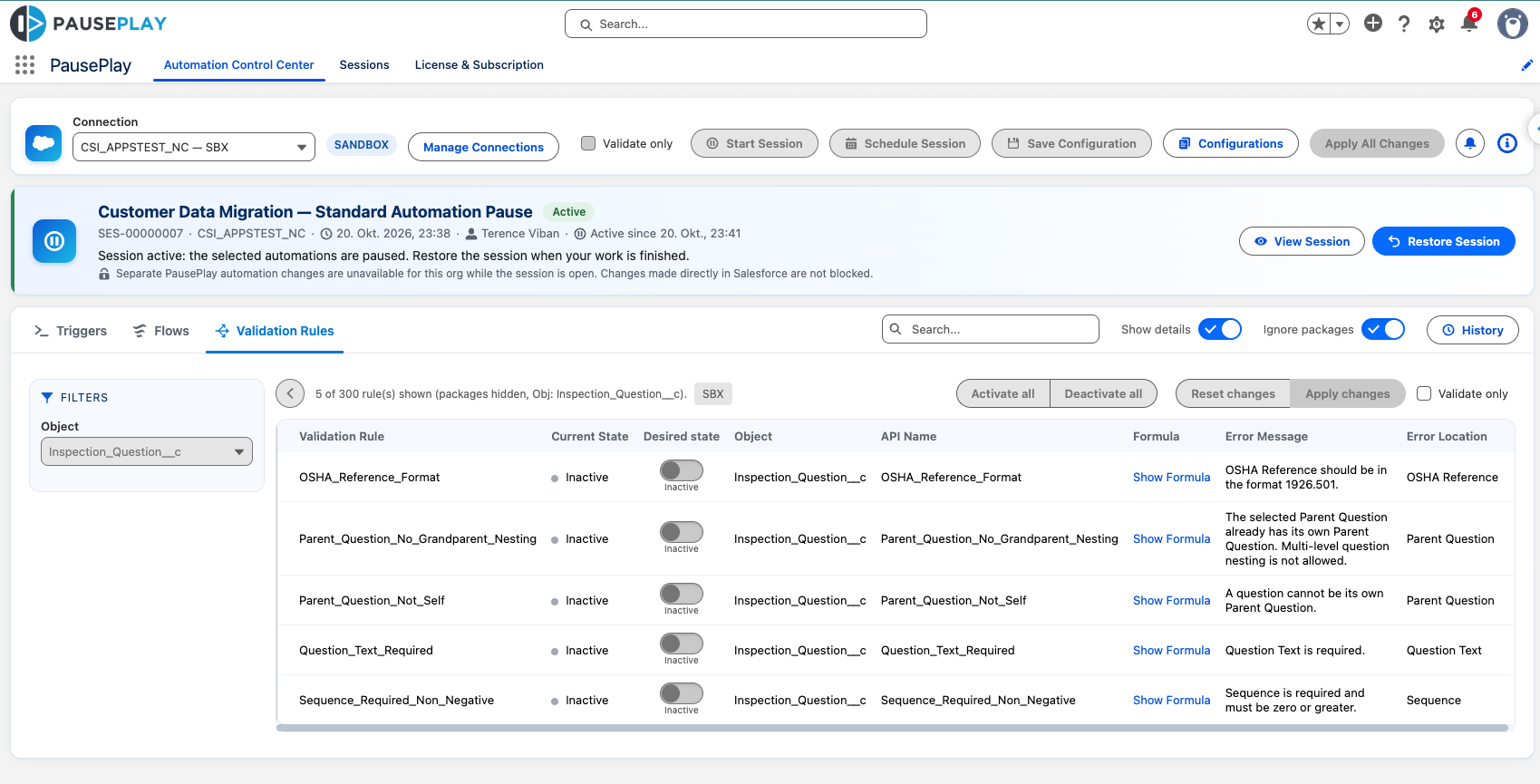
Each run creates its own Session, giving administrators visibility into what's happening.
You can see which automations are being controlled, monitor execution progress and restore their recorded states when the work is complete.
And because every run has its own history, you don't lose visibility into previous operations.
Stay Informed with the Notifications Center
Automation changes shouldn't require constant manual monitoring.
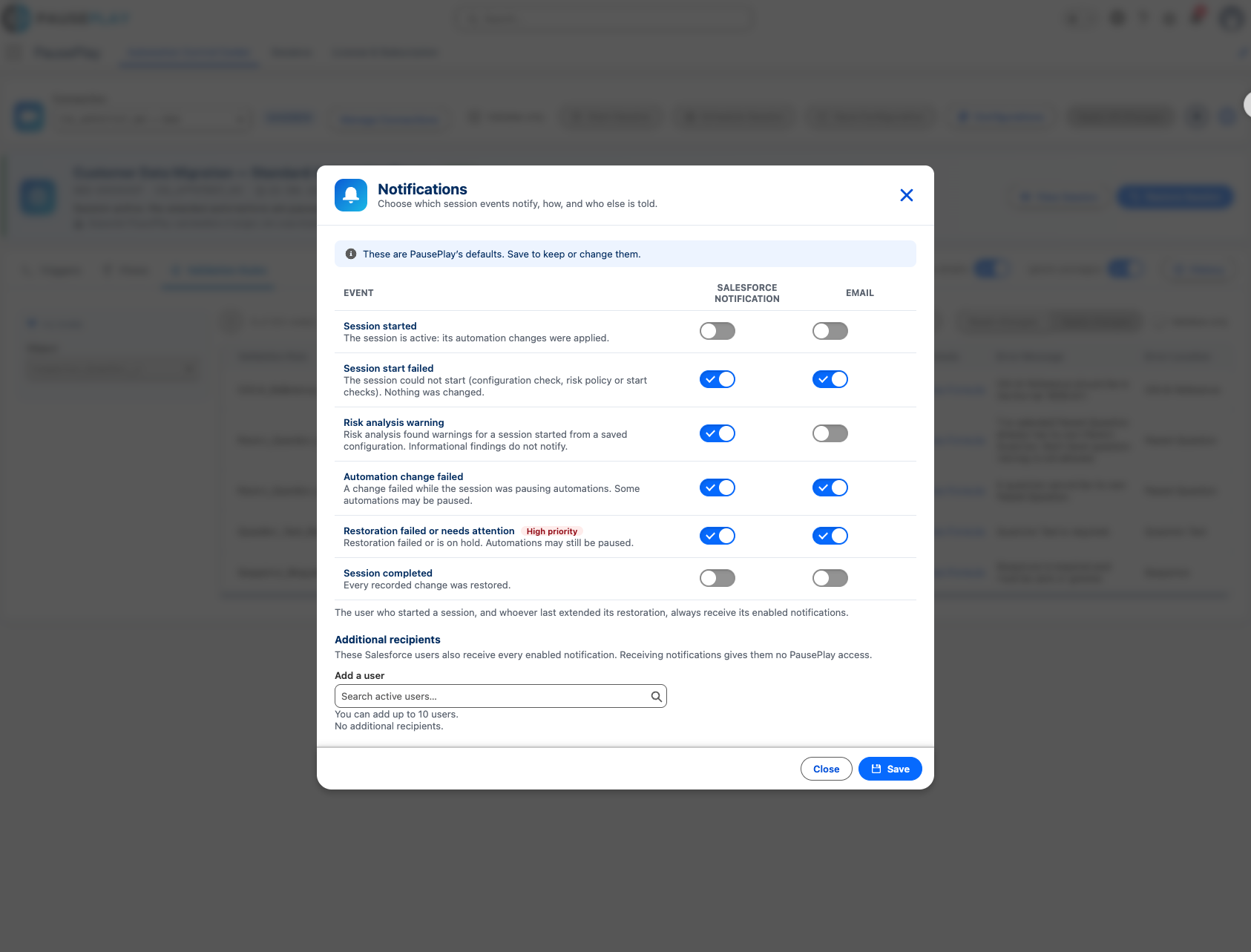
The new Notifications Center lets administrators choose when PausePlay should send Salesforce notifications or emails.
Supported events include Session activation, start failures, risk warnings, automation change failures, restoration problems and successful completion.
Administrators can also add recipients so the right people stay informed without needing to monitor every Session themselves.
Bring PausePlay into Salesforce Flow and Apex
Not every automation-control process needs to begin with a button click.
PausePlay Automate introduces programmatic Session control through Salesforce Flow actions and a global Apex API.
Developers can initiate an approved saved configuration, retrieve its Session status and request restoration.
This opens the door to integrating PausePlay into existing Salesforce processes, while retaining its Session controls, permission checks and audit history.
Because Session execution is asynchronous, integrations can check progress and respond to the actual outcome rather than assuming that a request has completed.
Restore with Confidence
Pausing automation is only half the job. Restoring it matters just as much.
PausePlay records the original automation states and manages restoration through the Session lifecycle.
Whether a Session uses manual or time-based restoration, administrators can monitor progress and see when the recorded changes have been restored.
More Than a New Feature
PausePlay Automate is about moving from repeated manual preparation to reusable, governed automation control.
Configure once. Execute when needed. Monitor what happens. Restore with confidence.
PausePlay Automate is available in PausePlay 0.13.0.
Explore PausePlay at https://pauseplay.app/ and discover a more controlled way to manage Salesforce automation.
Explore More
Related Posts
Meet Meliv: AI-Powered Salesforce Automation Analysis
Meet Meliv, the new PausePlay AI assistant. Analyze Salesforce Flows, Triggers and Validation Rules, understand risks and create automation configurations.
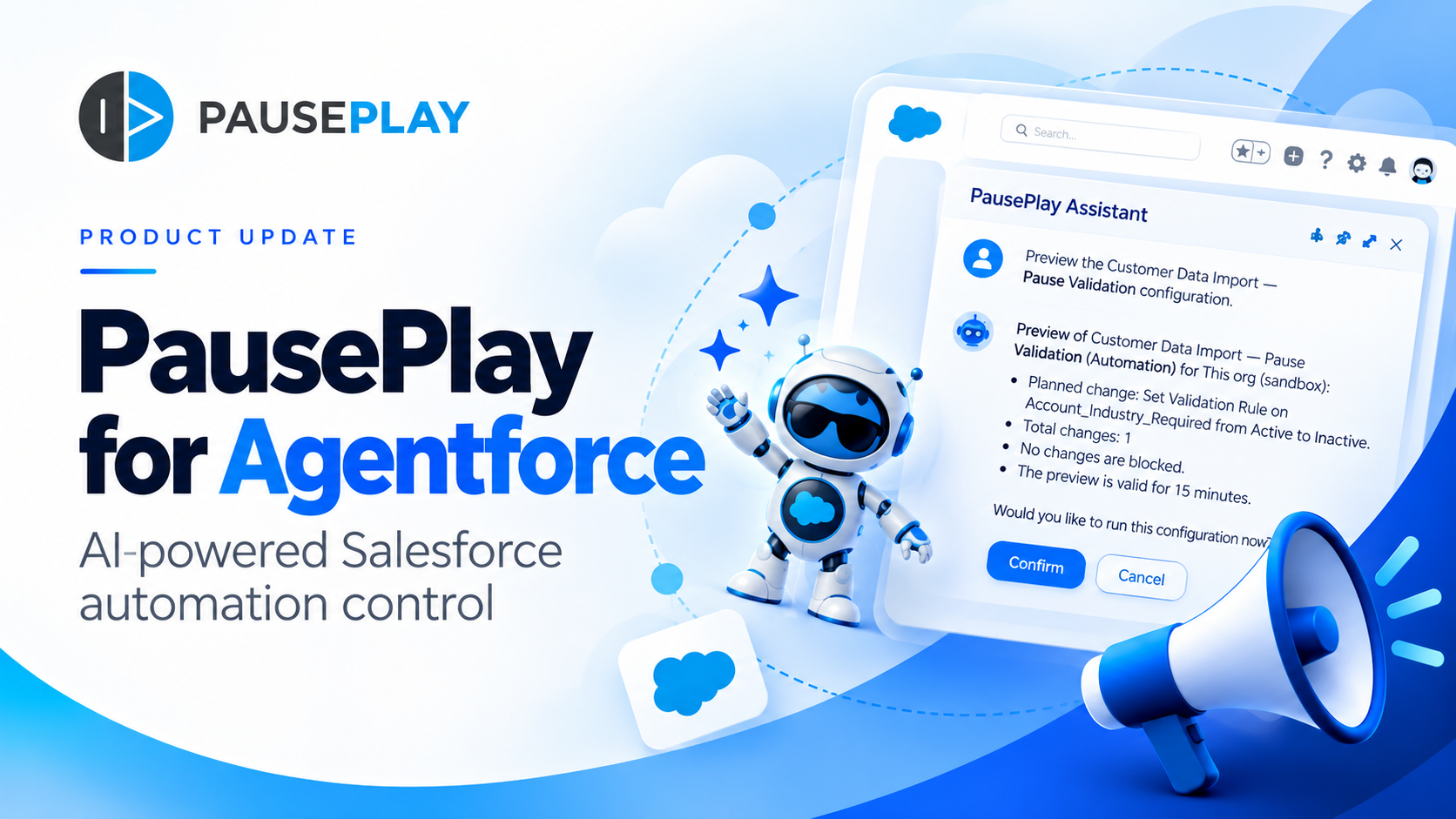
Introducing PausePlay for Agentforce: AI-Powered Salesforce Automation Control
Salesforce automation control is now conversational. Discover how PausePlay integrates with Agentforce to preview changes, authorize execution, manage automation sessions, and safely restore Salesforce automation, all through natural language and with built-in safeguards.
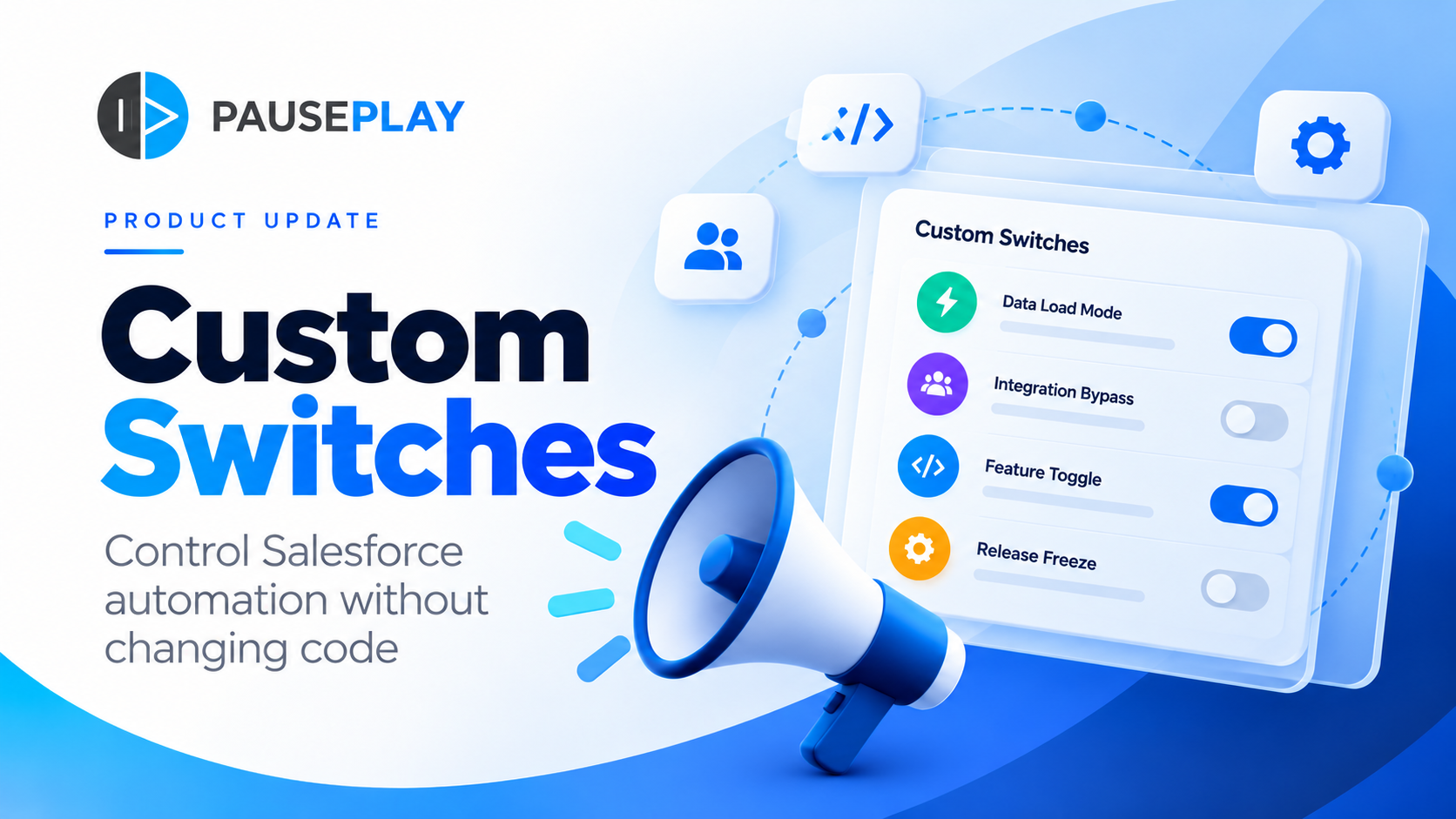
Introducing PausePlay Custom Switches: Control Salesforce Automation Without Changing Code
Meet PausePlay Custom Switches: control Salesforce automation by org, profile, group, permission set or user. Integrate with Apex and Flow, restore changes automatically, and manage connected orgs with Pro.