
Introducing Multi-Sandbox Operations: Control Salesforce Automation Across Multiple Sandboxes
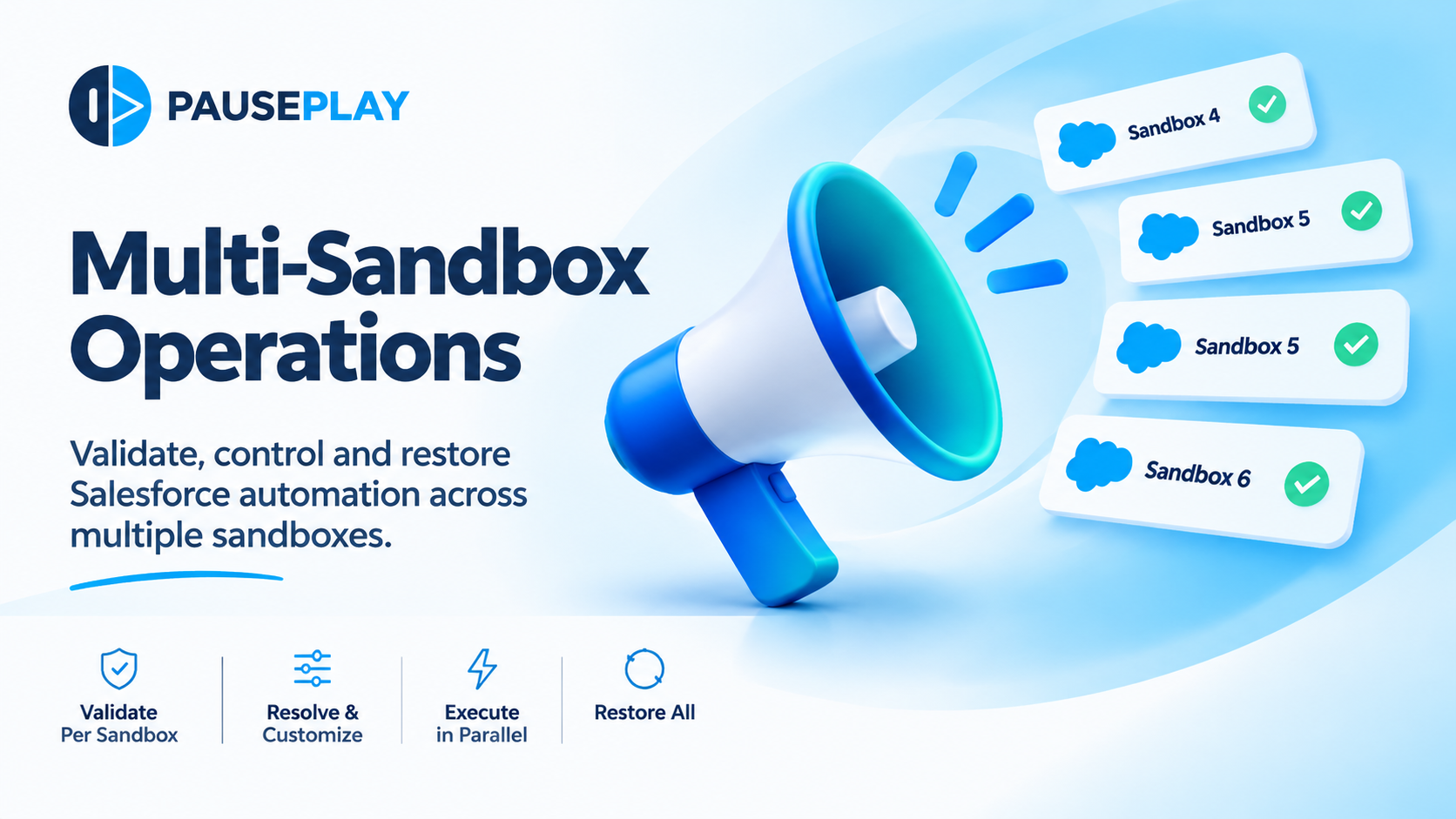
Introducing Multi-Sandbox Operations: Control Salesforce Automation Across Multiple Sandboxes
One workspace. Multiple sandboxes. Complete control.
Salesforce teams rarely work in just one environment.
Development, integration testing, user acceptance testing, data migrations, and release preparation often involve several sandboxes. Each environment may have different automation configurations, active Flow versions, or validation rules.
And when it's time to temporarily disable automation for a data load, migration, or maintenance activity, those differences matter.
Managing automation across multiple sandboxes has traditionally meant repeating the same work in each environment, switching between orgs, and keeping track of what was changed and what needs to be restored.
We're changing that with Multi-Sandbox Operations in PausePlay.
Now, Salesforce teams can coordinate automation changes across multiple sandboxes from a single workspace, without losing control over what happens in each environment.
One Operation. Up to 10 Sandboxes.
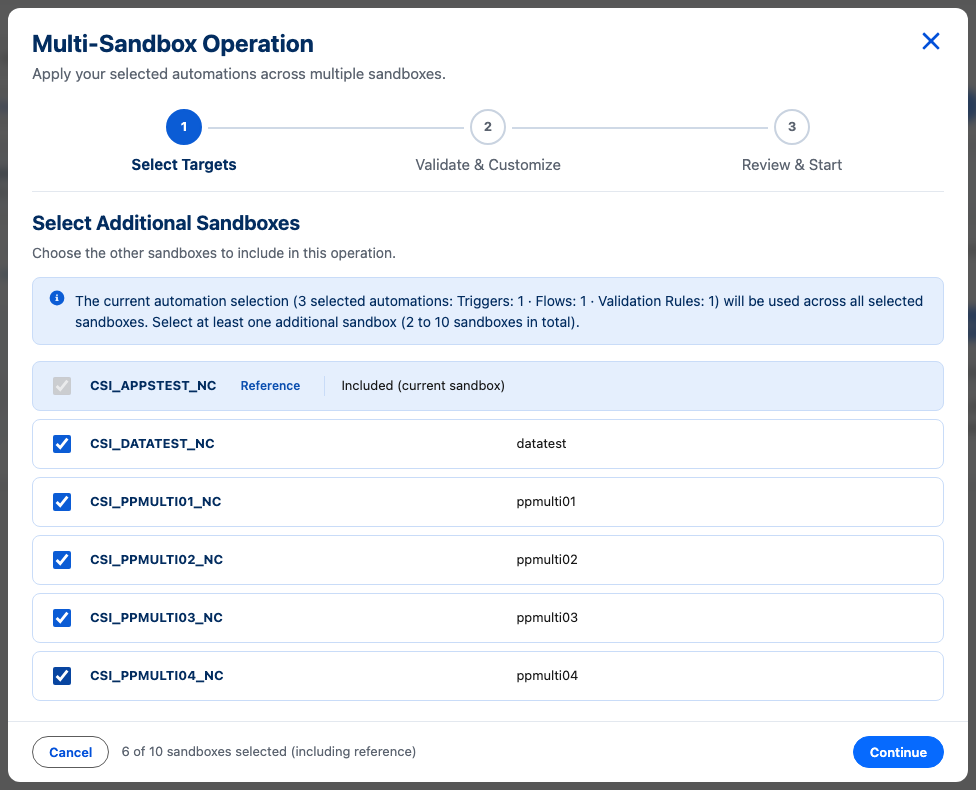
Multi-Sandbox Operations allows PausePlay Pro users to manage automation across 2 to 10 sandboxes belonging to the same Salesforce production organization.
Start with a reference sandbox, select the automations you want to manage, and choose the additional sandboxes where the operation should run.
PausePlay brings everything into one guided workflow while treating each sandbox independently.
One coordinated operation. Independent execution. Full visibility.
Validate Before Making Changes
No two Salesforce sandboxes are guaranteed to be identical.
A Flow might exist in one sandbox but not another. A validation rule may have been removed, or an automation may already be inactive.
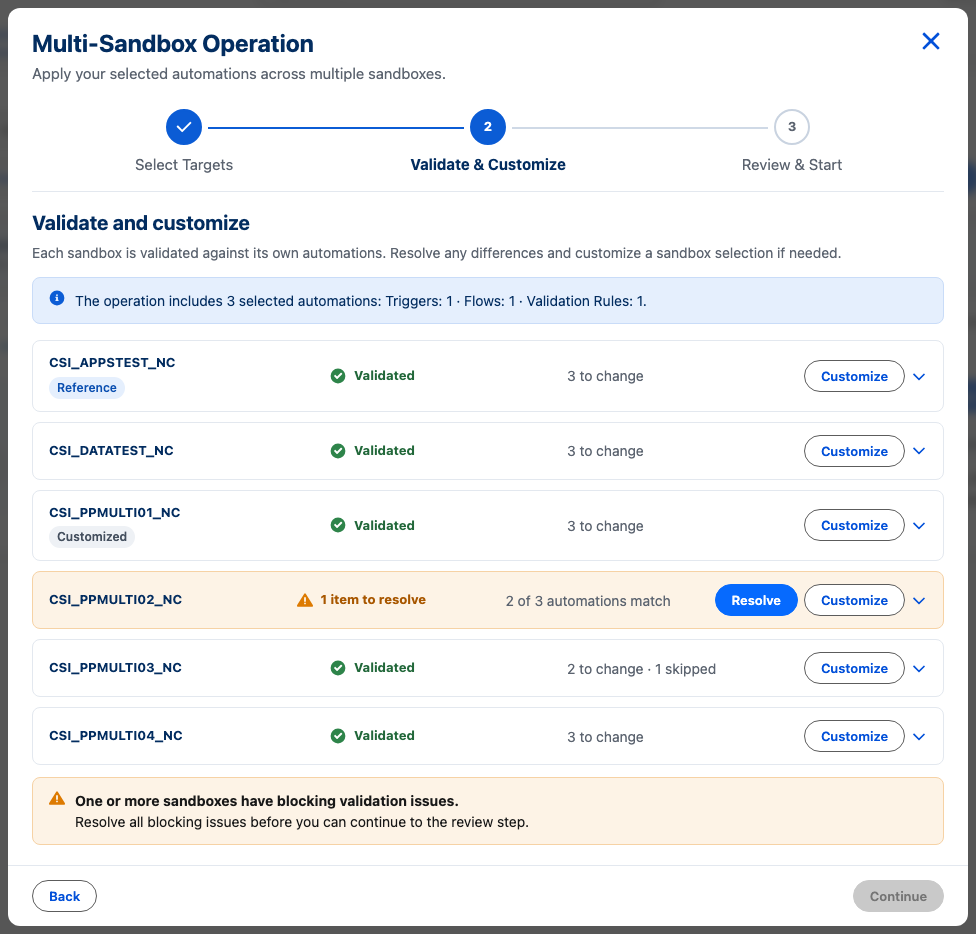
PausePlay checks the selected automations in each sandbox before execution.
You can immediately see:
Which automations are ready to change.
Which are already in the requested state and can be skipped.
Which are missing or require attention.
For example, a sandbox might show:
2 to change · 1 skipped
This means you know what PausePlay will change before you start the operation.
Resolve Differences. Customize Each Sandbox.
Different sandboxes sometimes require different approaches.
With Resolve and Customize, you can handle these differences without affecting the other environments.
If a Flow is missing, select an appropriate replacement. If a validation rule shouldn't be included in a particular sandbox, remove it from that sandbox's selection.
Each sandbox retains its own validated configuration.
You don't have to force every environment into an identical setup just to execute one coordinated operation.
Execute in Parallel. Monitor from One Place.
Once validation is complete, PausePlay can initiate automation changes across your selected sandboxes.
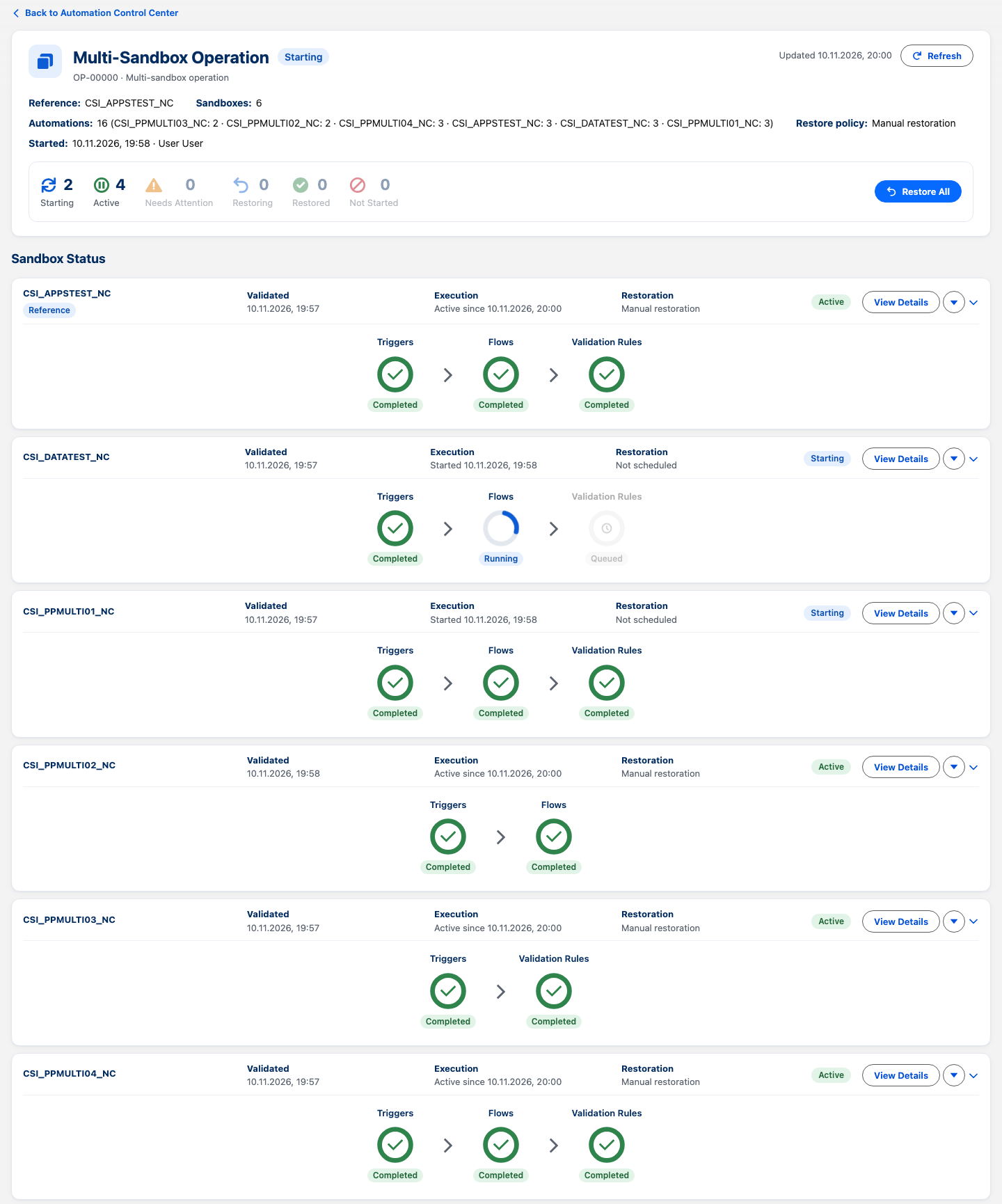
Each sandbox runs through its own execution session, allowing operations to progress independently.
From one monitoring workspace, you can follow the progress of:
Apex Triggers
Salesforce Flows
Validation Rules
See which sandboxes have completed their changes, which are still processing, and which require attention.
No more switching between multiple Salesforce orgs just to understand the status of one maintenance activity.
Restore Everything to Its Original State.
Pausing automation is only half the job.
Restoring it correctly is just as important.
PausePlay records the original automation states before applying changes, so each sandbox can be returned to its previous configuration.
With Restore All, you can initiate restoration across the operation's sessions.
Automations that were already inactive remain inactive. Sandbox-specific differences are preserved.
And if a sandbox couldn't start because of a conflict, Retry Failed lets you safely retry that environment after resolving the issue, without repeating sessions that already succeeded.
Built for Real Salesforce Teams
Whether you're preparing test data, running a migration rehearsal, validating a release, or performing sandbox maintenance, Multi-Sandbox Operations helps you work more efficiently while maintaining control.
Instead of managing each sandbox as an isolated task, you can coordinate the work from one place, with clear validation results, independent execution, and reliable restoration.
It's another step toward making Salesforce automation easier to manage, safer to change, and simpler to restore.
Multi-Sandbox Operations Is Now Available
Multi-Sandbox Operations is available to PausePlay Pro users.
The existing single-environment experience remains available, so teams can continue managing individual automation sessions as before.
Ready to simplify automation management across your Salesforce sandboxes?
Explore PausePlay and discover how Multi-Sandbox Operations can help your team take control.
PausePlay — Control Salesforce automation with confidence.
Explore more topics
- PausePlay
- Salesforce
- Multi-Sandbox Operations
- Automation Management
- Product Updates
Explore More
Related Posts

Meet Meliv: Your AI Assistant for Salesforce Automation
Meet Meliv, the new PausePlay AI assistant. Analyze Salesforce Flows, Triggers and Validation Rules, understand risks and create automation configurations.
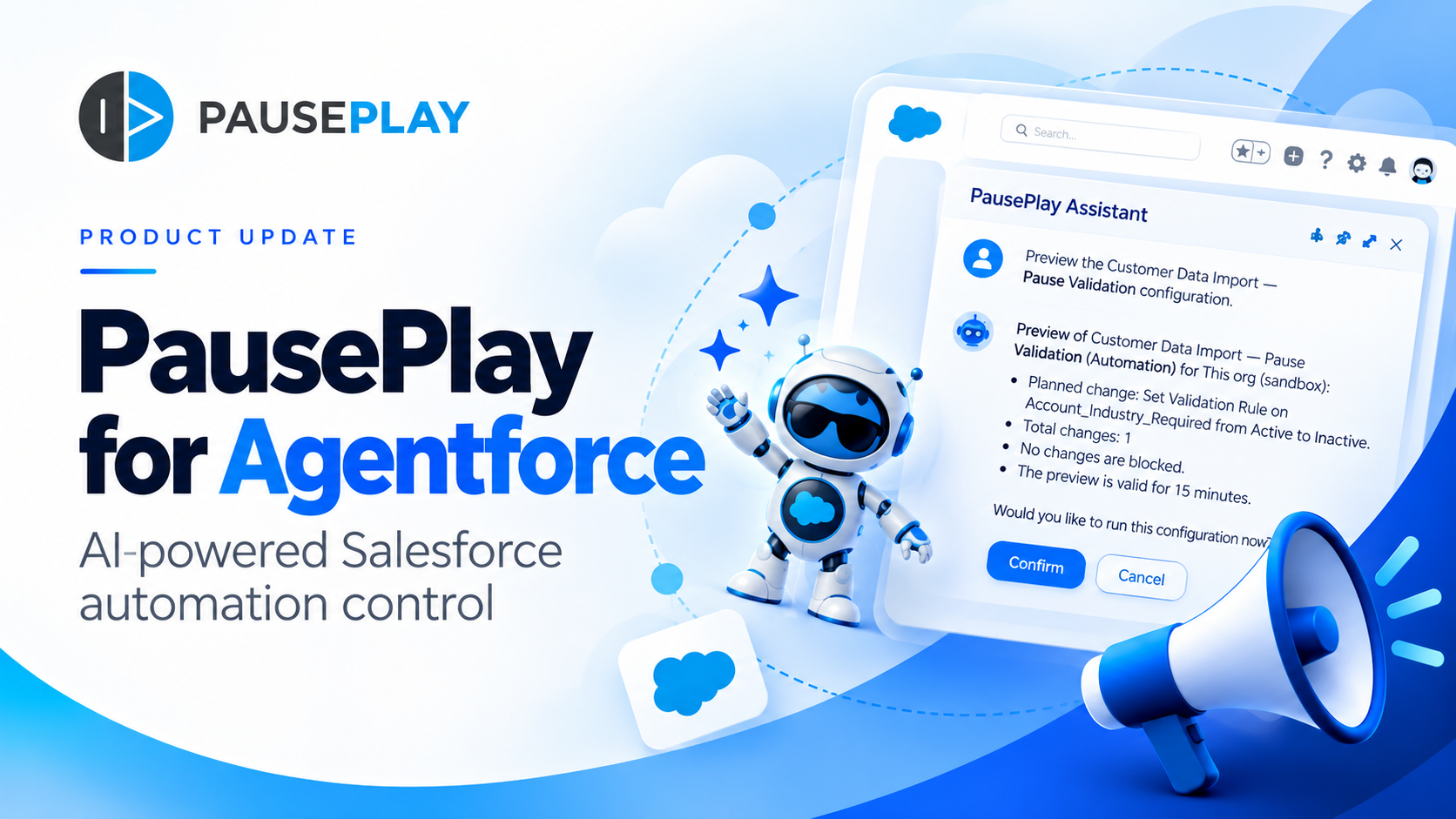
Introducing PausePlay for Agentforce: AI-Powered Salesforce Automation Control
Salesforce automation control is now conversational. Discover how PausePlay integrates with Agentforce to preview changes, authorize execution, manage automation sessions, and safely restore Salesforce automation, all through natural language and with built-in safeguards.
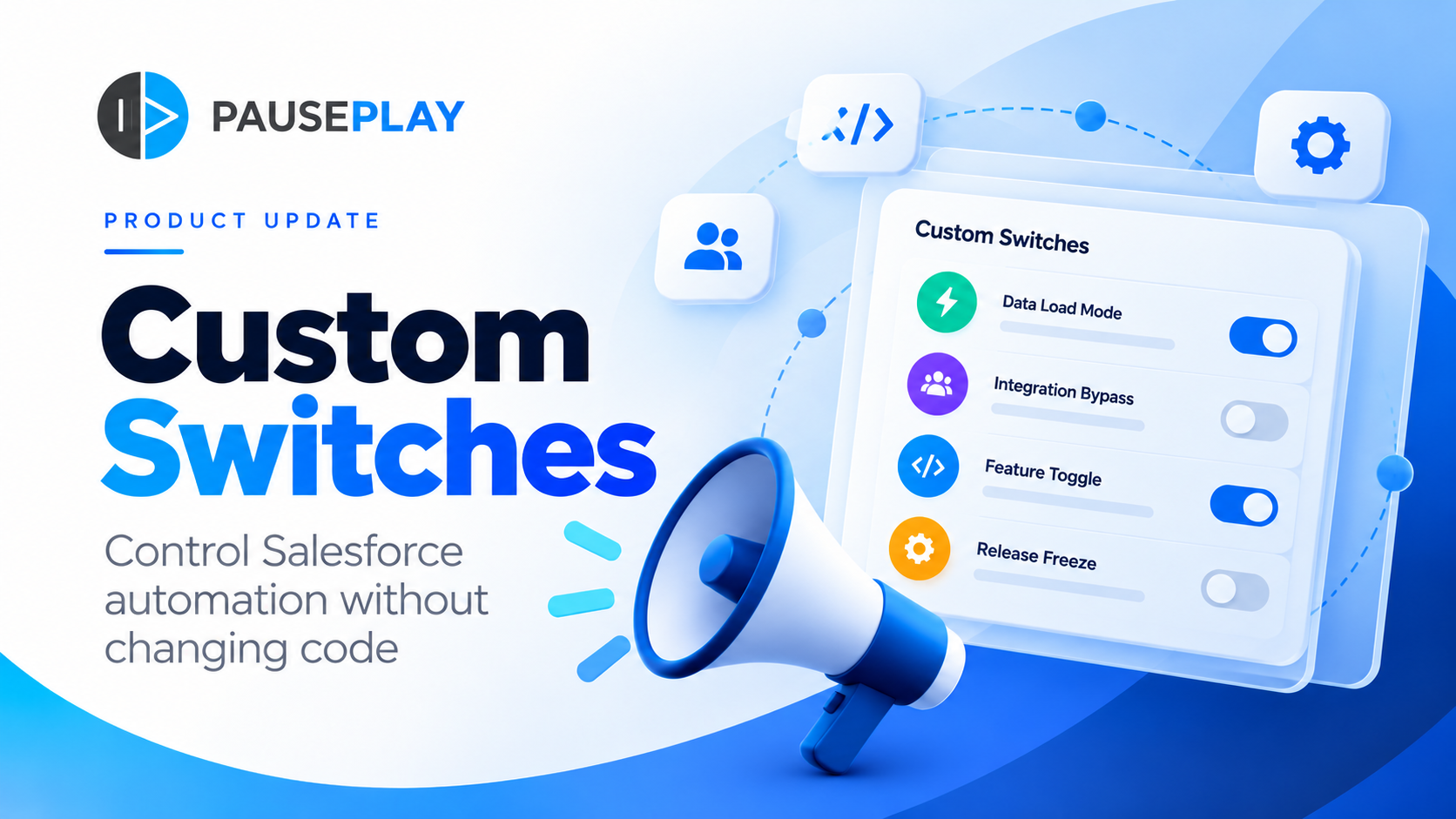
Introducing PausePlay Custom Switches: Control Salesforce Automation Without Changing Code
Meet PausePlay Custom Switches: control Salesforce automation by org, profile, group, permission set or user. Integrate with Apex and Flow, restore changes automatically, and manage connected orgs with Pro.