
Life After Workflow Rules & Process Builder
Life After Workflow Rules & Process Builder
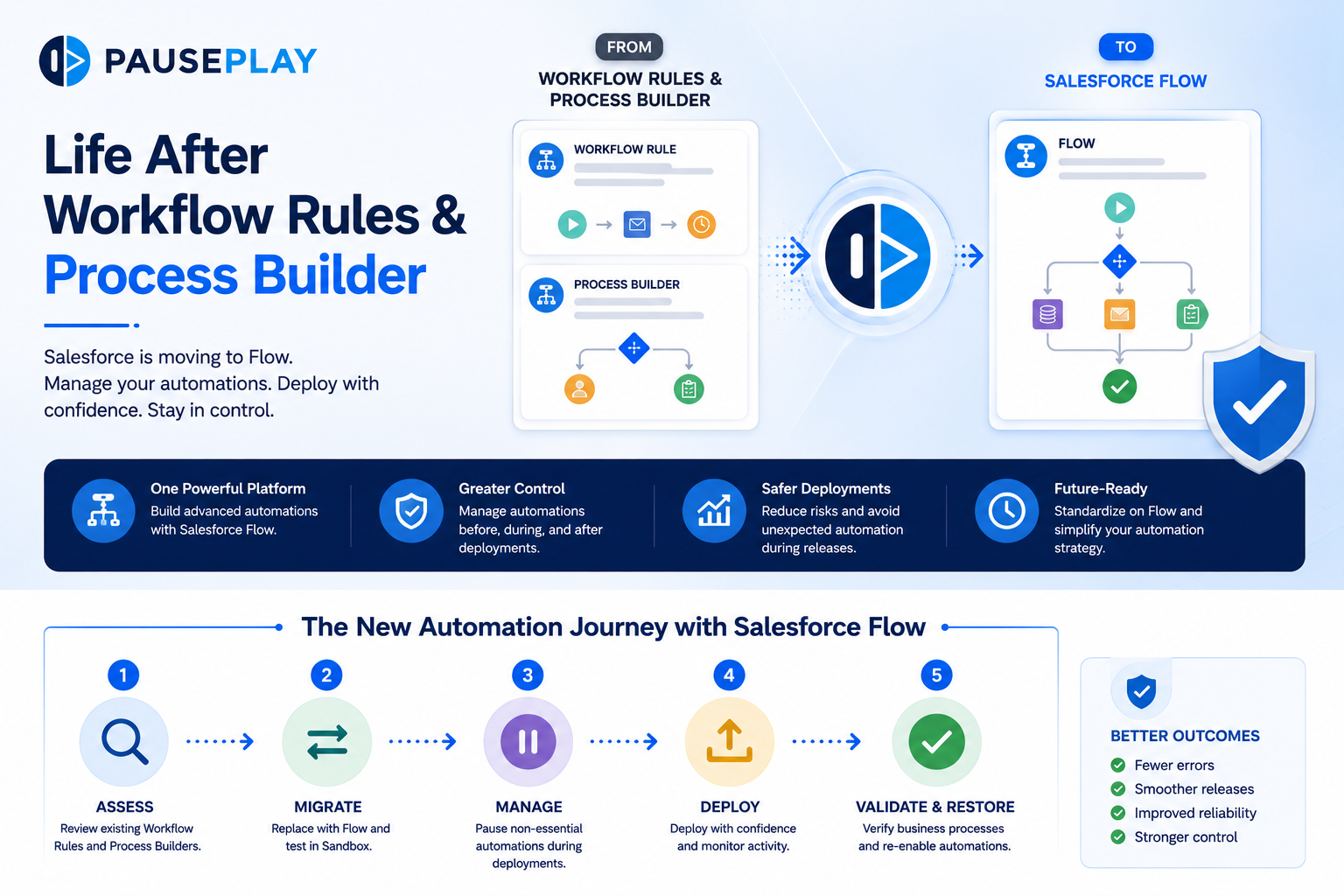
For years, Workflow Rules and Process Builder were the backbone of Salesforce automation. They helped automate repetitive tasks, update records, send emails, and streamline business processes with little or no code.
Today, that landscape has changed.
Salesforce has shifted its focus to Flow, making it the primary automation tool for building and managing business processes. While existing Workflow Rules and Process Builders can still run, they are no longer the recommended approach for new automation.
For Salesforce Admins and Developers, the challenge isn't just migrating automations. It's managing a growing number of Flows while keeping deployments safe and predictable.
Why Salesforce Is Moving to Flow
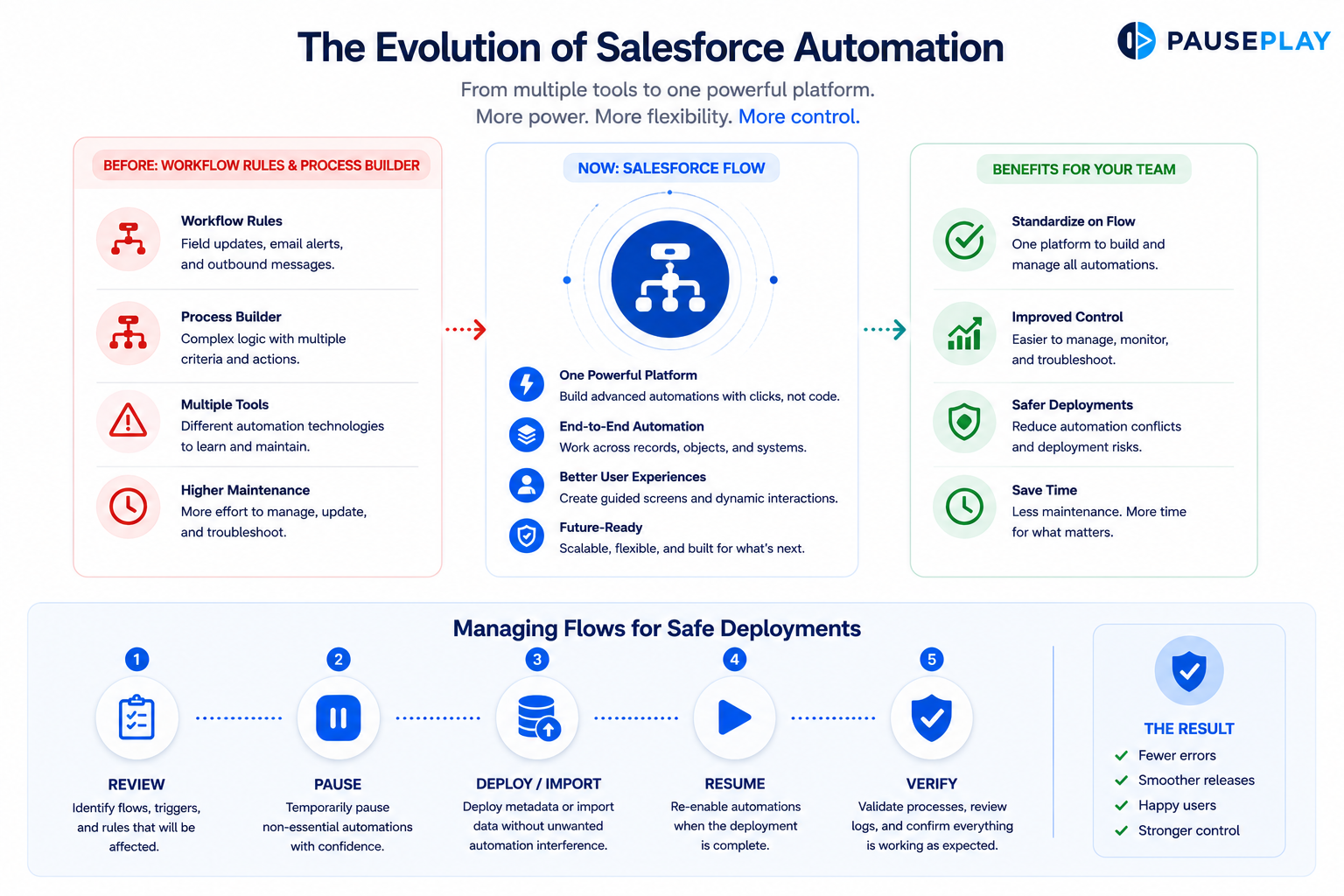
Salesforce Flow offers far more flexibility than Workflow Rules and Process Builder.
With Flow, teams can:
Build more advanced business logic.
Automate across multiple objects.
Create guided user experiences.
Reduce reliance on multiple automation tools.
Instead of maintaining different automation technologies, organizations can standardize on one powerful platform.
The New Challenge
Moving to Flow doesn't necessarily make automation management easier.
As organizations migrate, many find themselves with:
More record-triggered Flows.
More complex automation logic.
More dependencies between automations.
More risk during deployments and data imports.
A deployment that once involved a few Workflow Rules may now interact with dozens of Flows.
Without proper planning, unexpected automation can still create deployment issues.
Best Practices for the Transition
Whether you're migrating existing automations or building new ones, a structured approach makes the process much smoother.
Before making changes:
Review your existing Workflow Rules and Process Builders.
Identify which ones can be replaced with Flow.
Test migrations in a Sandbox.
Document automation dependencies.
During deployments:
Validate Flow behavior.
Pause only non-essential automations where appropriate.
Monitor deployment activity.
After deployment:
Verify business processes.
Confirm Flows are functioning correctly.
Review logs for unexpected behavior.
Don't Replace One Problem With Another
Migrating to Flow is an opportunity to simplify your automation strategy, not increase complexity.
As your number of Flows grows, manually managing automations during deployments can become time-consuming. Having a consistent deployment process helps teams stay organized and reduces the risk of errors.
Final Thoughts
Workflow Rules and Process Builder may be reaching the end of their journey, but automation in Salesforce is more powerful than ever.
The key to success isn't simply migrating to Flow. It's ensuring those automations remain under control during deployments, testing, and data operations.
PausePlay helps Salesforce teams safely manage Flows, Apex Triggers, and Validation Rules before, during, and after deployments, making releases more predictable and reducing automation-related risks.
Frequently Asked Questions
Can I still use Workflow Rules and Process Builder?
Yes. Existing automations continue to work, but Salesforce recommends using Flow for new automation.
Should I migrate everything immediately?
Not necessarily. Prioritize automations that will benefit most from Flow and migrate in phases.
Why is Flow replacing Process Builder?
Flow offers greater flexibility, supports more complex automation, and provides a single platform for automation in Salesforce.
Explore More
Related Posts
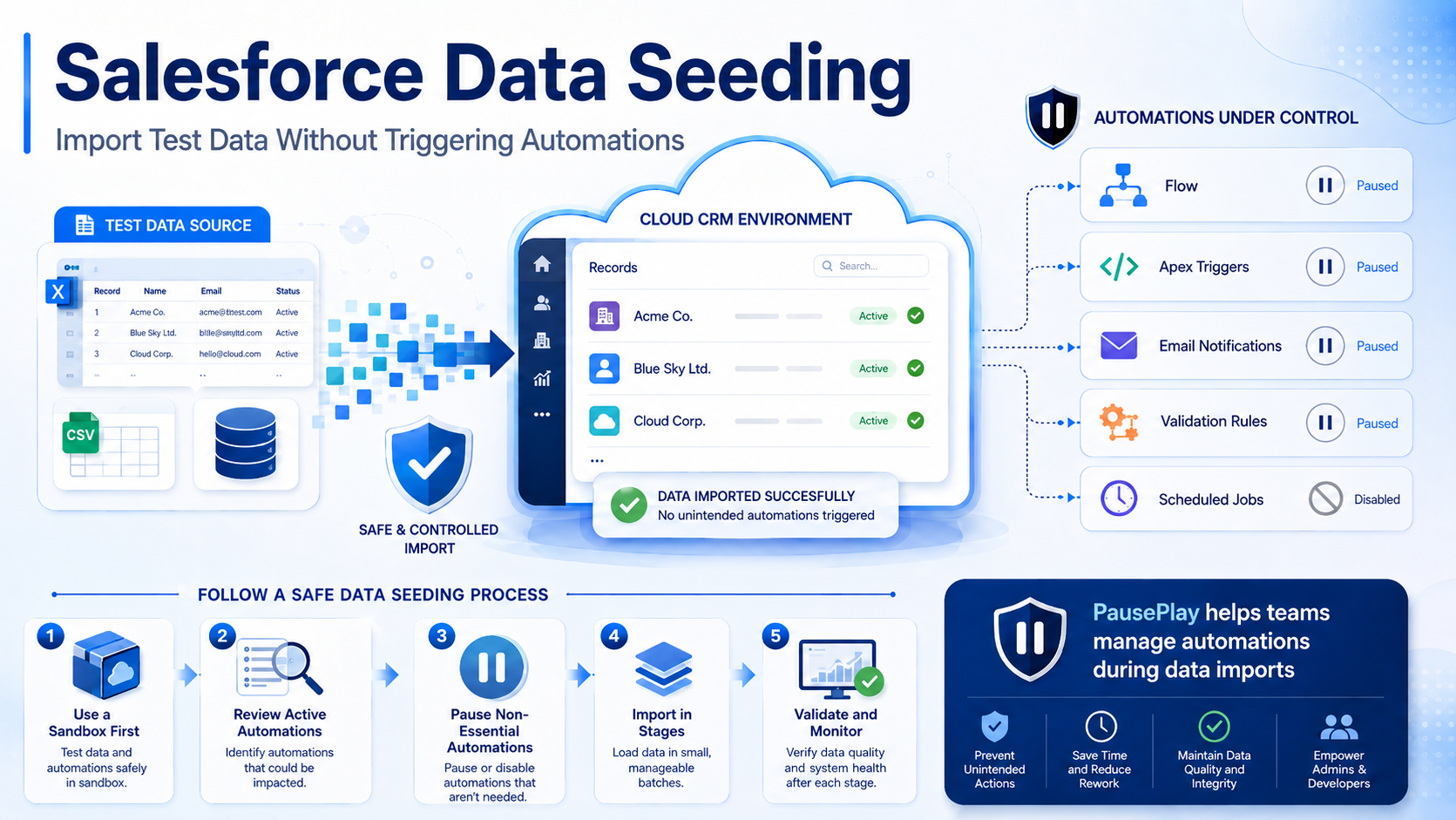
Salesforce Data Seeding: Import Test Data Safely
Learn Salesforce data seeding best practices and discover how to import test data without triggering unwanted automations or workflows.
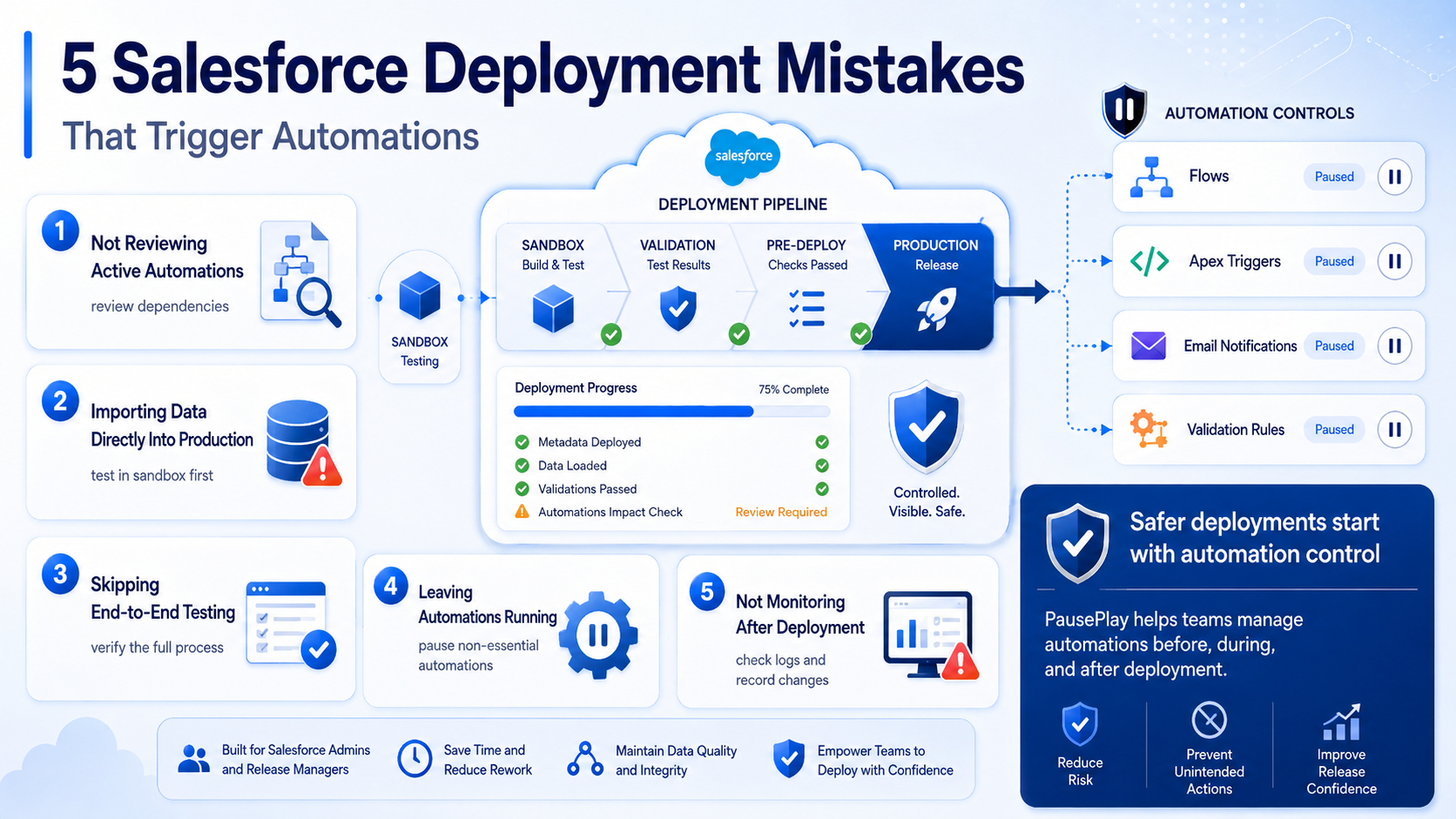
Avoid These 5 Salesforce Deployment Mistakes
Discover five common Salesforce deployment mistakes that trigger unwanted automations and learn practical ways to prevent deployment issues.
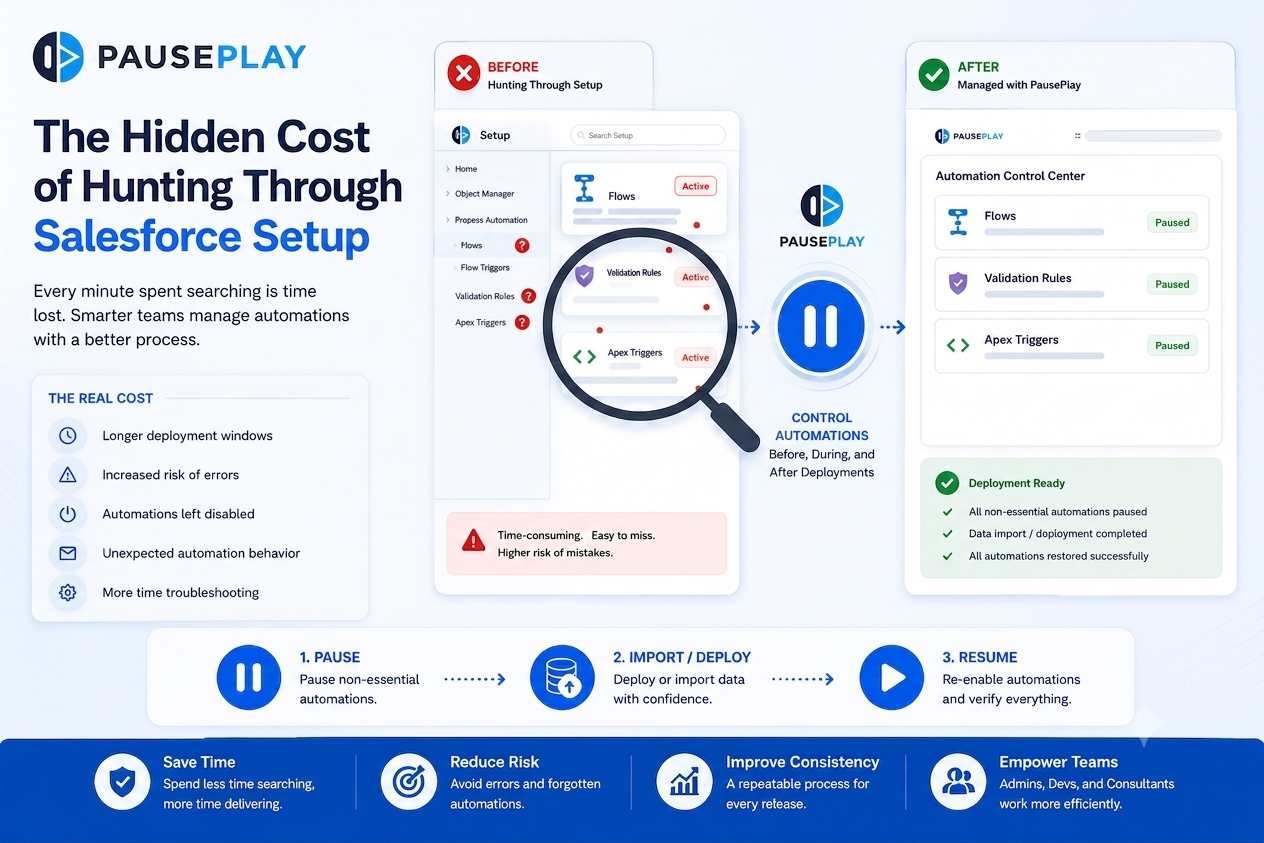
Stop Hunting Through Salesforce Setup
Discover how manually searching through Salesforce Setup for Flows, Triggers, and Validation Rules slows deployments and increases operational risk.